
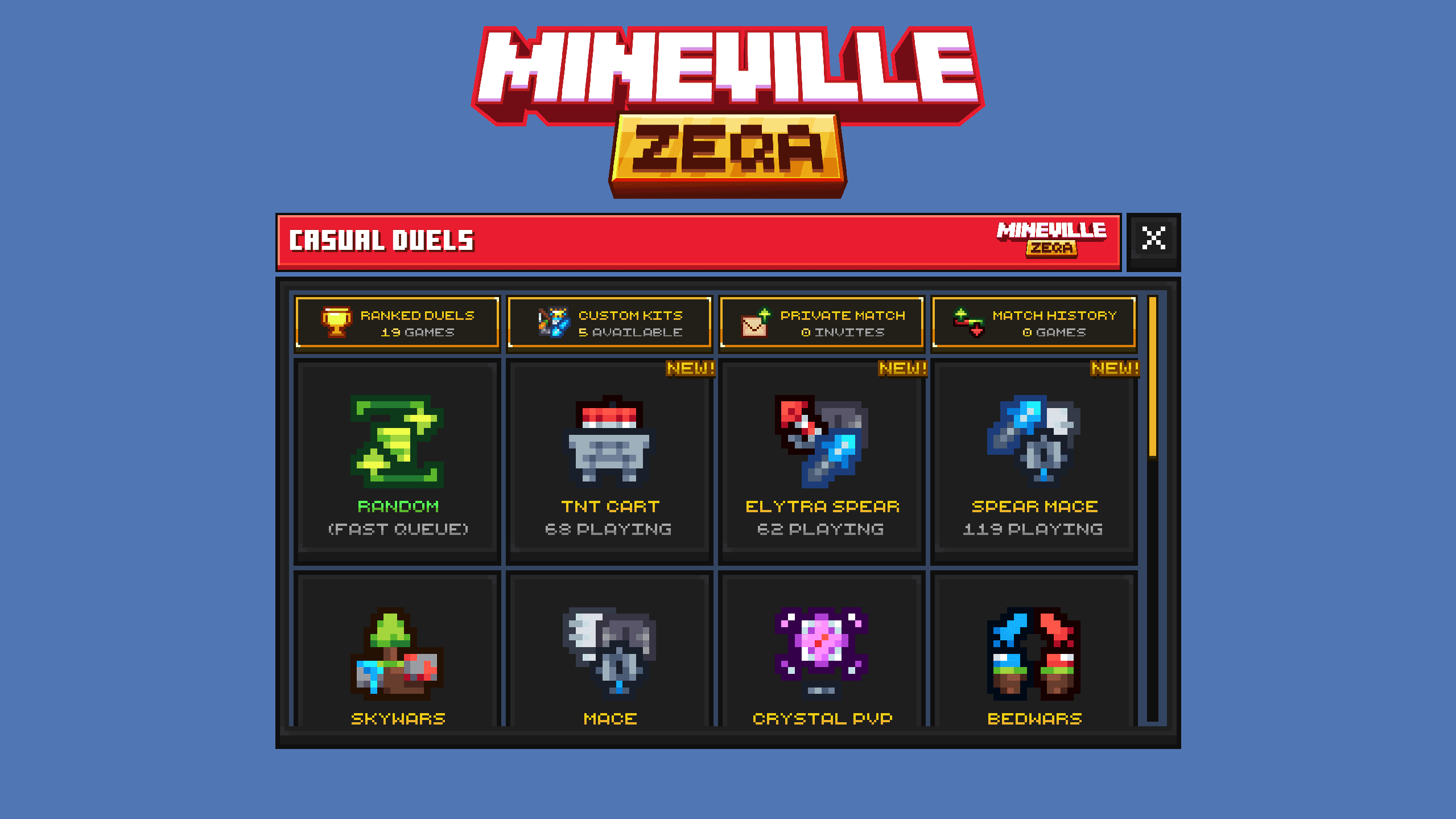
Zeqa UI
Custom JsonUI commissioned by InPvP for Zeqa, the largest Minecraft Bedrock PvP server. Clean layouts, smooth animations, and optimized server forms with selective HUD work.
Project
Overview
Jul 2026
 JsonUIServer FormHUD
Commissioned by InPvP for Zeqa, one of the largest Minecraft Bedrock PvP servers. I built a clean custom JsonUI layer where smooth animations and responsive server forms were the main focus, with a smaller set of HUD adjustments to match competitive gameplay.
Most of the scope covered optimized server forms, grid menus, progression screens, and polished transitions. I worked from client documentation, researched Bedrock UI behavior where needed, and iterated with the team through testing and revision until the final screens shipped.
Screenshots and video footage later on this page are a mix of production and development builds, so not every detail will match the live pack one-to-one - the systems shown are still real, shipped, and in use.
A large part of this work is motion: open states, transitions, and feedback across most forms. That does not come through in screenshots alone, so watch the showcase video if you want to see how the UI actually plays.
Similar work for the same studio: Mineville UI.
Media
Full UI Showcase
Showcase
Server Forms & UI
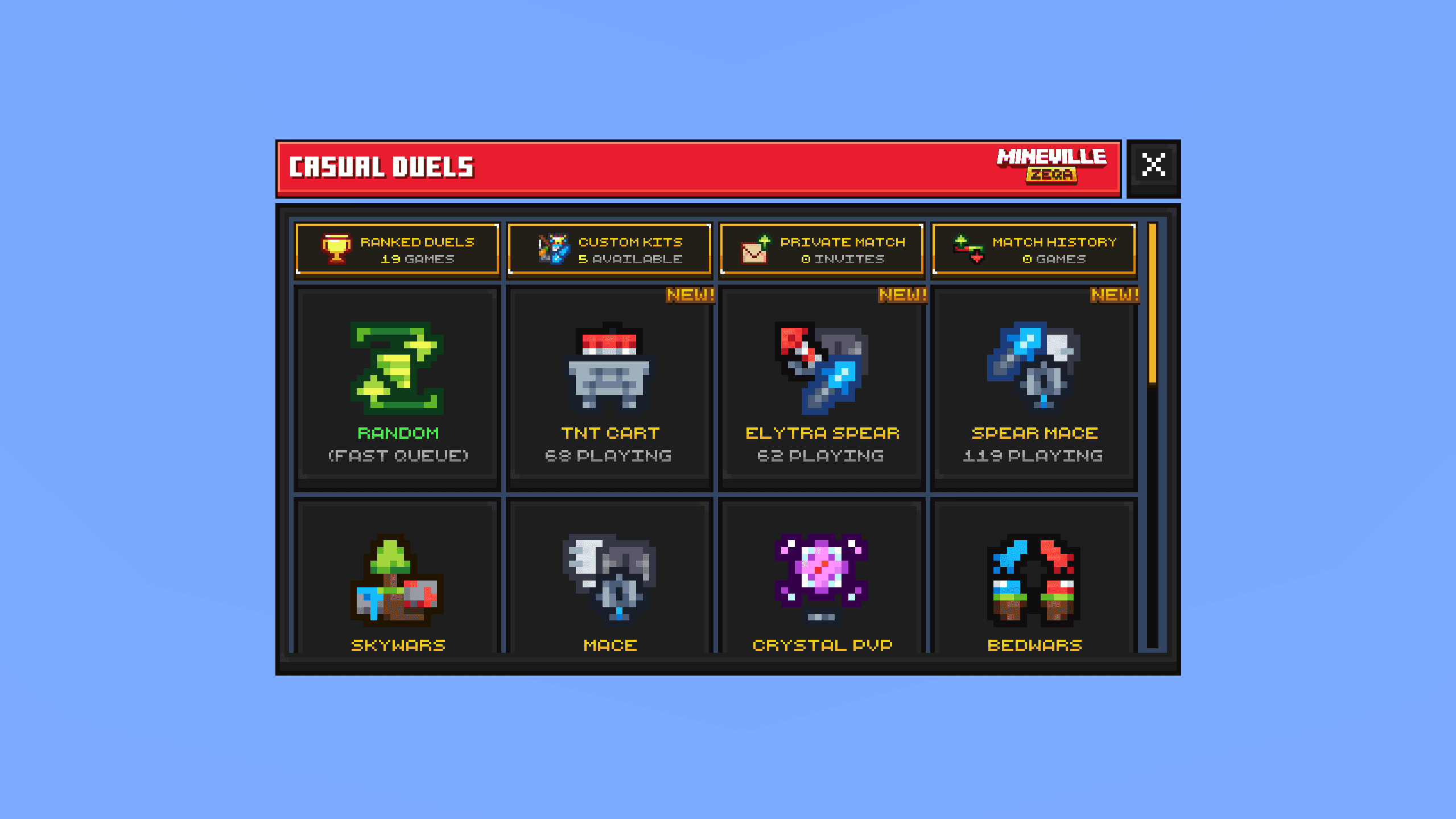
1. Big Grid
Default large grid with custom top tabs, smooth animations, and conditional icons such as New badges.
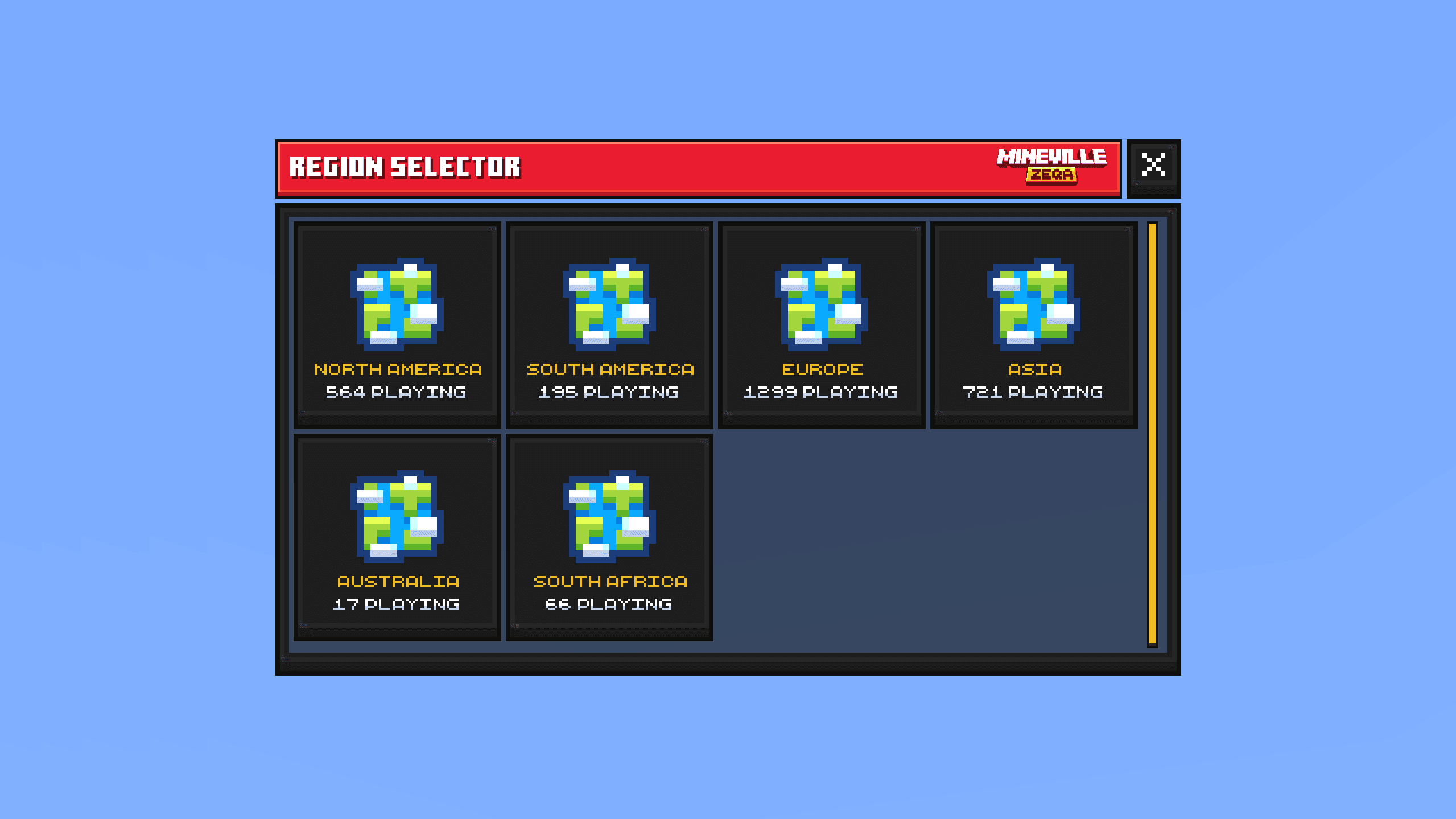
2. Big Grid Without Tabs
Same large grid layout in a simpler mode - clean spacing, clear icons, and quick selection without category tabs.
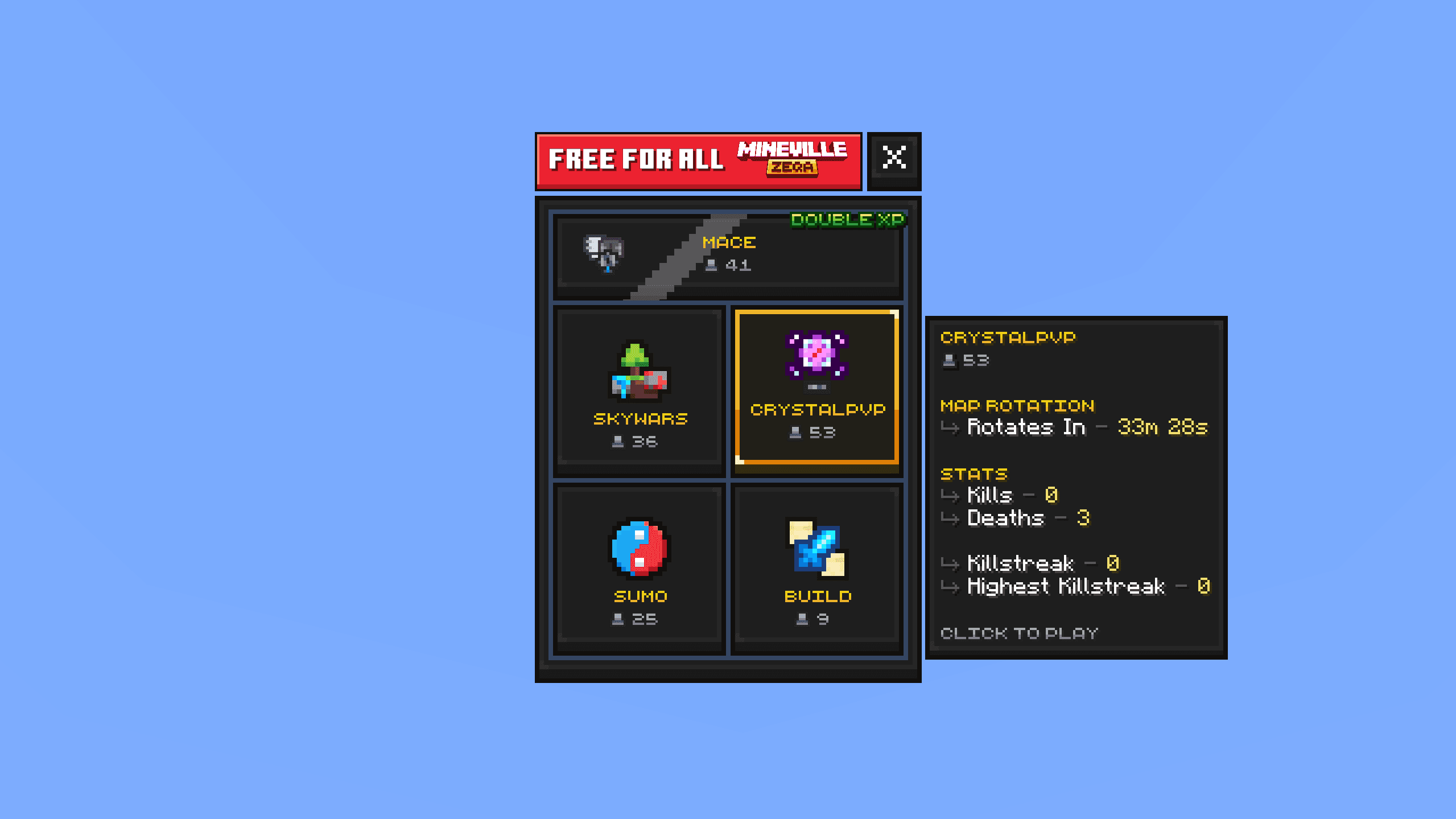
3. 2x2 Grid
Compact 2x2 grid with a featured full-width button, shine animation, and conditional labels like doubled XP.
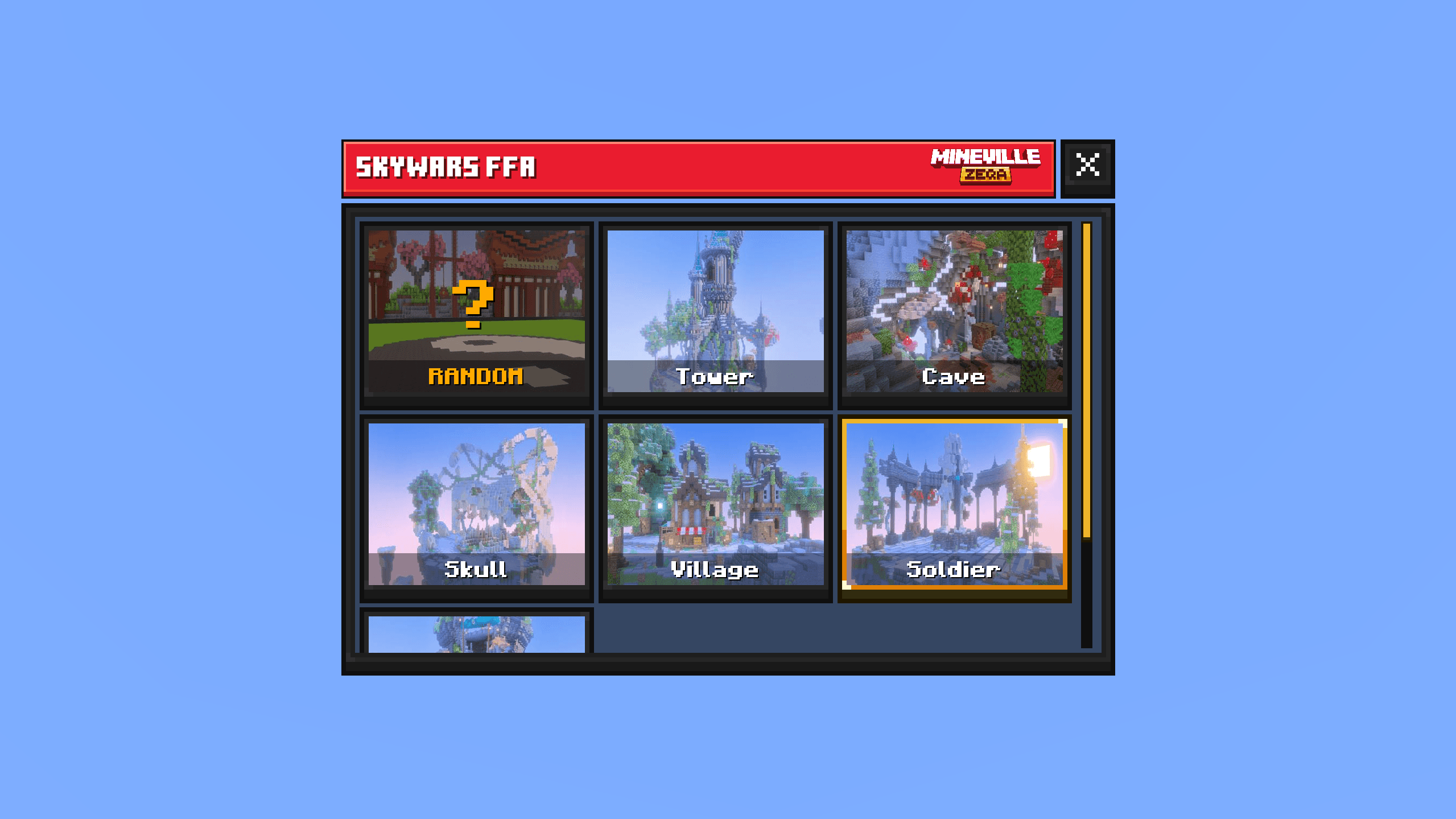
4. Map Selector
Clean map picker with background images and a simple centered title on each option.
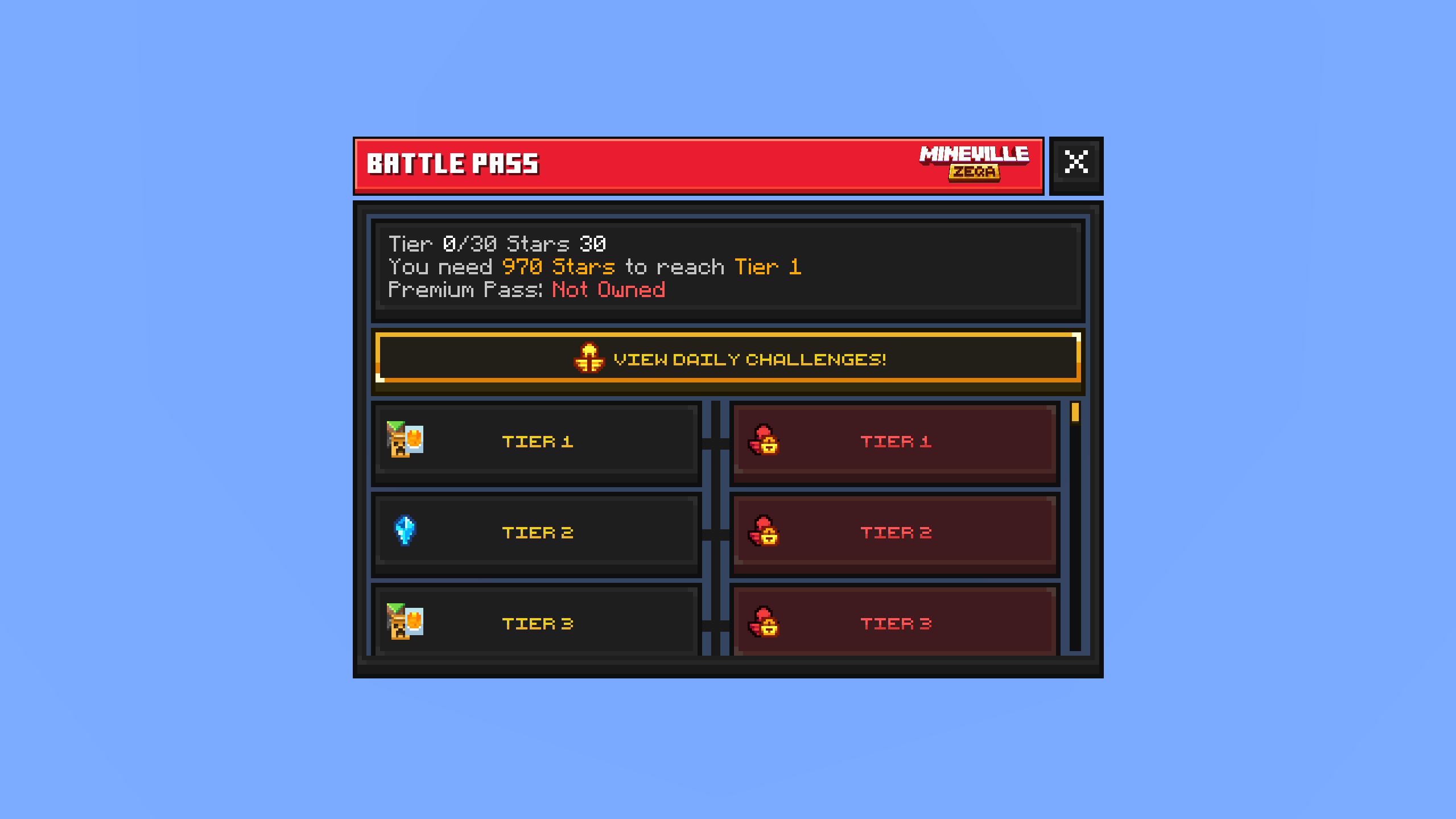
5. Battle Pass
Battle Pass UI with 100 levels split into free and premium tracks (premium on the right), plus a center progress bar with claim buttons attached to it.
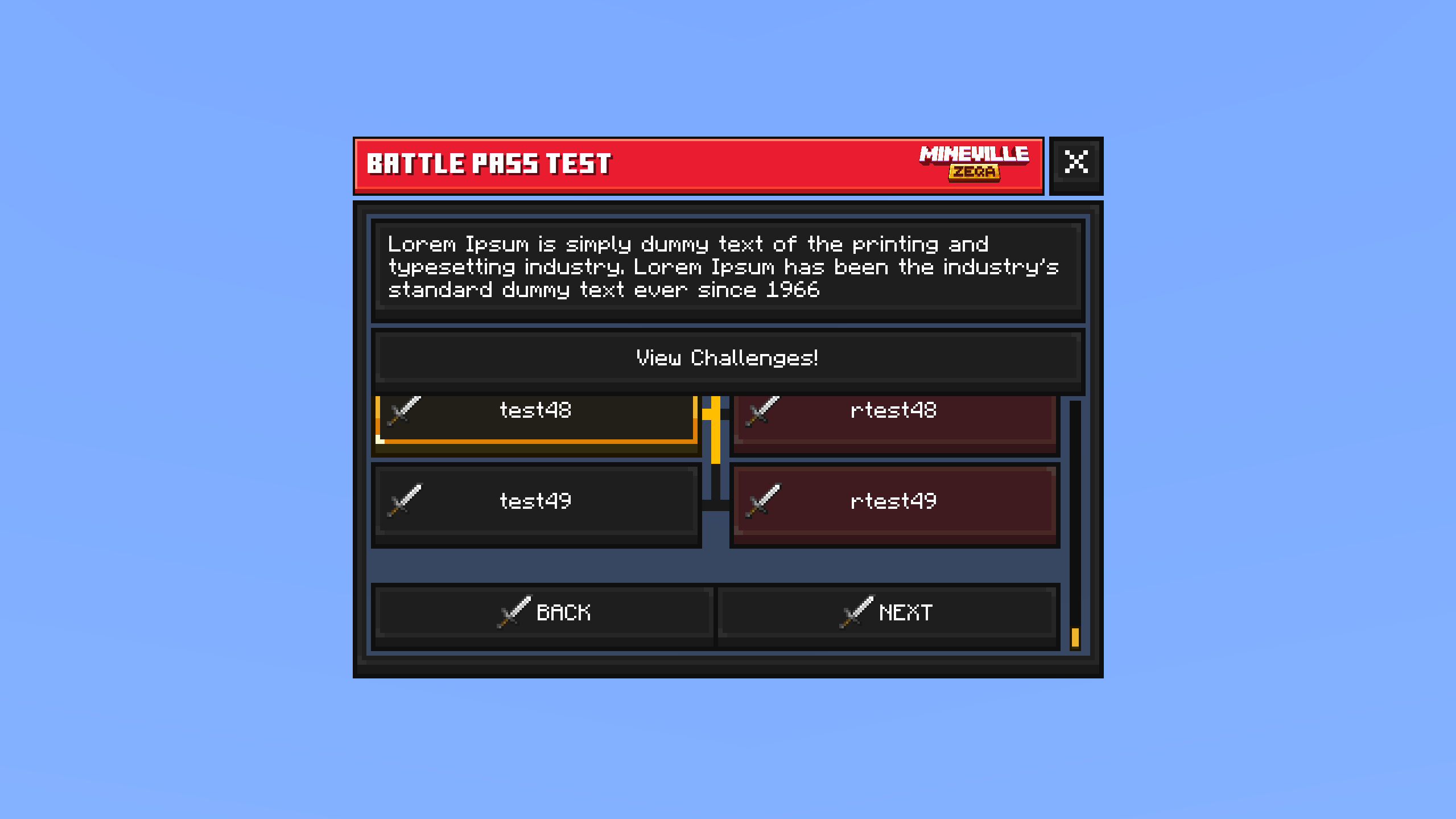
6. Battle Pass Progression
Progression-focused Battle Pass view - center progress, free pass controls, and Back / Next pagination at the bottom.
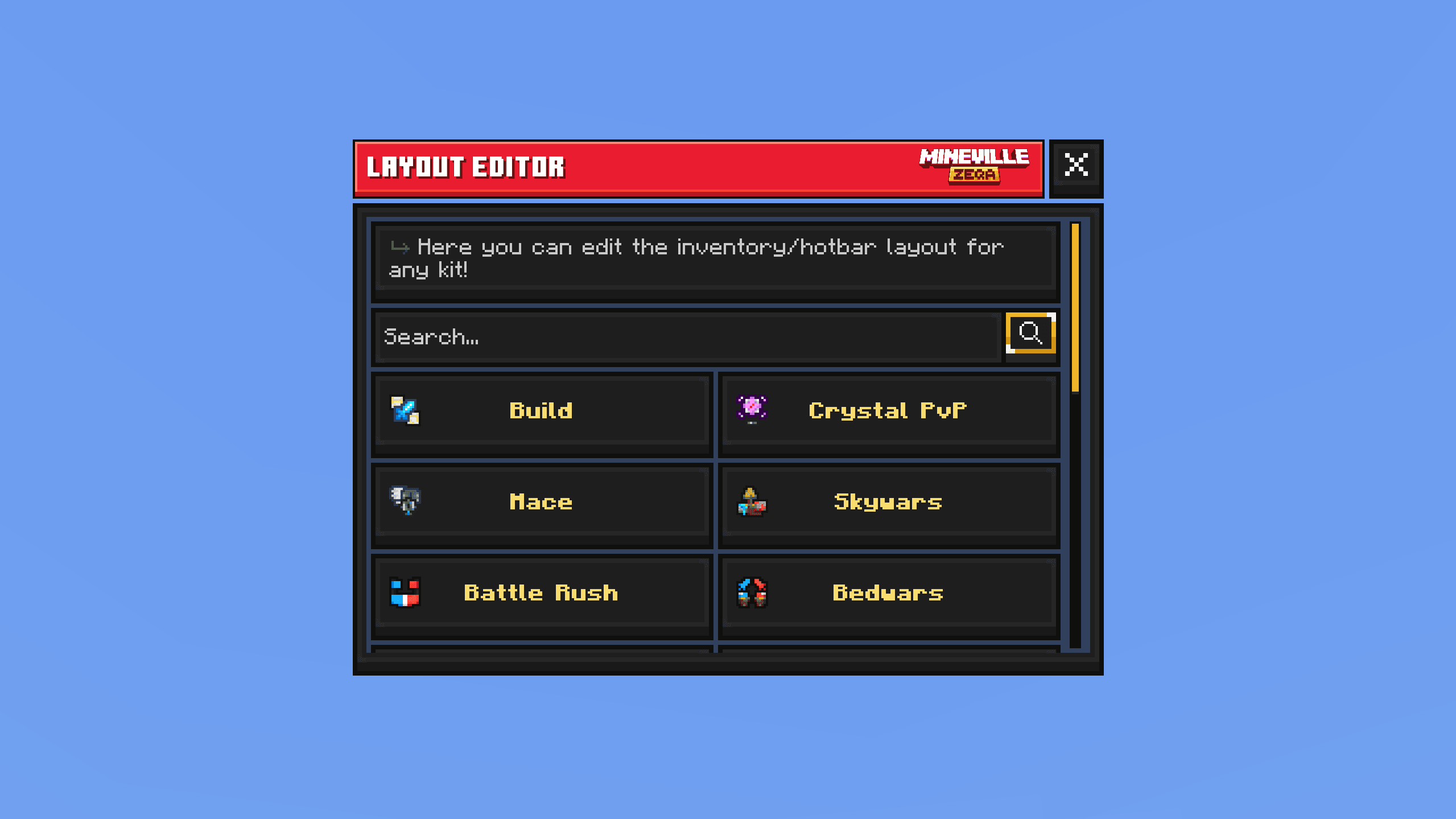
7. Default Form
Simple action form with half-width buttons, server-side search, and body text pinned at the top.
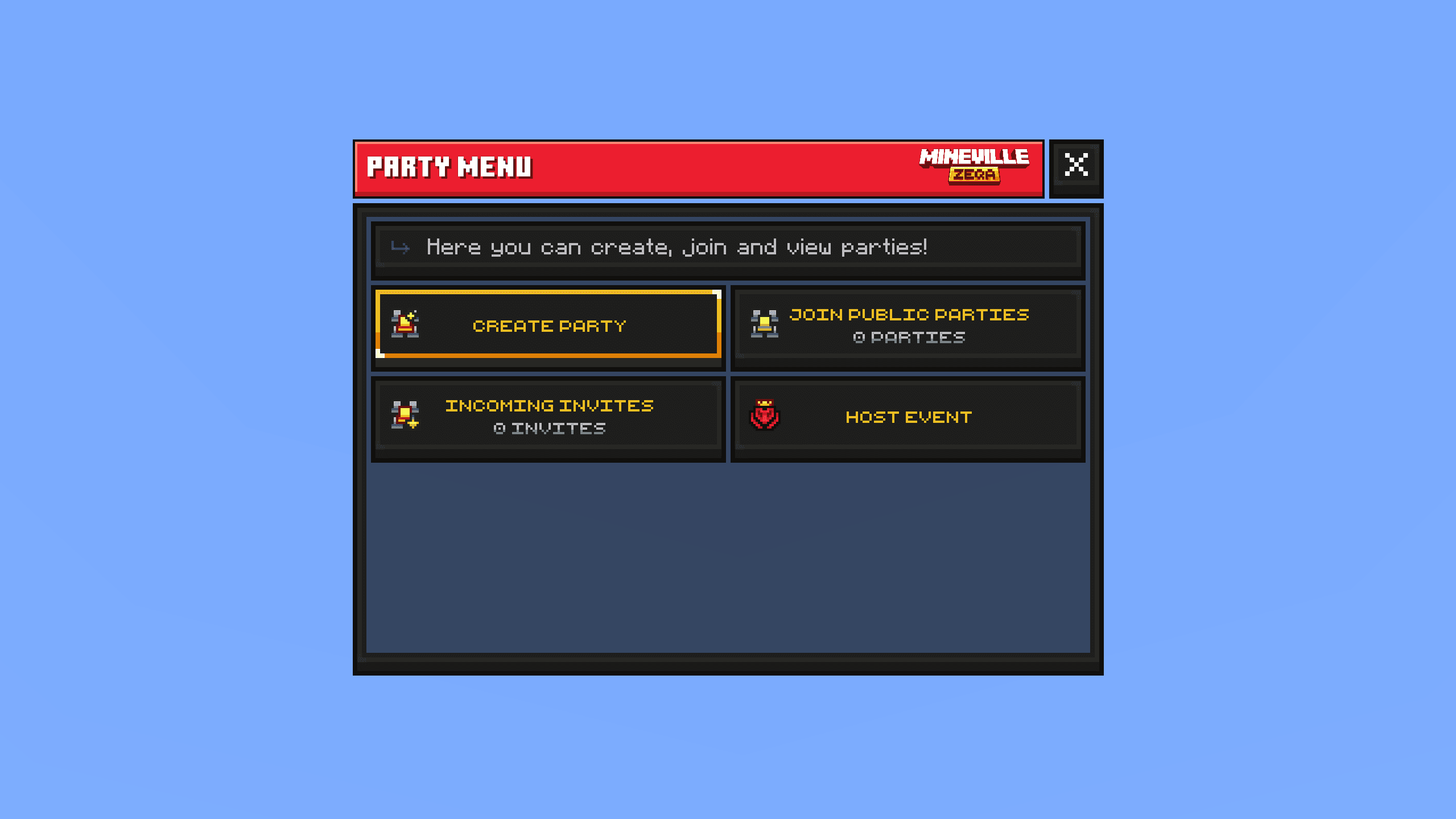
8. Default Form Compact
Same default form in a lighter layout - no scrolling and no search bar, built for short menus.
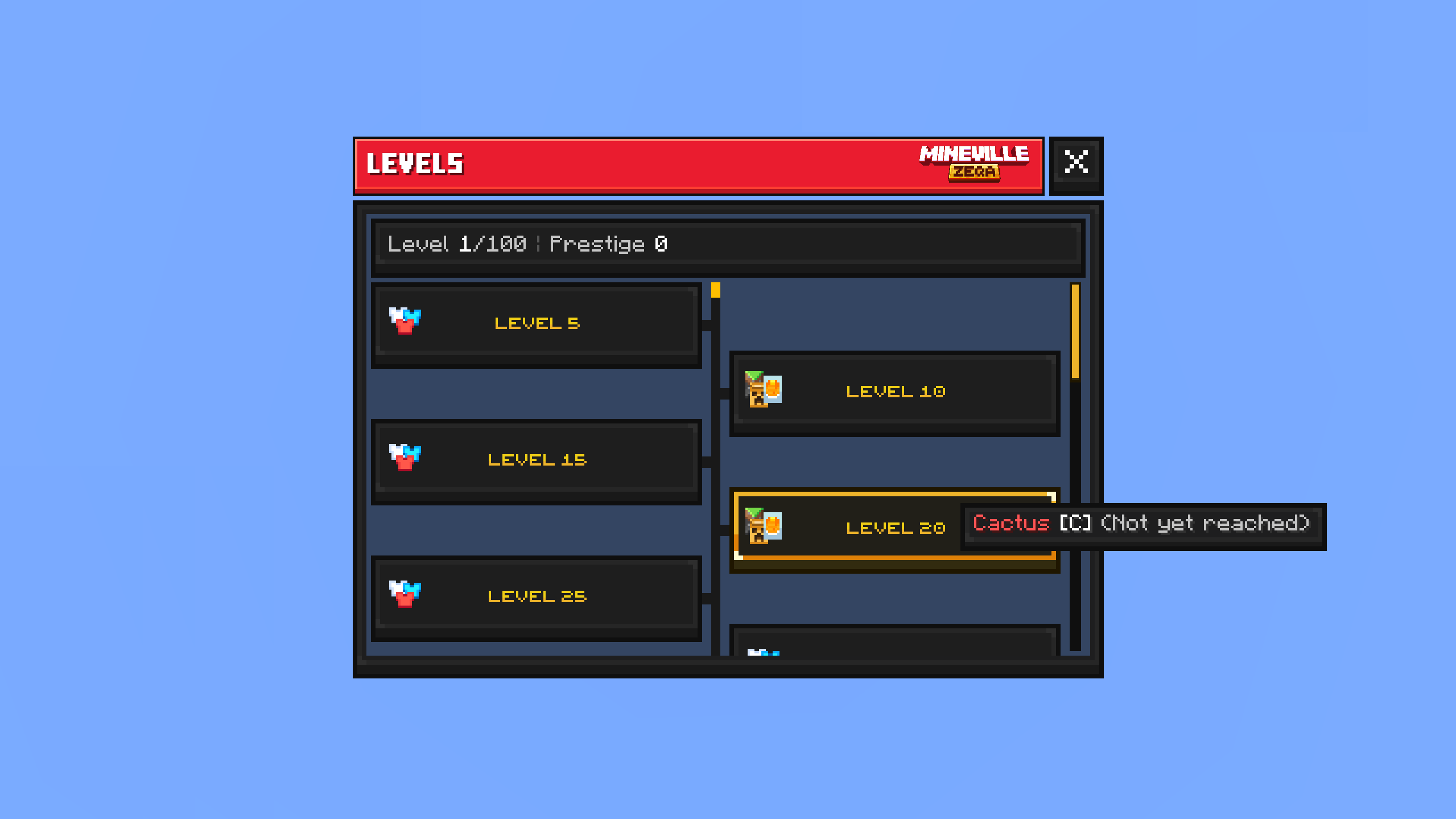
9. Levels
Level progression UI based on in-game levels, with a center progress track and claim buttons similar to the Battle Pass pattern.
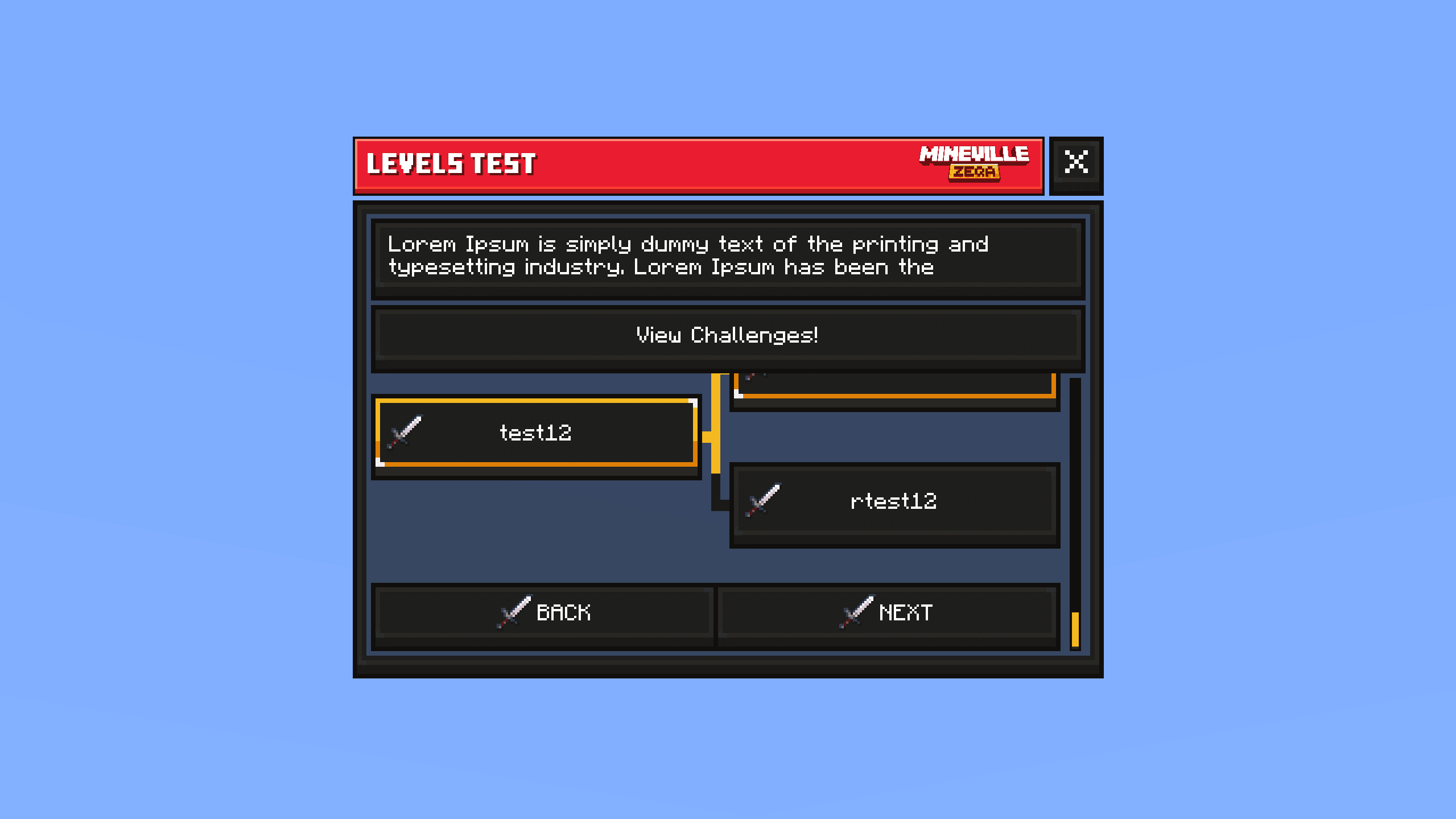
10. Levels Progression
Levels view scrolled to the next unlockable reward. Body text and the top action stay fixed while only the claim list scrolls, with Back / Next at the bottom.
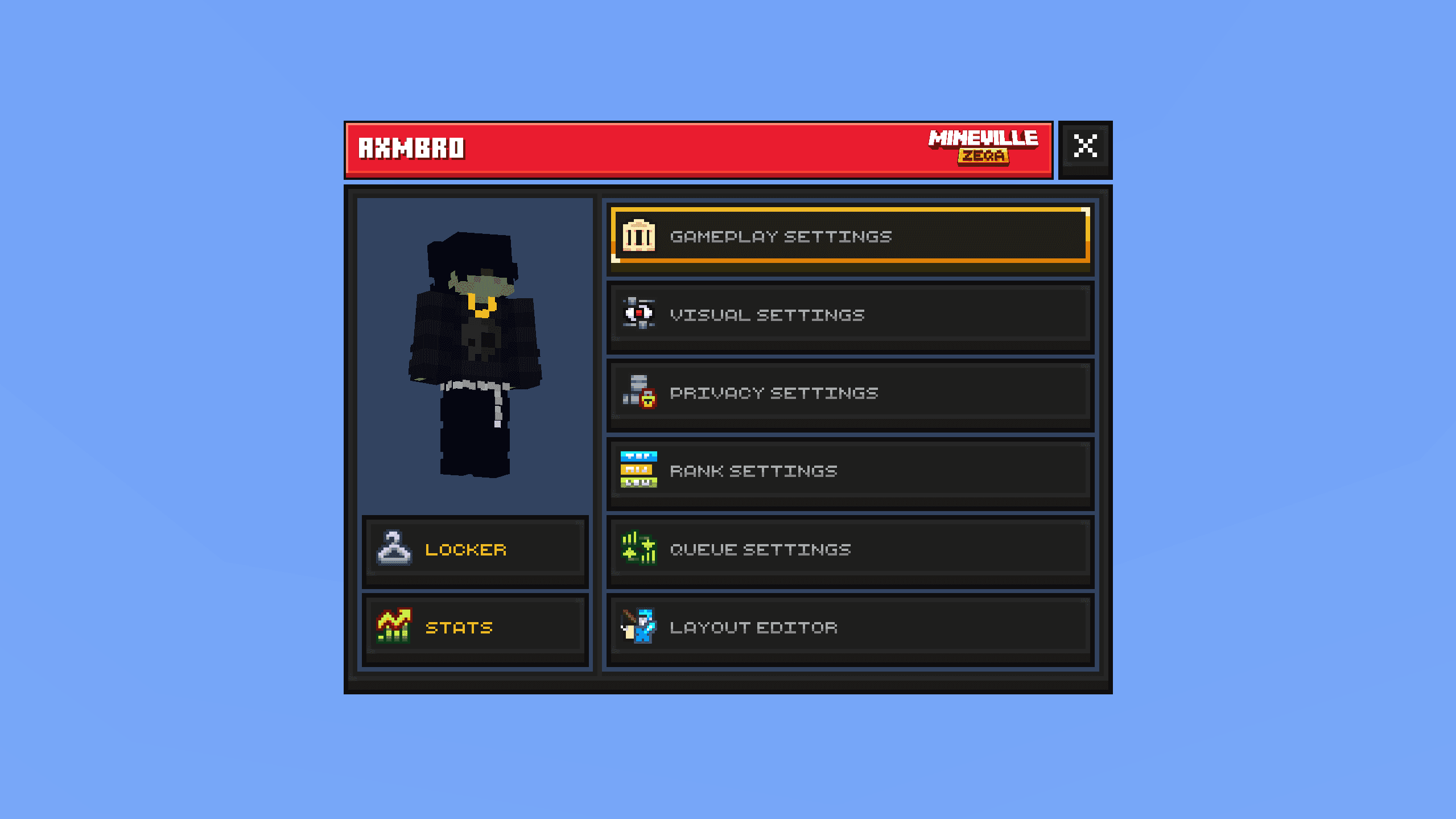
11. Profile
Profile form with a player paper doll and customization options, split into two clear sections.
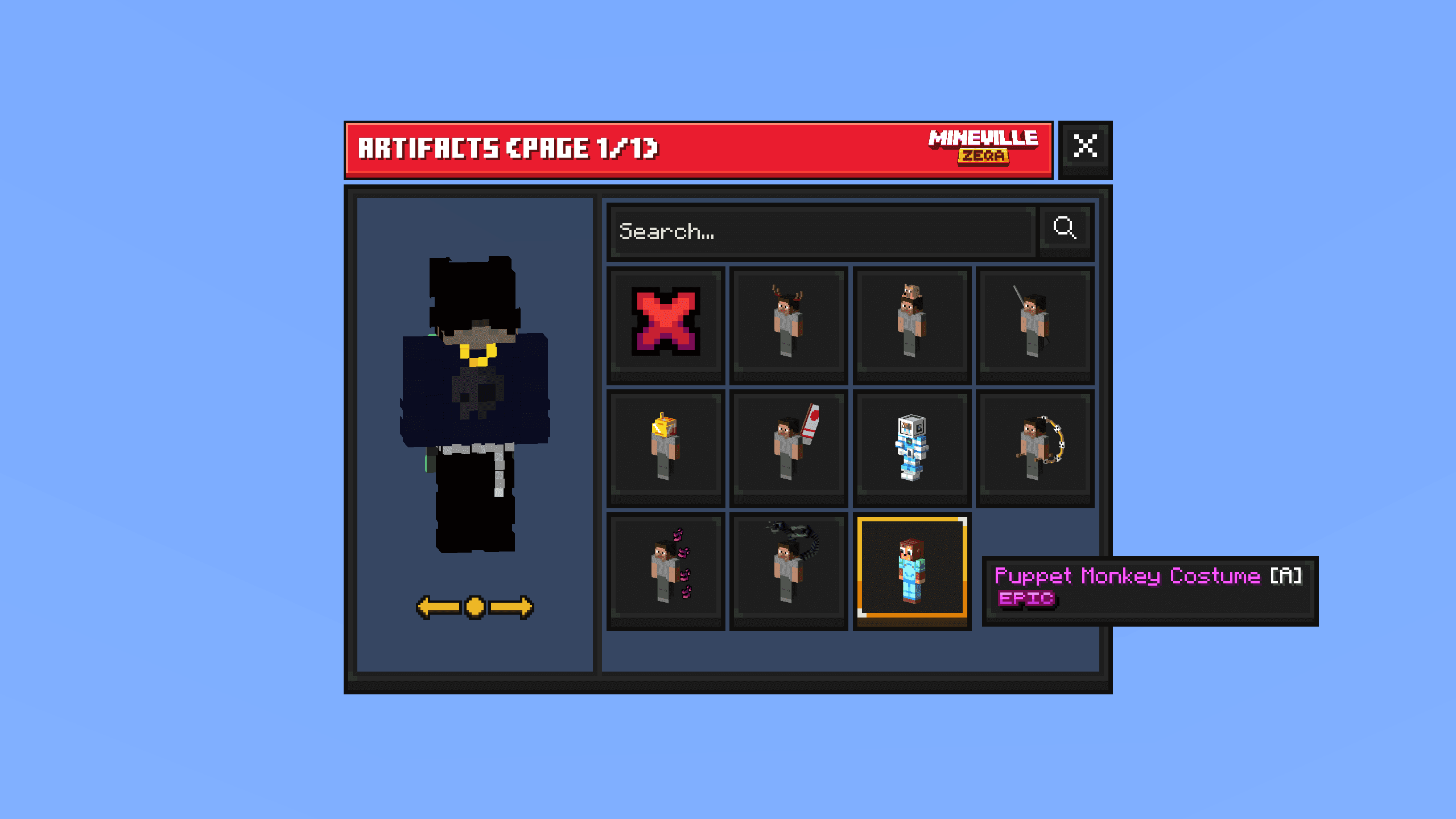
12. Cosmetics
Cosmetics screen built on the profile layout - paper doll rotates 360 degrees, with a search bar and cosmetics grid on the right.
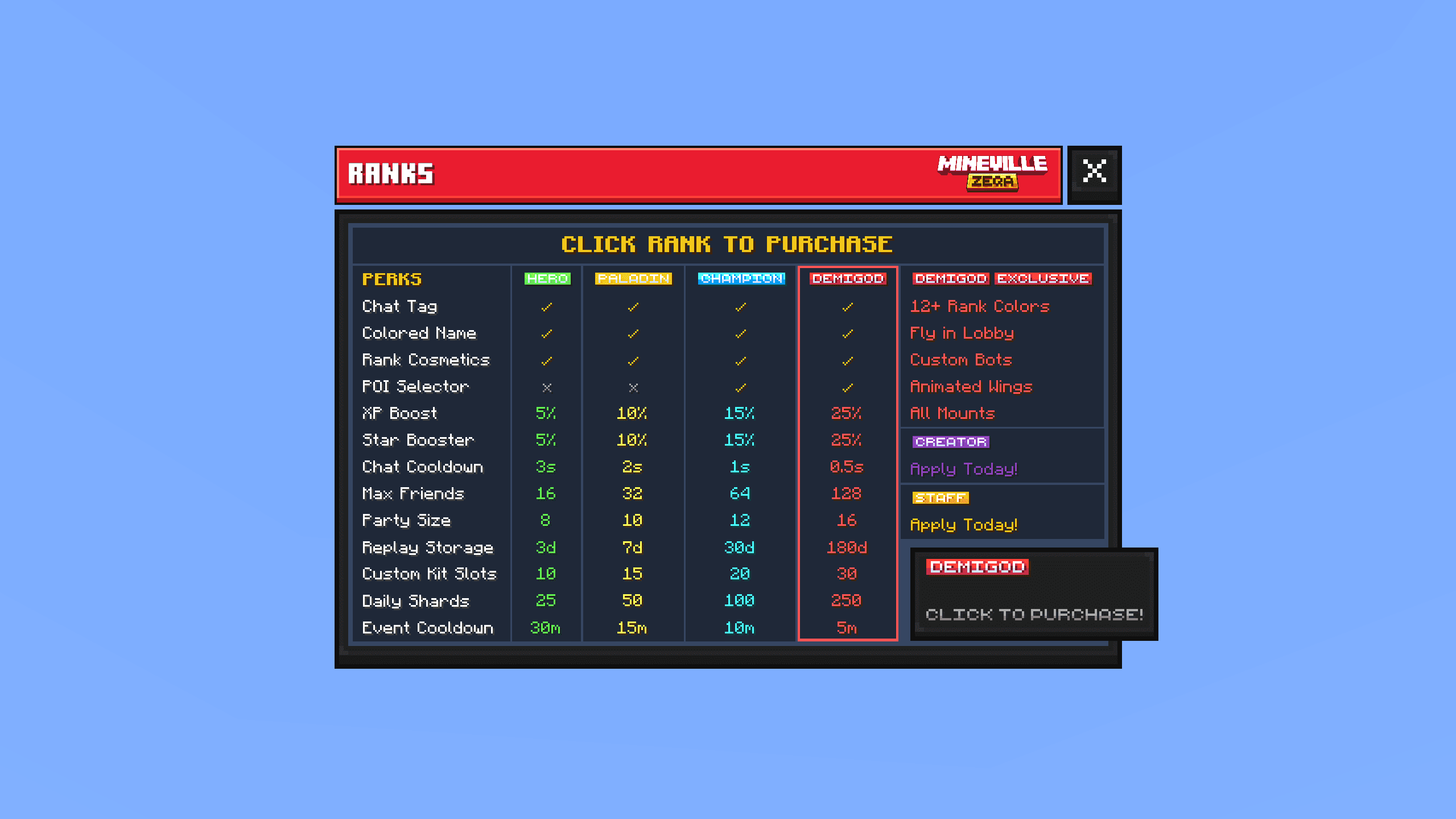
13. Ranks
Static ranks layout for quick comparison and short role descriptions on the server.
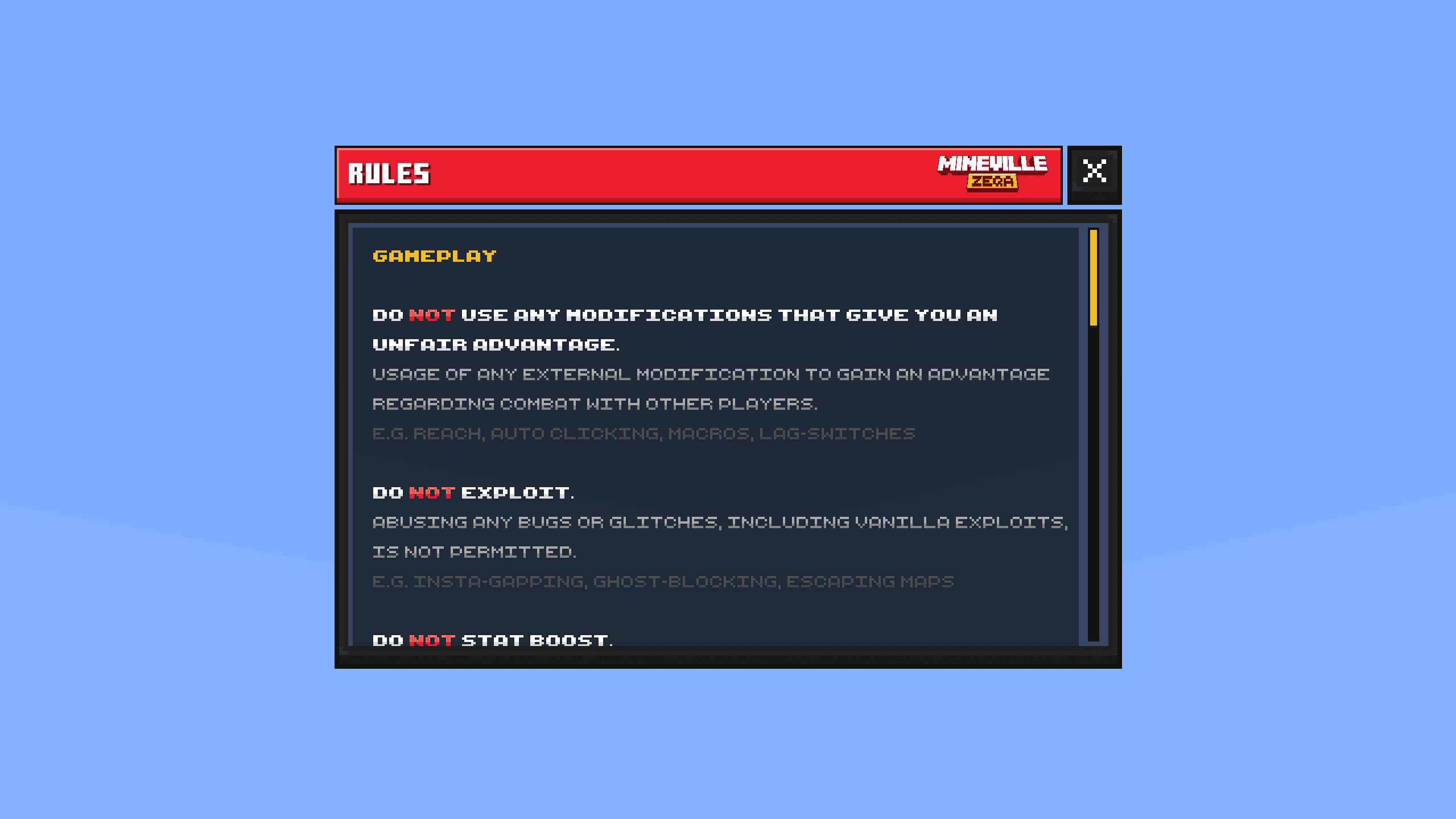
14. Rules
Server rules presented in a custom static information layout.
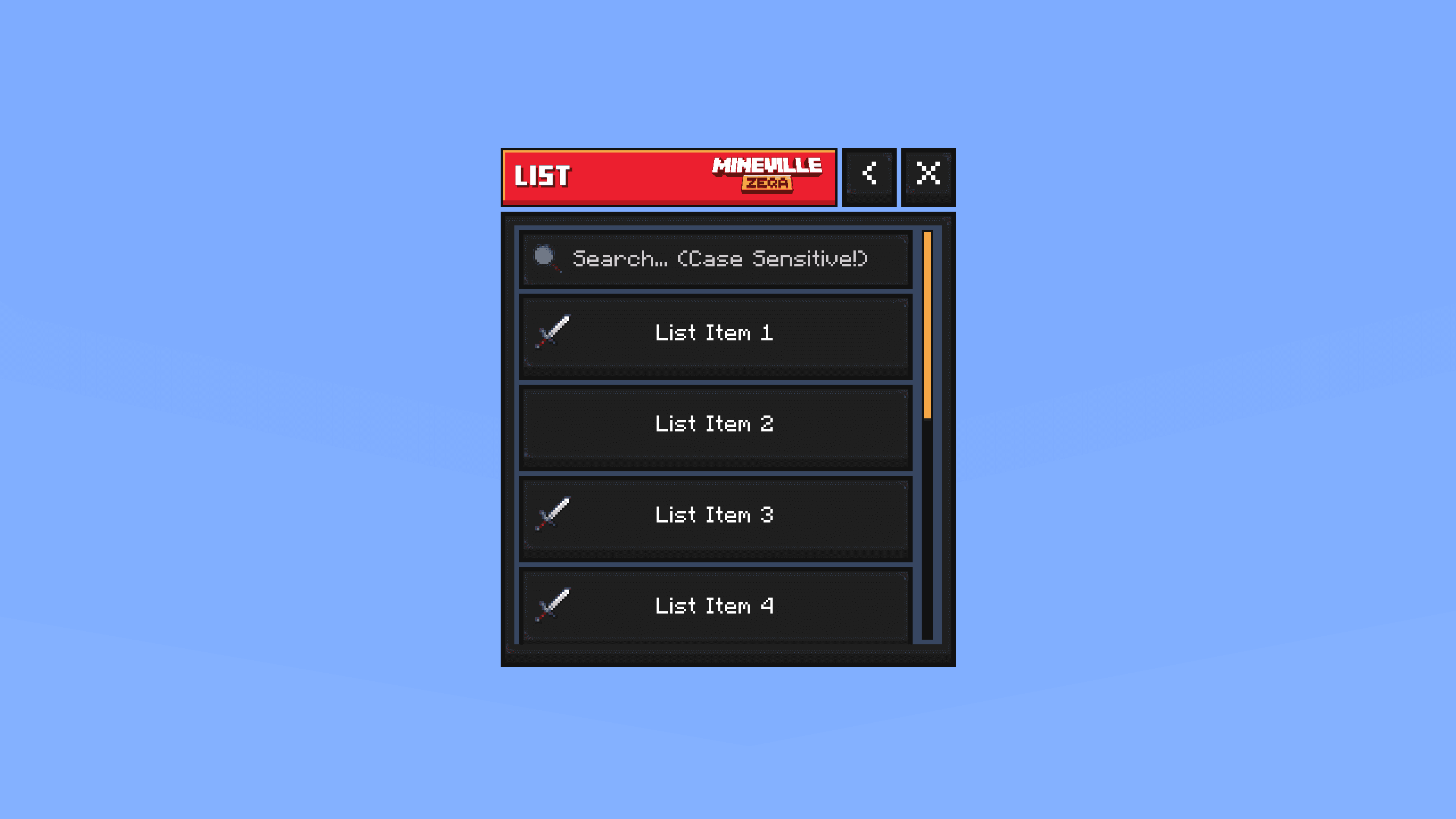
15. List Form
List UI inspired by the vanilla modal form, with action buttons, a Back button, and a client-side search bar.
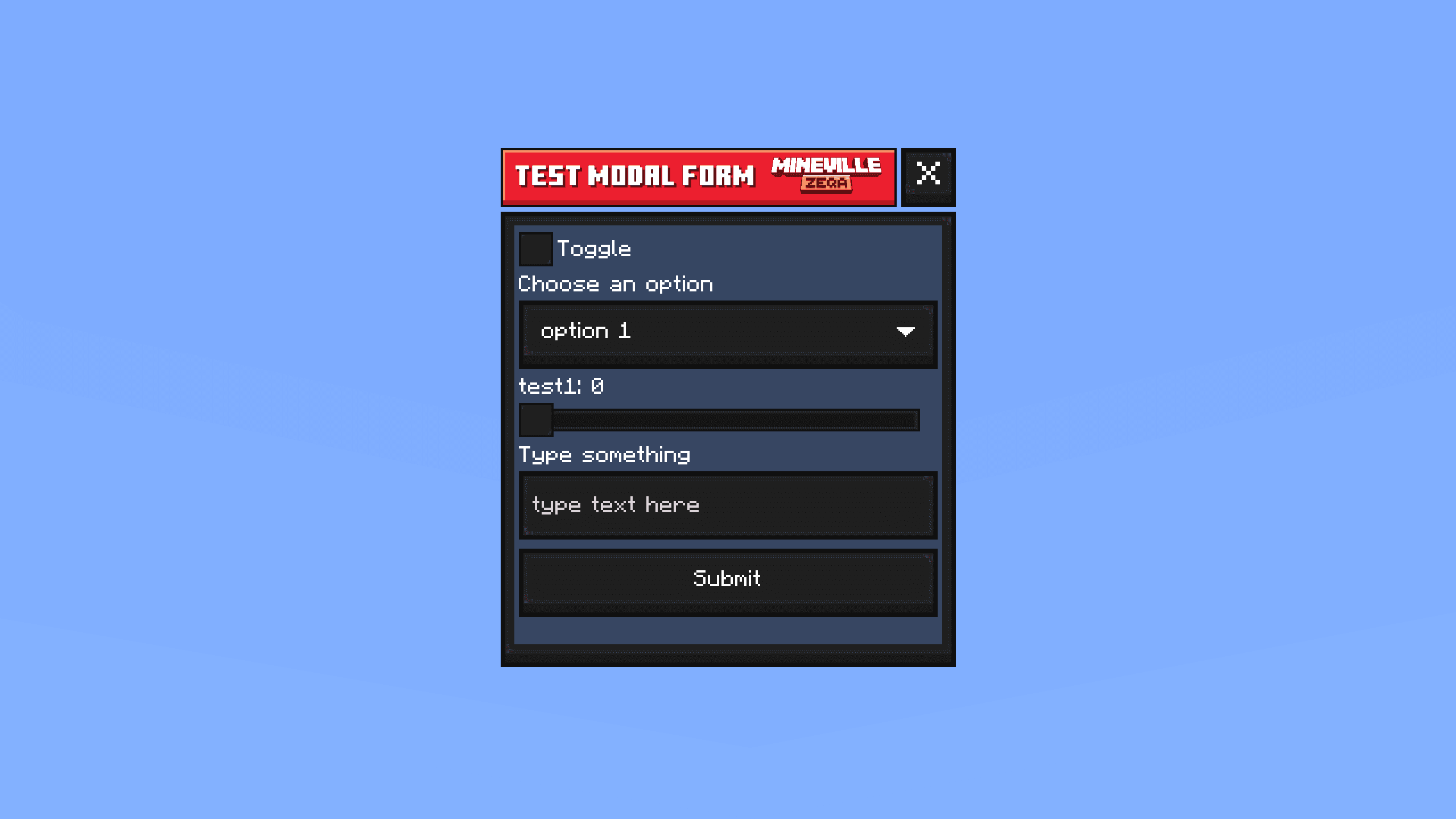
16. Custom Modal Form
Vanilla-style modal form rebuilt with custom textures for every button type.
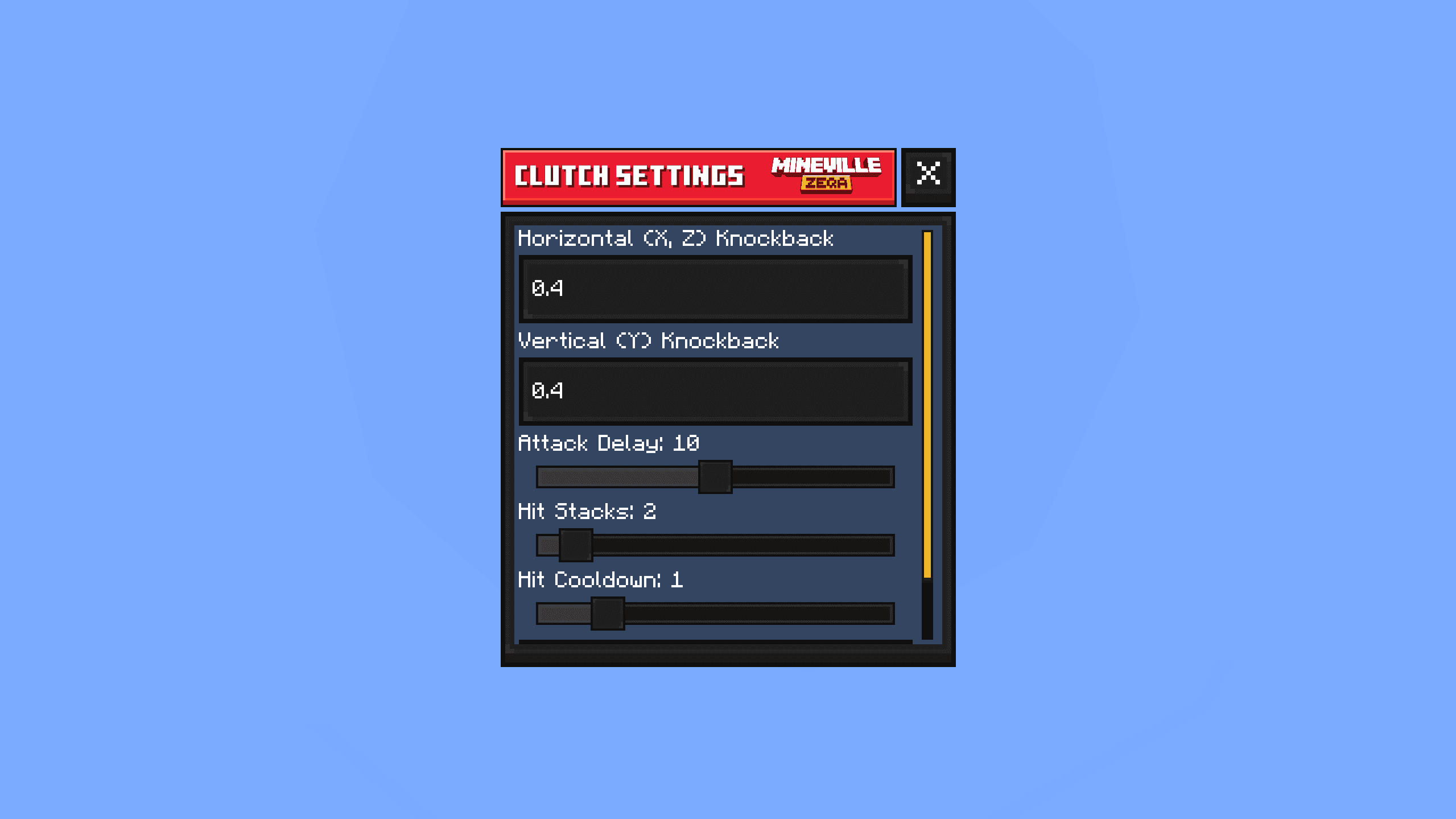
17. Custom Modal Settings
Custom modal form with extra option types and scrolling - used for settings-style menus.
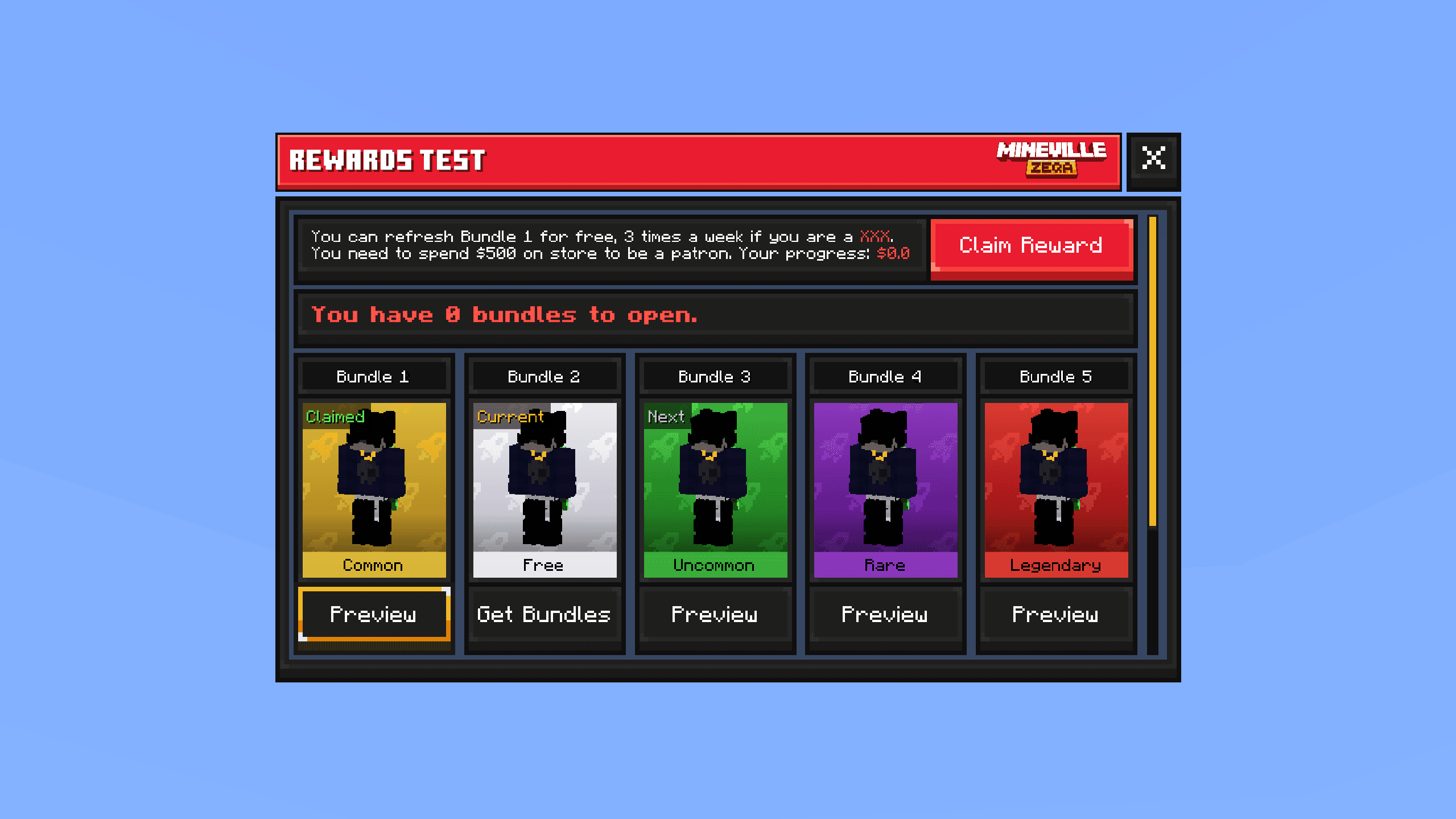
18. Bundles Redeem
Unused bundles redeem layout shaped around a progress flow, kept as a simple claim UI.
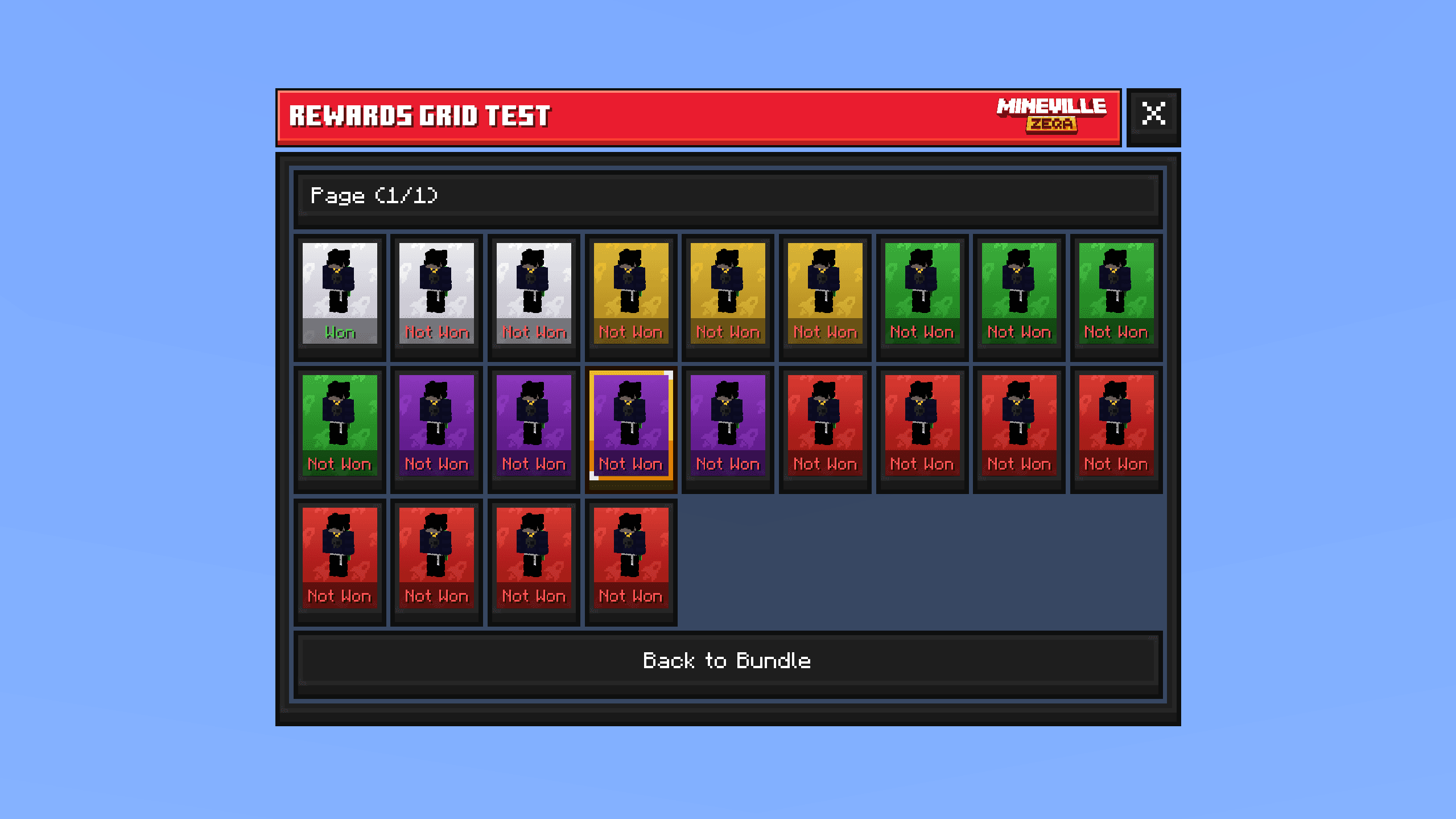
19. Rewards Grid
Unused rewards grid form for showing claimed and available reward slots in a compact grid.
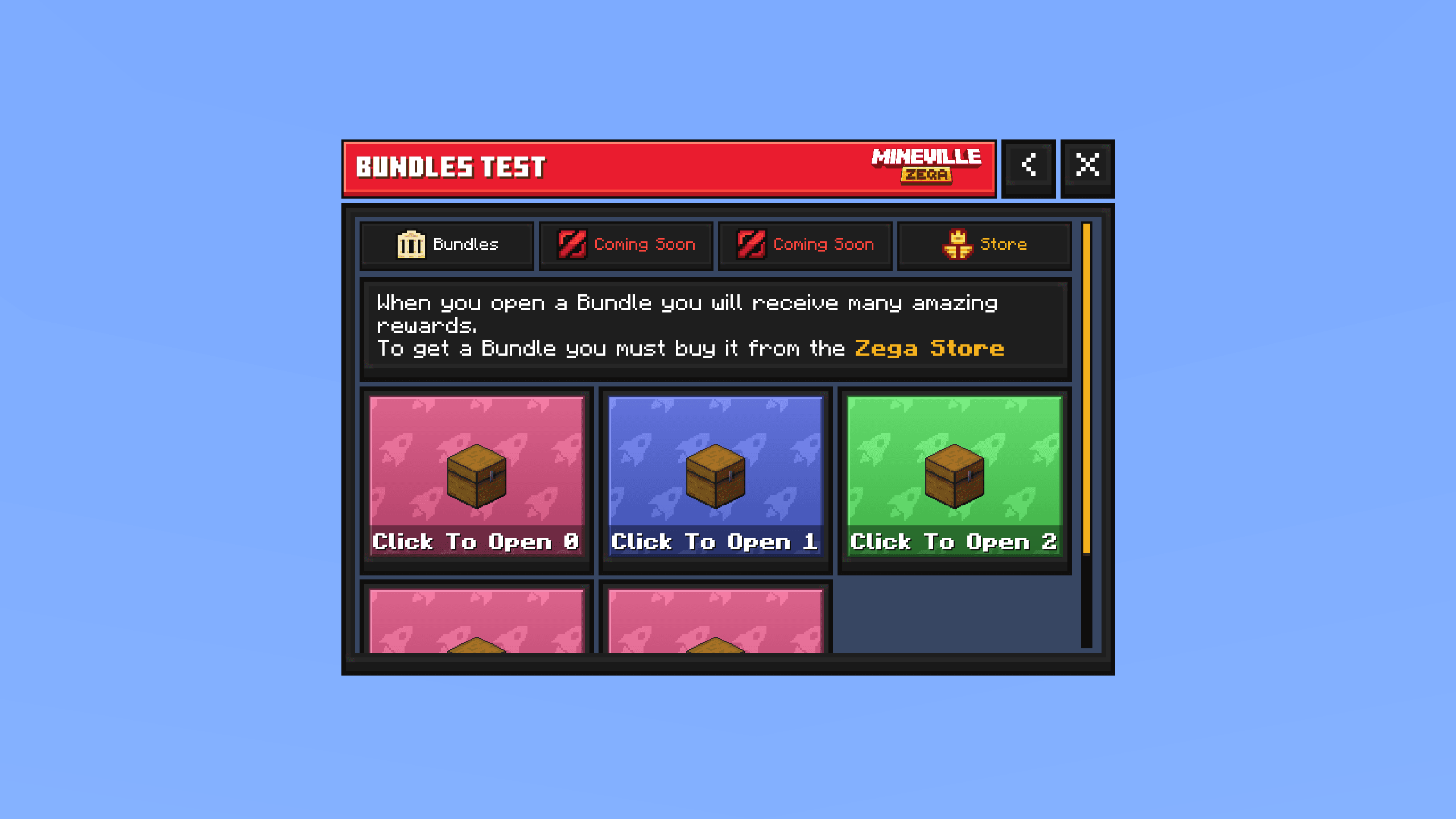
20. Bundles Browser
Unused bundles browser in a map-form style, with custom tabs, body text, and a Back button.
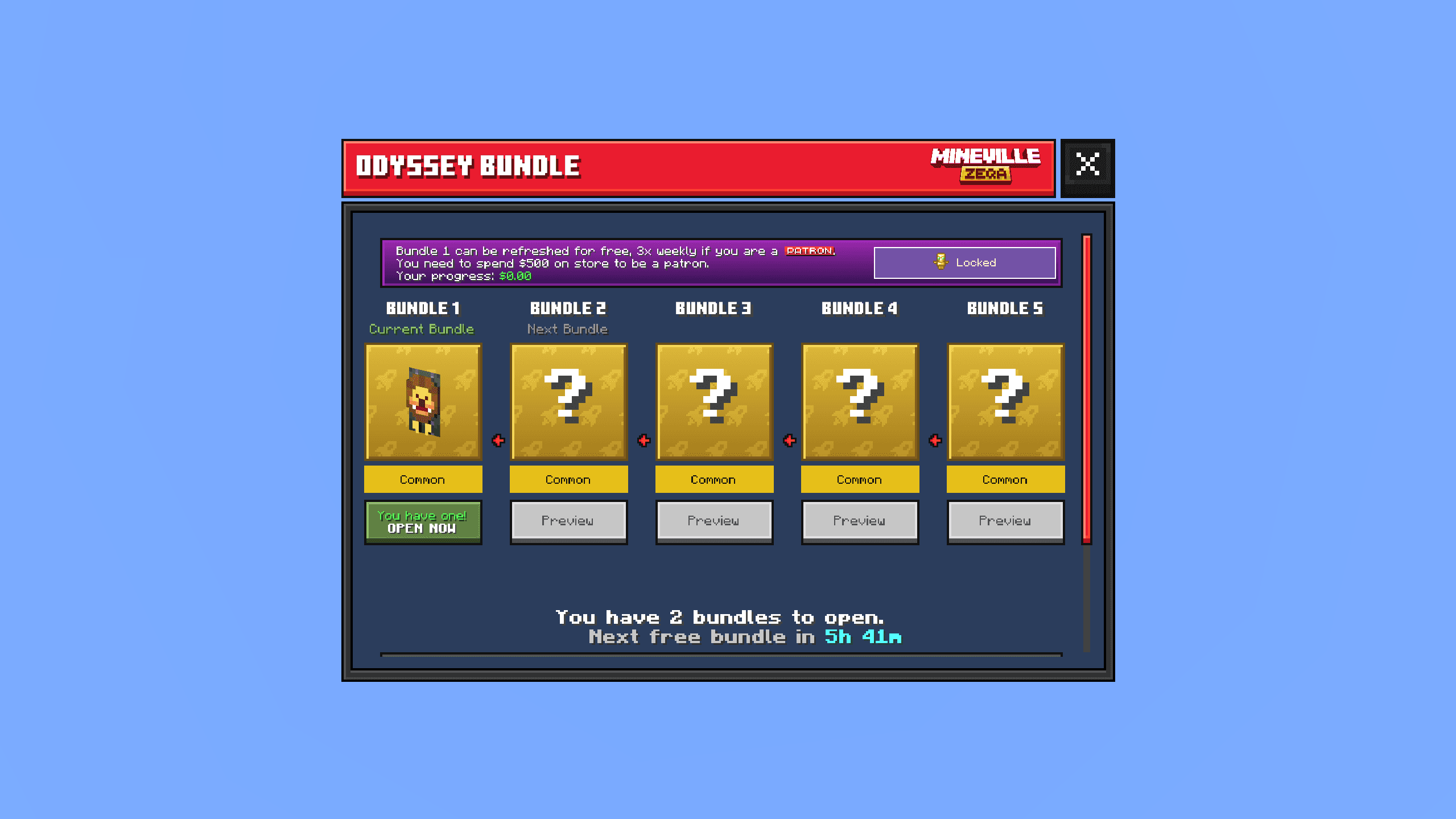
21. Shared Server Forms
Additional server forms from another InPvP pack (for example bundles, auction house, and rewards grid). Design differs from the main Zeqa set - the work here was integration and wiring, not a straight copy.
Showcase
Other Modifications
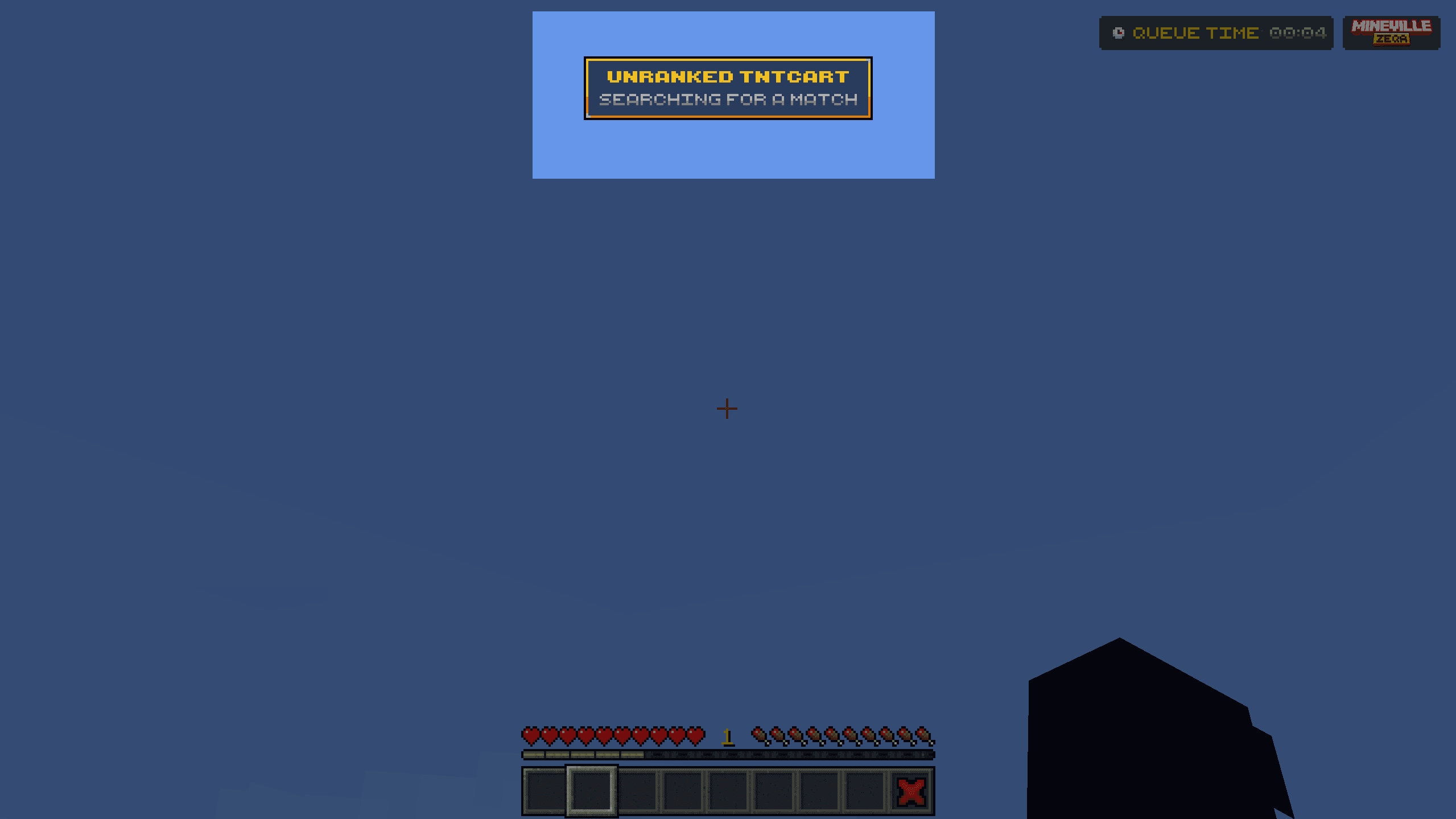
1. Custom Boss Bar
Custom top-of-screen HUD element used instead of the default boss bar.
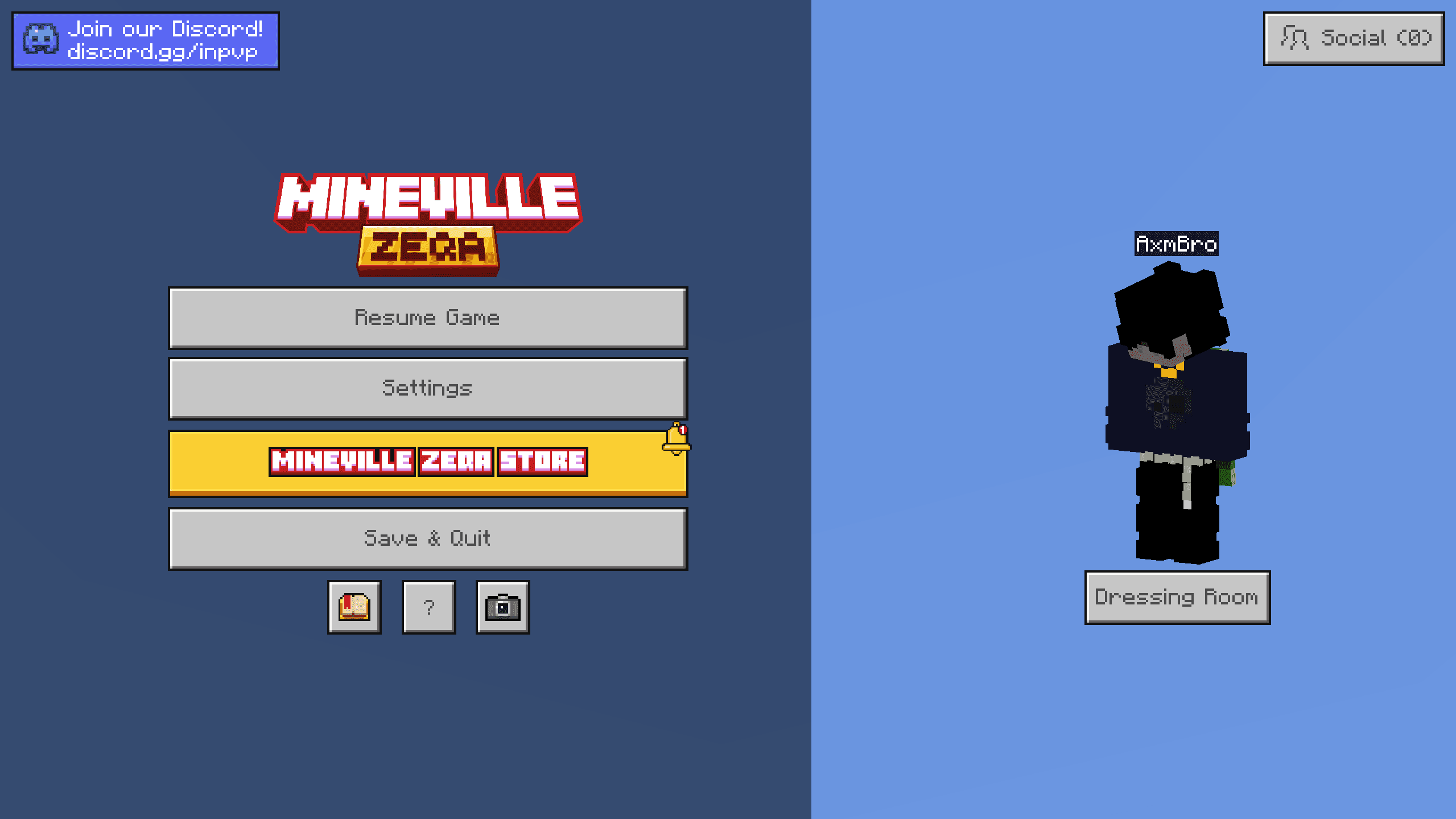
2. Pause Screen
Pause menu updates - modified Store button in the main list and a Discord button in the top-left corner.
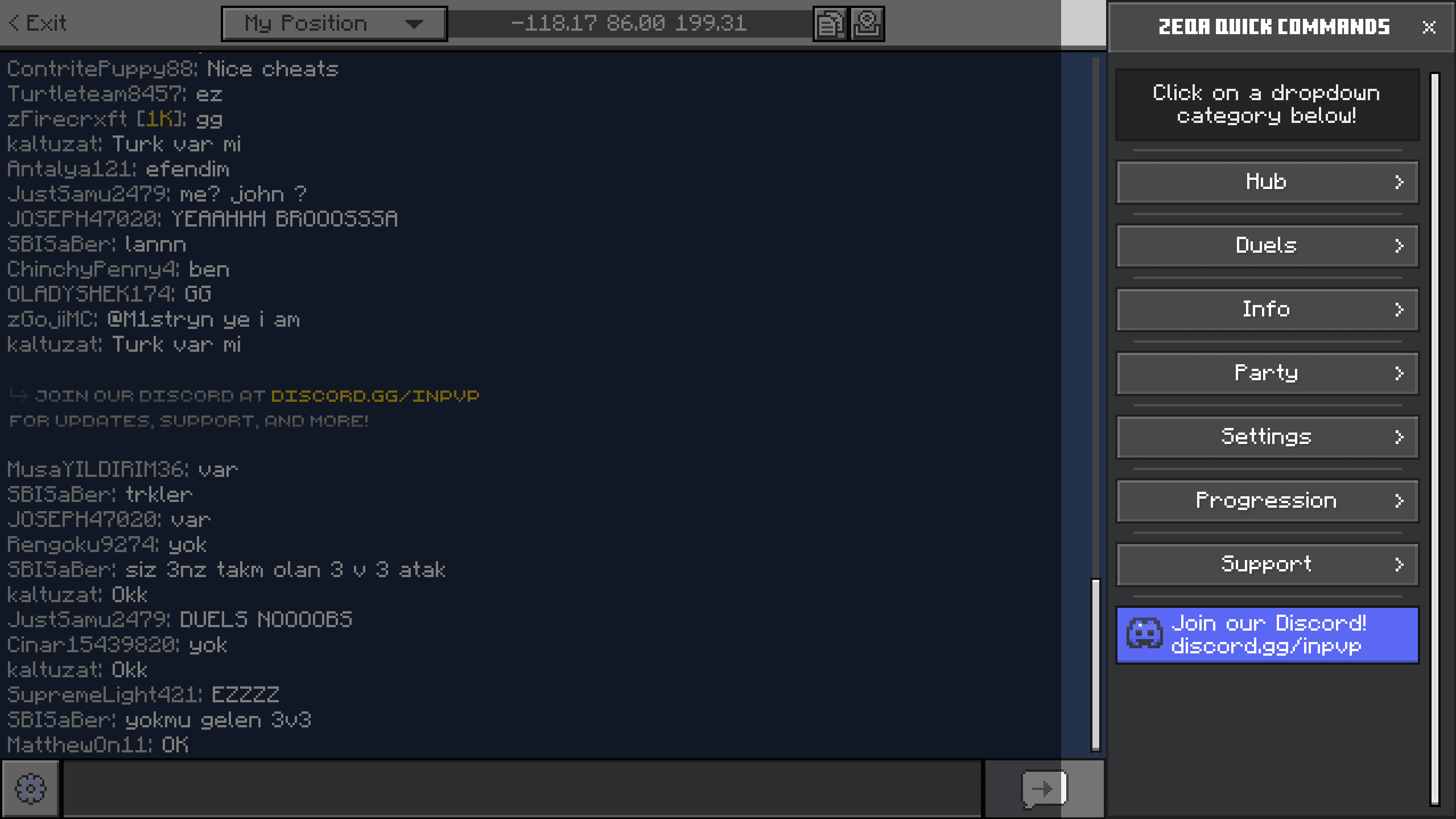
3. Quick Chat Commands
Quick commands in the chat screen - an existing InPvP system adapted and wired into this pack.