
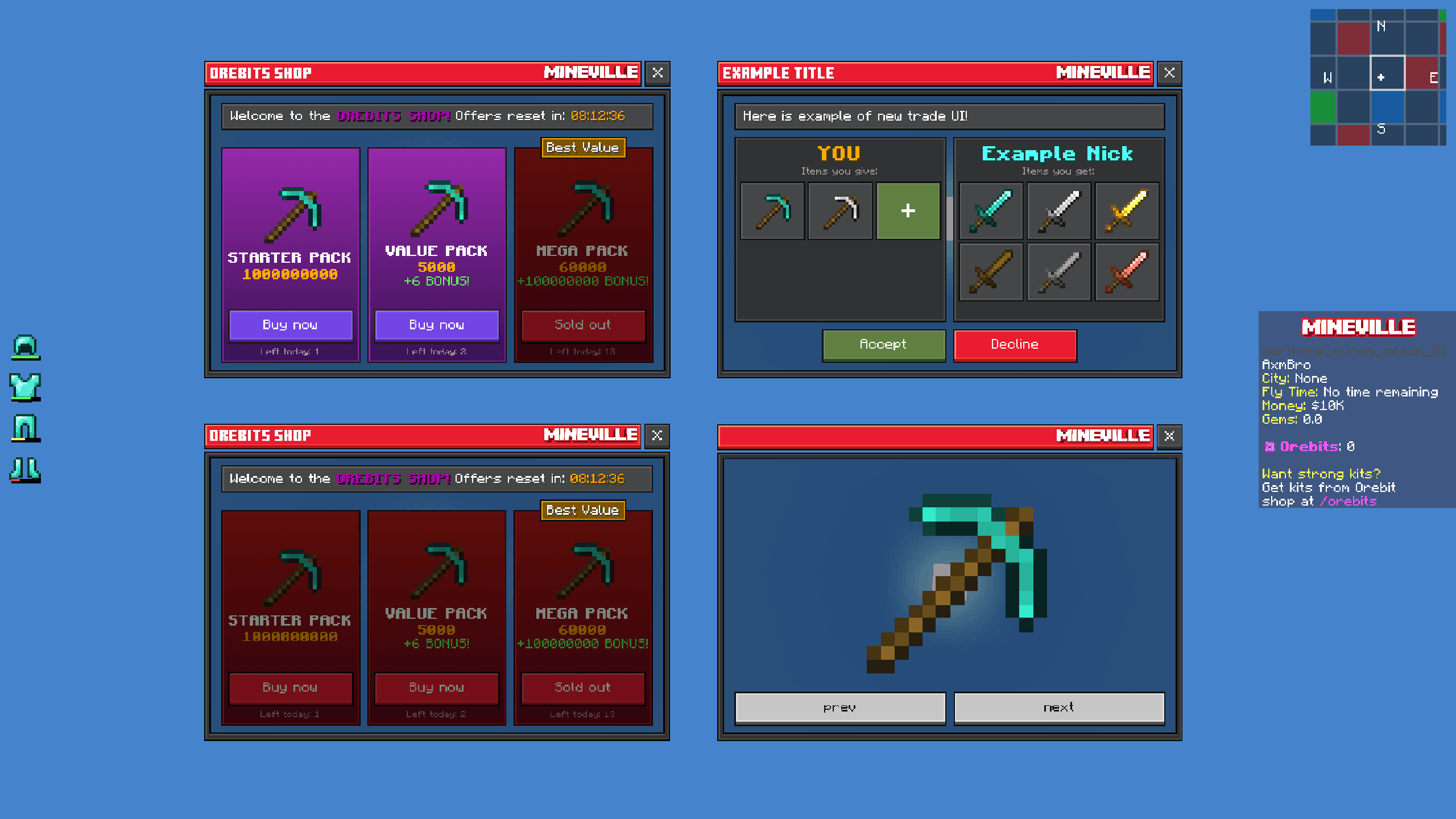
Mineville UI
A complex, clean, and animated custom user interface suite. Featuring highly optimized client-side minimaps, modular trade UIs, armor HUD trackers, and custom server forms.
Project
Overview
Apr 2026
 JsonUIServer FormHUD
Commissioned by InPvP for Mineville. Mineville UI is a comprehensive, high-performance interface overhaul designed specifically for Minecraft Bedrock servers. Built from the ground up to ensure seamless player navigation and aesthetic coherence, it features custom server forms, optimized inventory and trading systems, and advanced HUD elements. The project demonstrates a strong focus on UX/UI design, performance optimization under load, and cohesive branding for a professional gaming environment.
A large part of this work is motion: open states, transitions, and feedback across most forms. That does not come through in screenshots alone, so watch the showcase video if you want to see how the UI actually plays.
Similar work for the same studio: Zeqa UI.
Media
Full UI Showcase
Showcase
Server Interfaces
1. Project Overview
Overview of the main server dashboard and HUD elements.
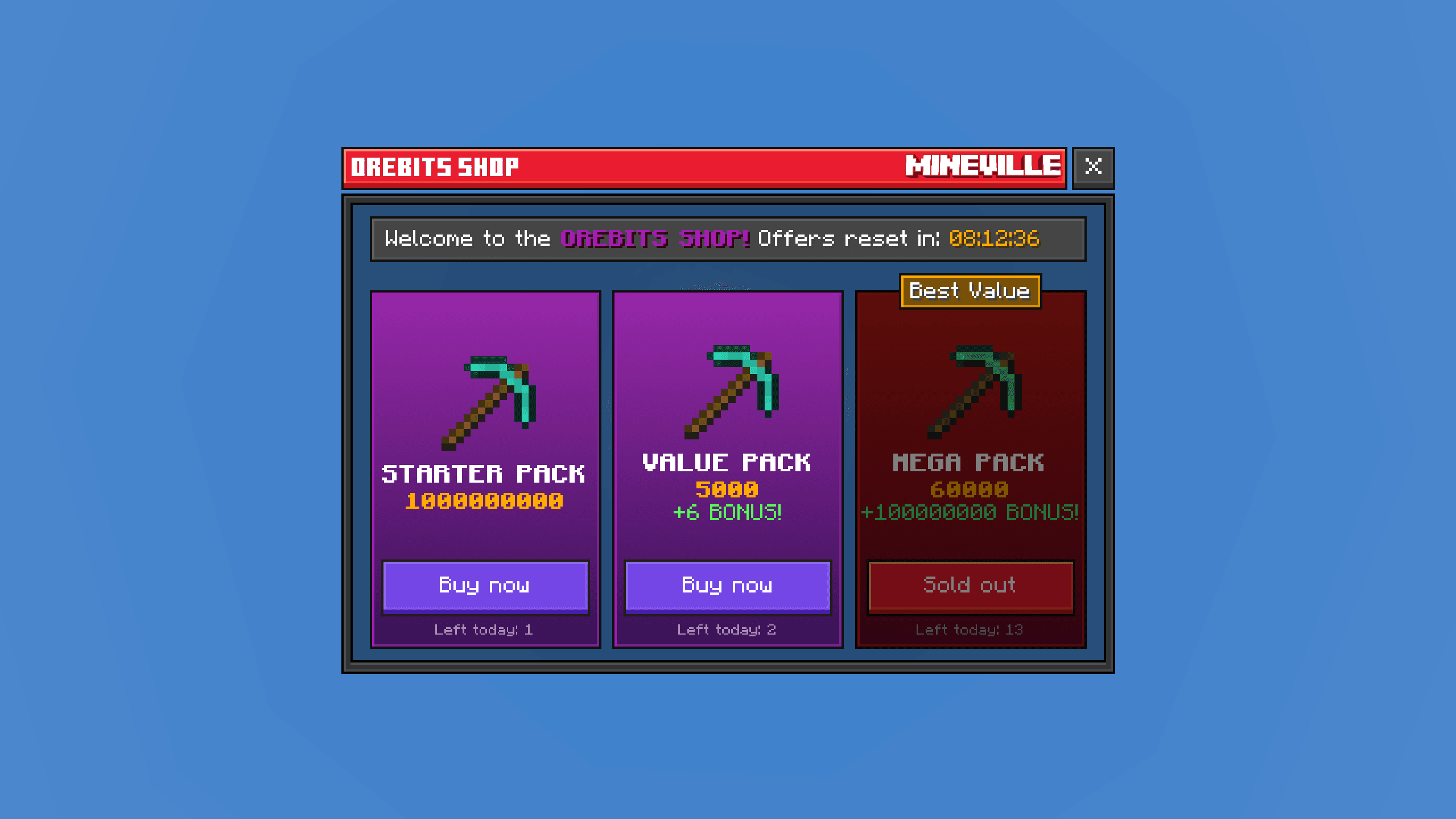
2. Orebits Shop
A clean, animated shop interface with dynamic hover effects.
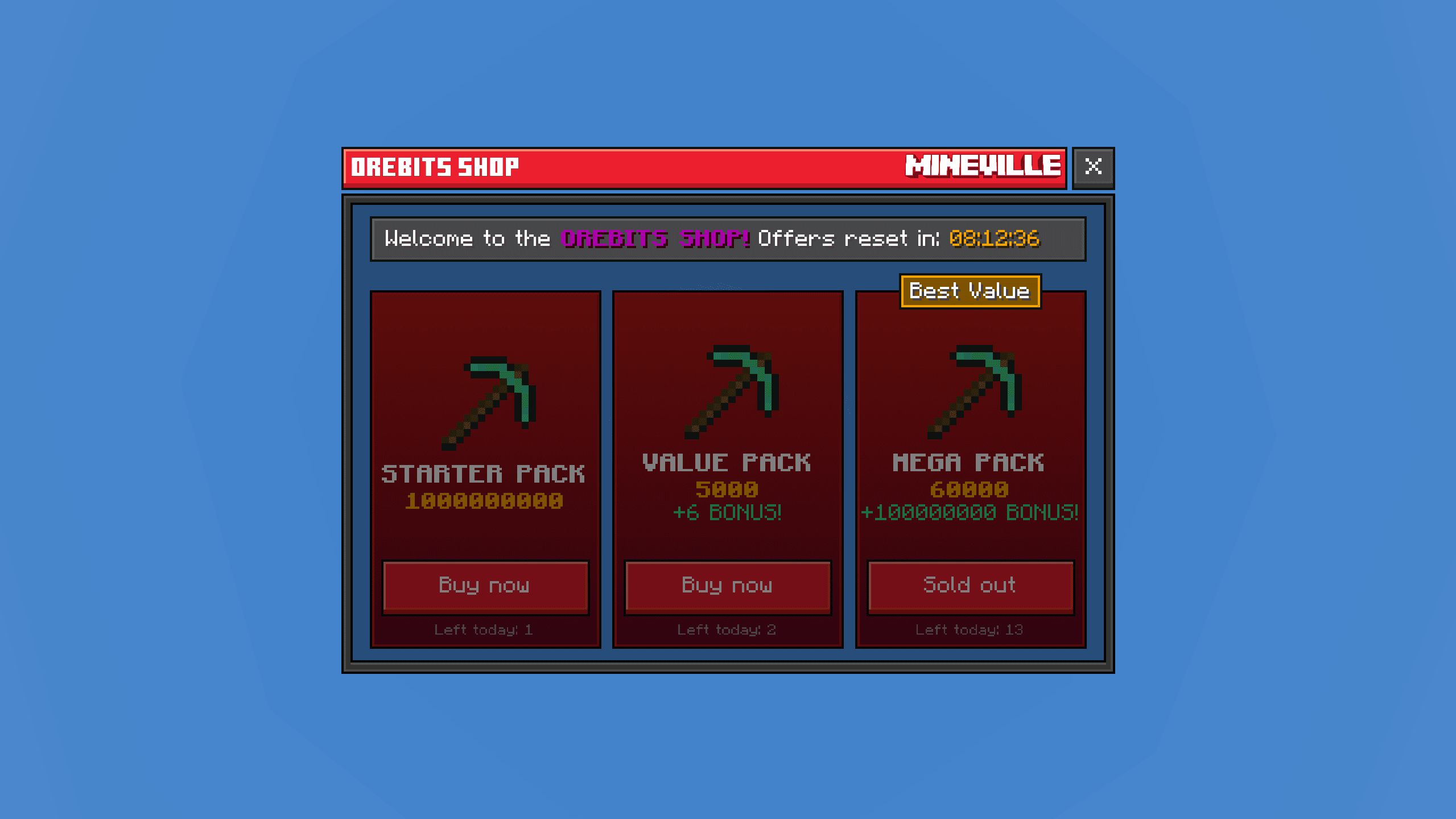
3. Orebits Sold Out
Interactive purchase dialogs with visually distinct sold-out states.
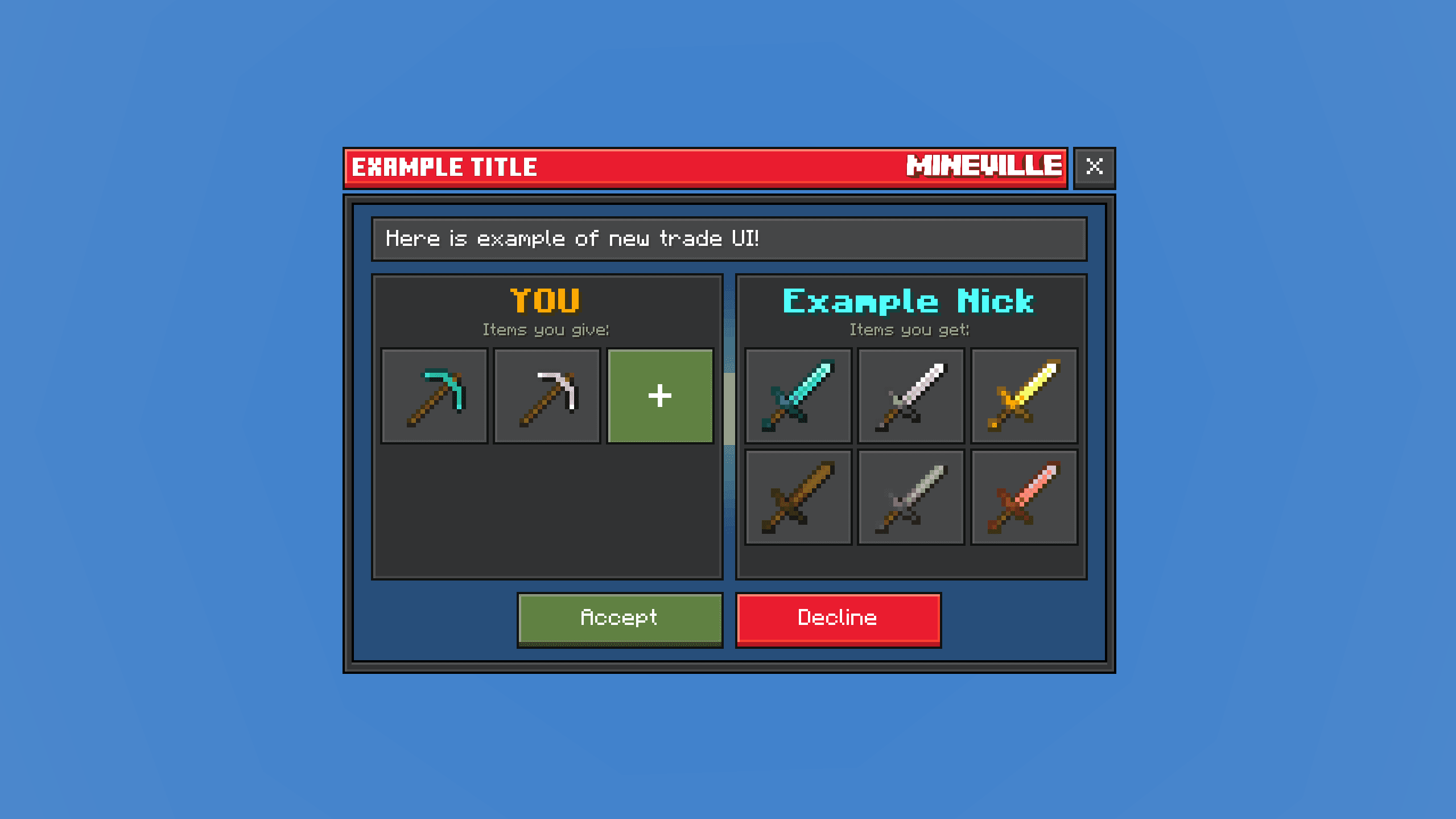
4. Trade UI
Secure, animated trading interface for seamless item exchange between players.
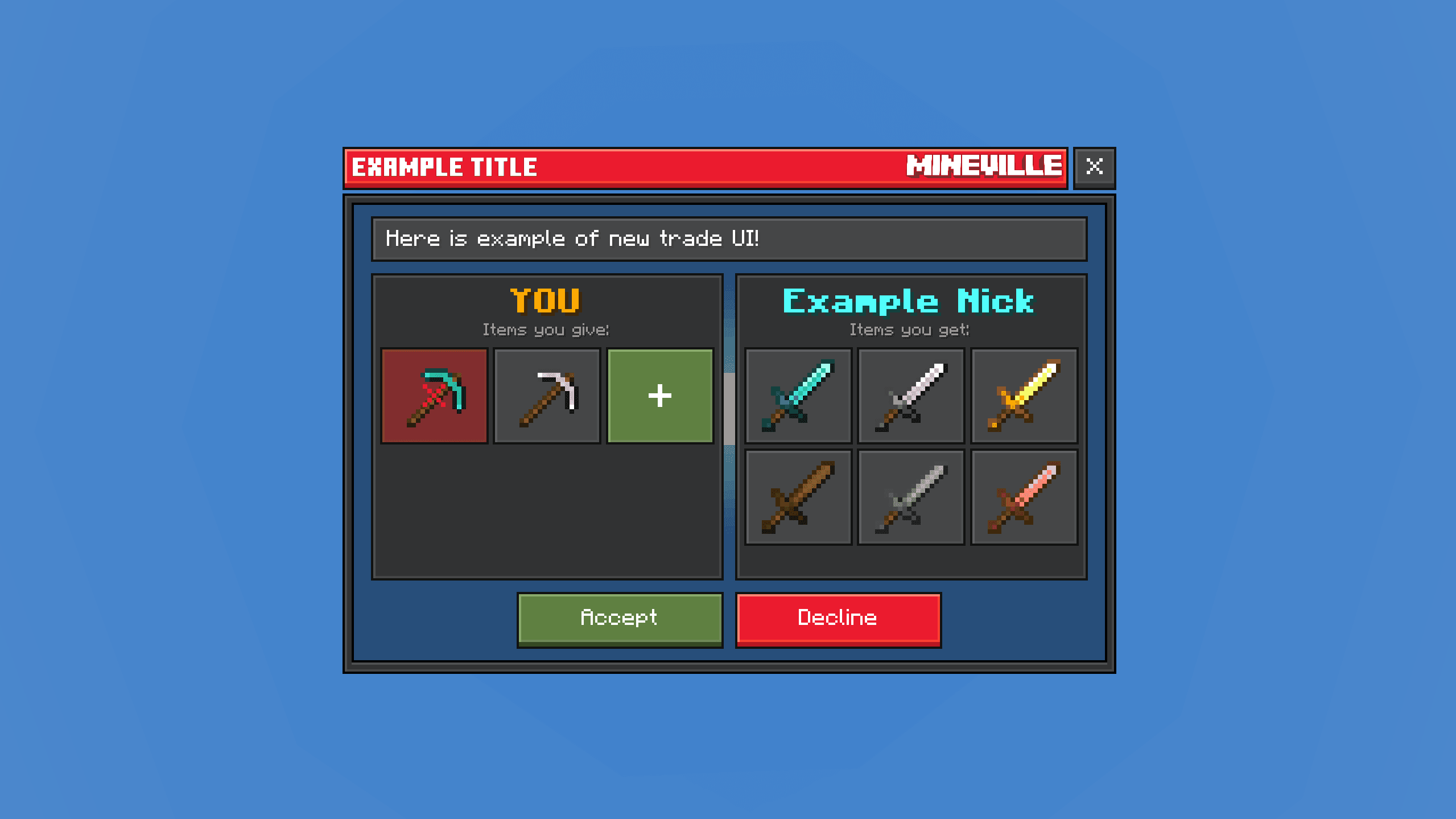
5. Trade Selection
Intuitive offer setup panel for managing trade items.
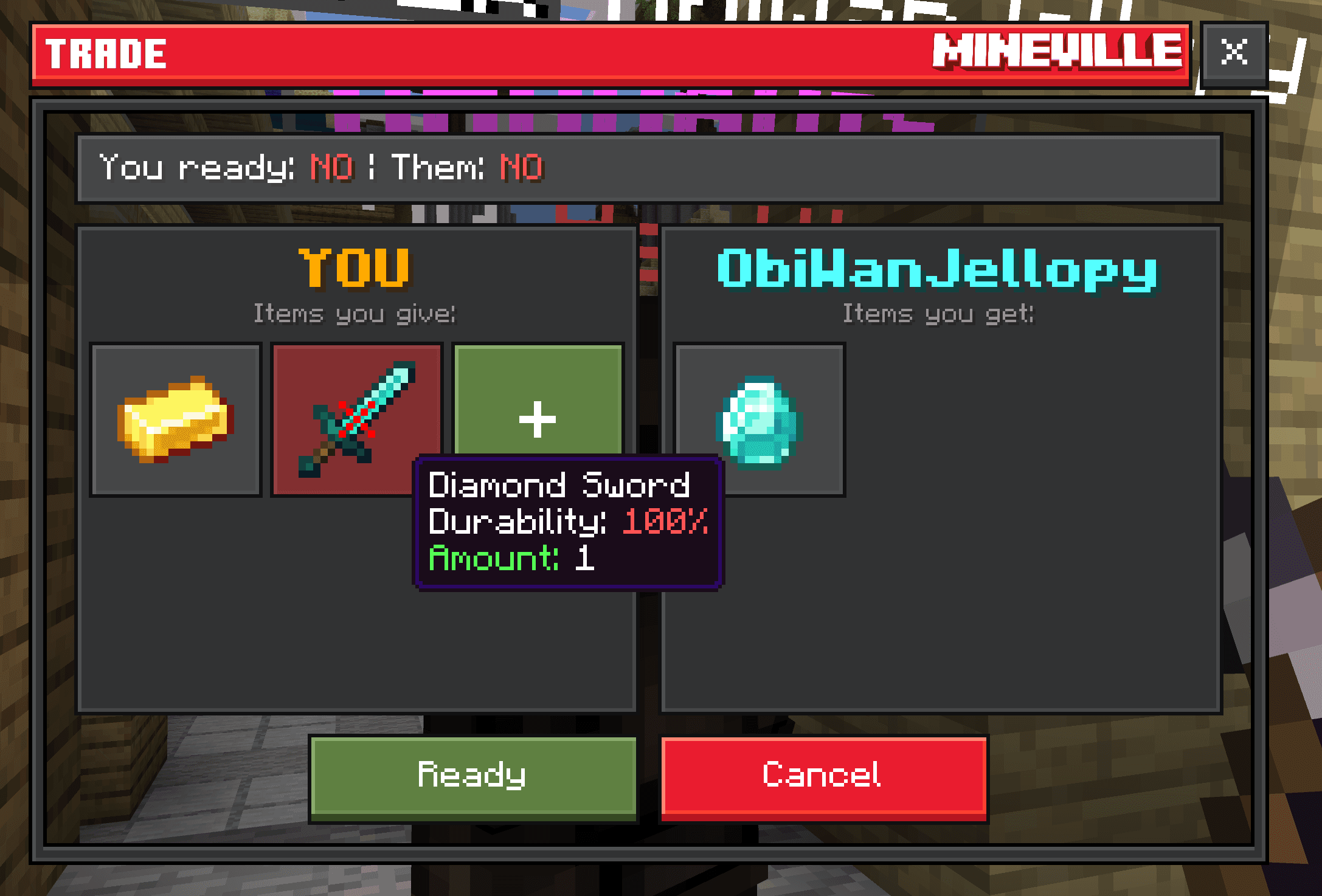
6. Live Trading
Bilateral trading system, highly optimized for server performance under heavy load.
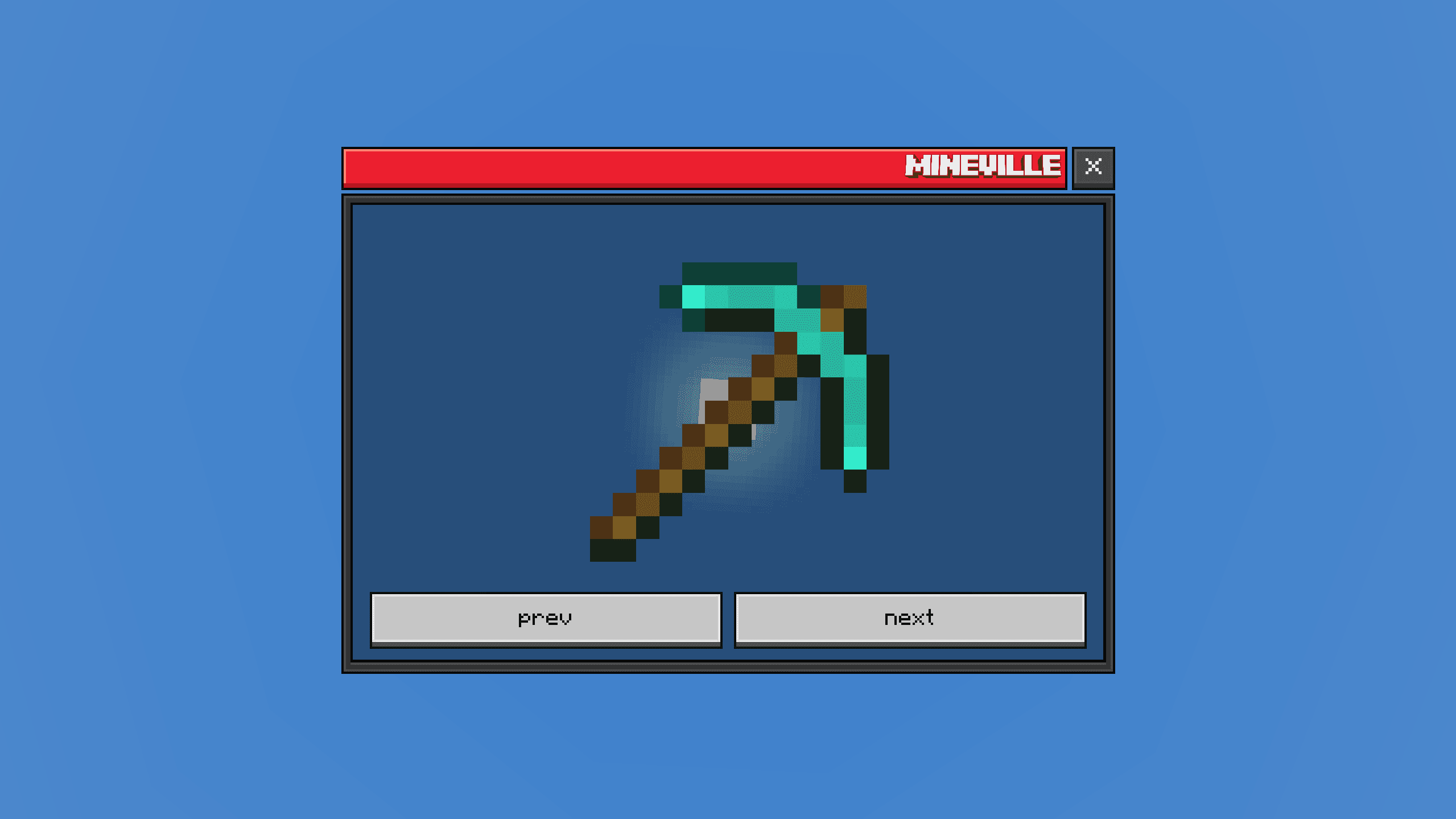
7. Profile Details
Clean profile summary panels with easy-to-use navigation.
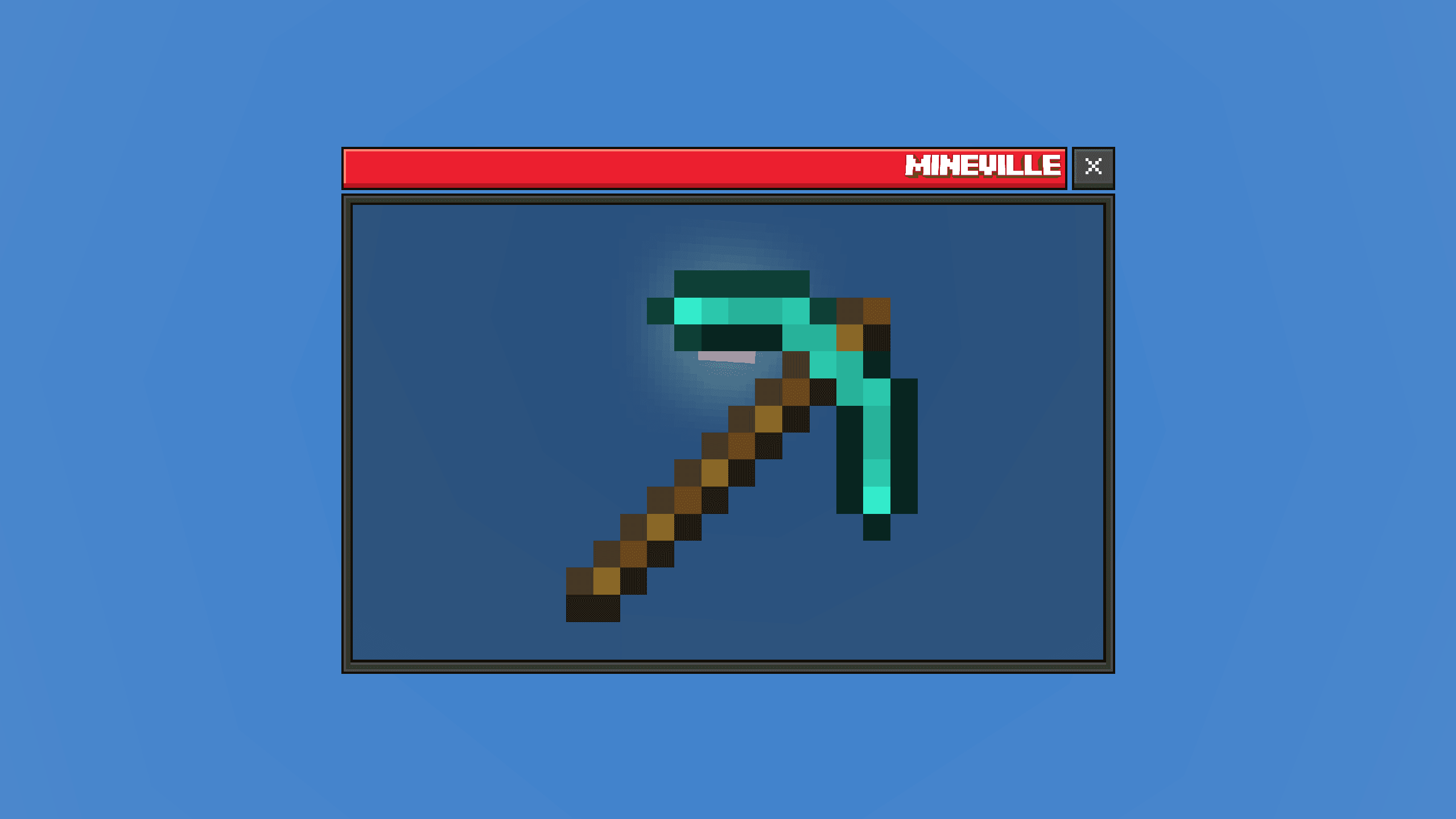
8. Dynamic Stats
Statistics panel that automatically adapts to varying content.
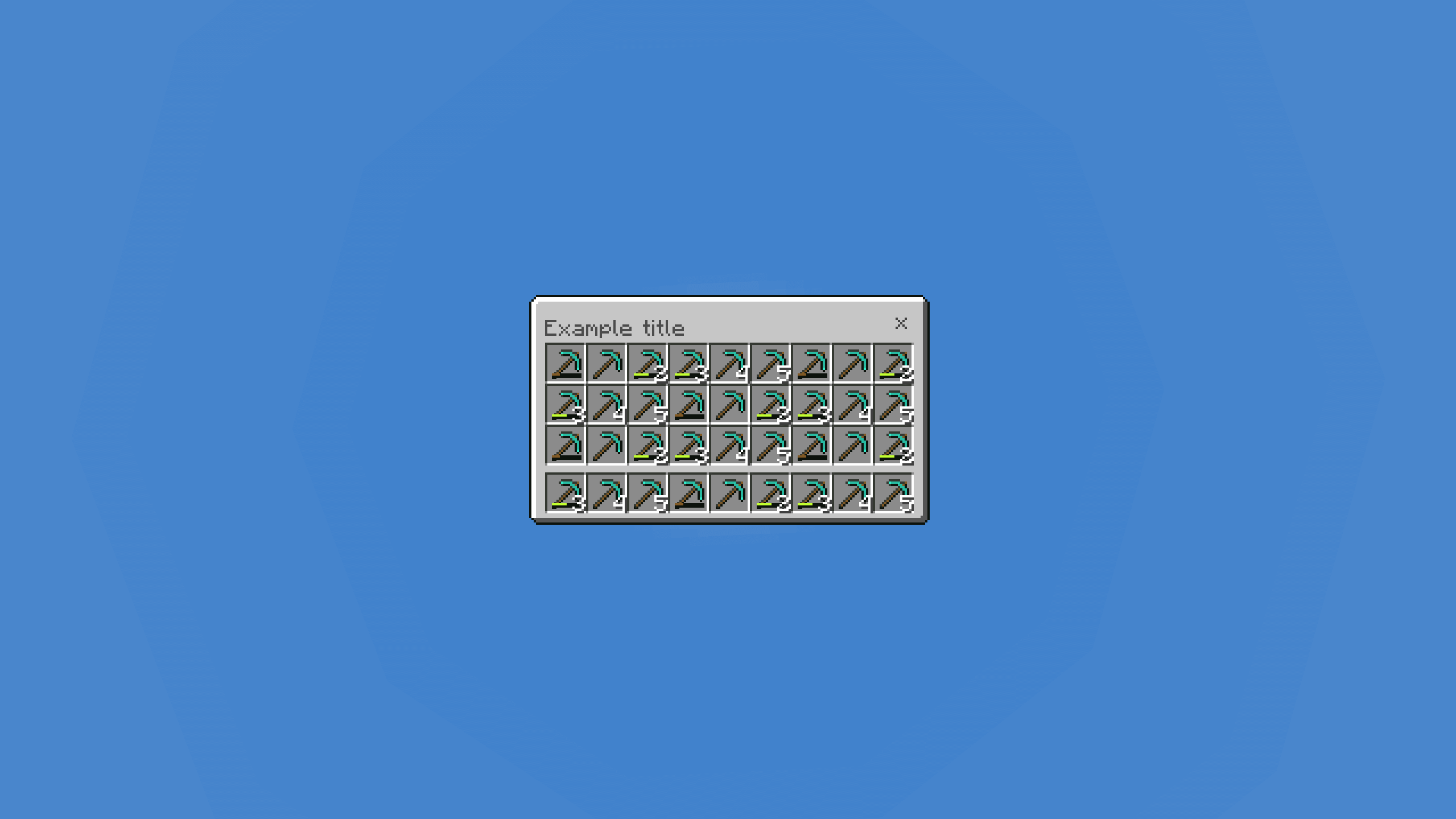
9. Custom Inventory
Upgraded inventory layout featuring enhanced item counts and durability tracking.
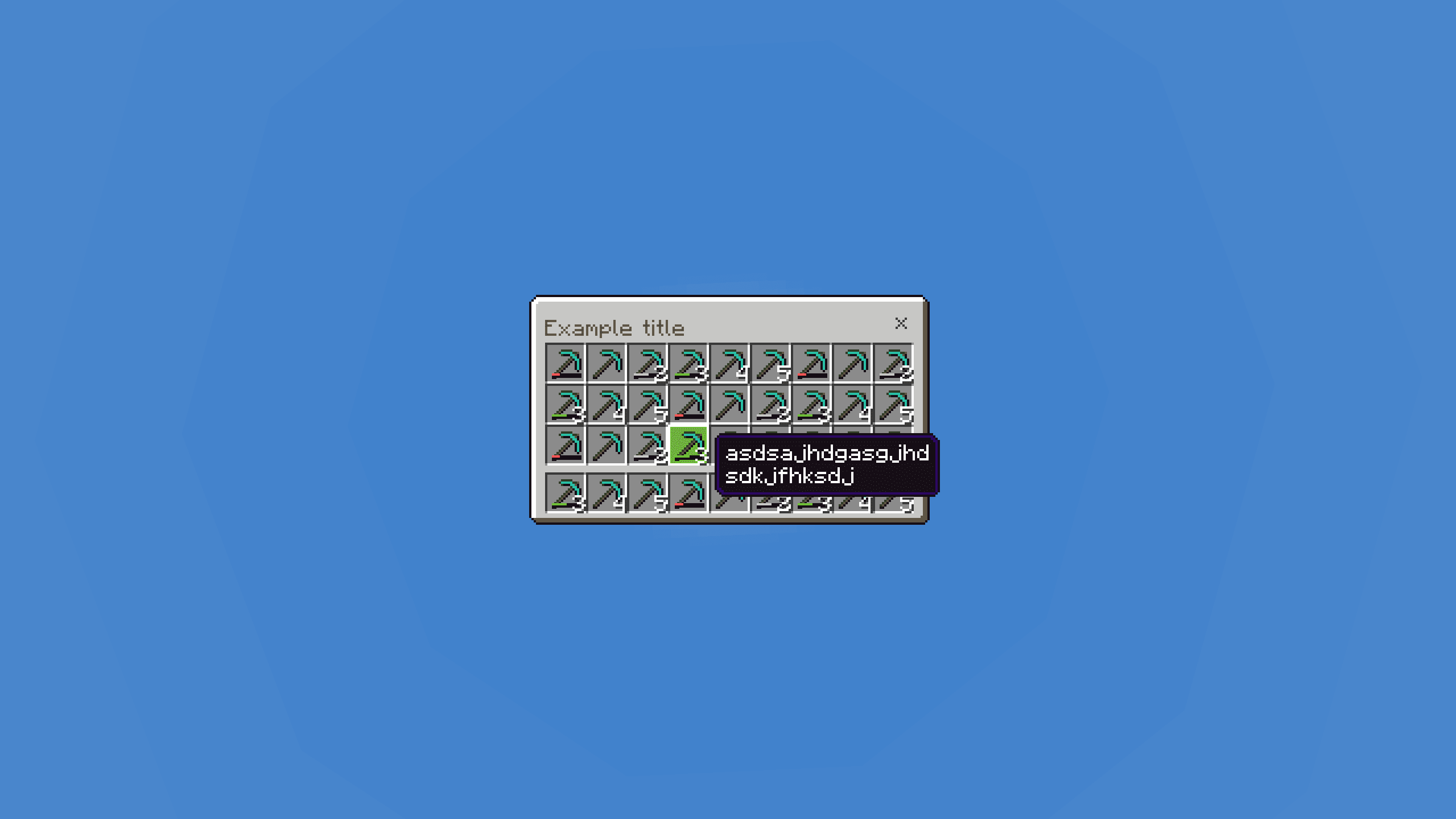
10. Storage Filters
Advanced storage filtering system with dynamic sorting capabilities.
Showcase
Enhanced Default Menus
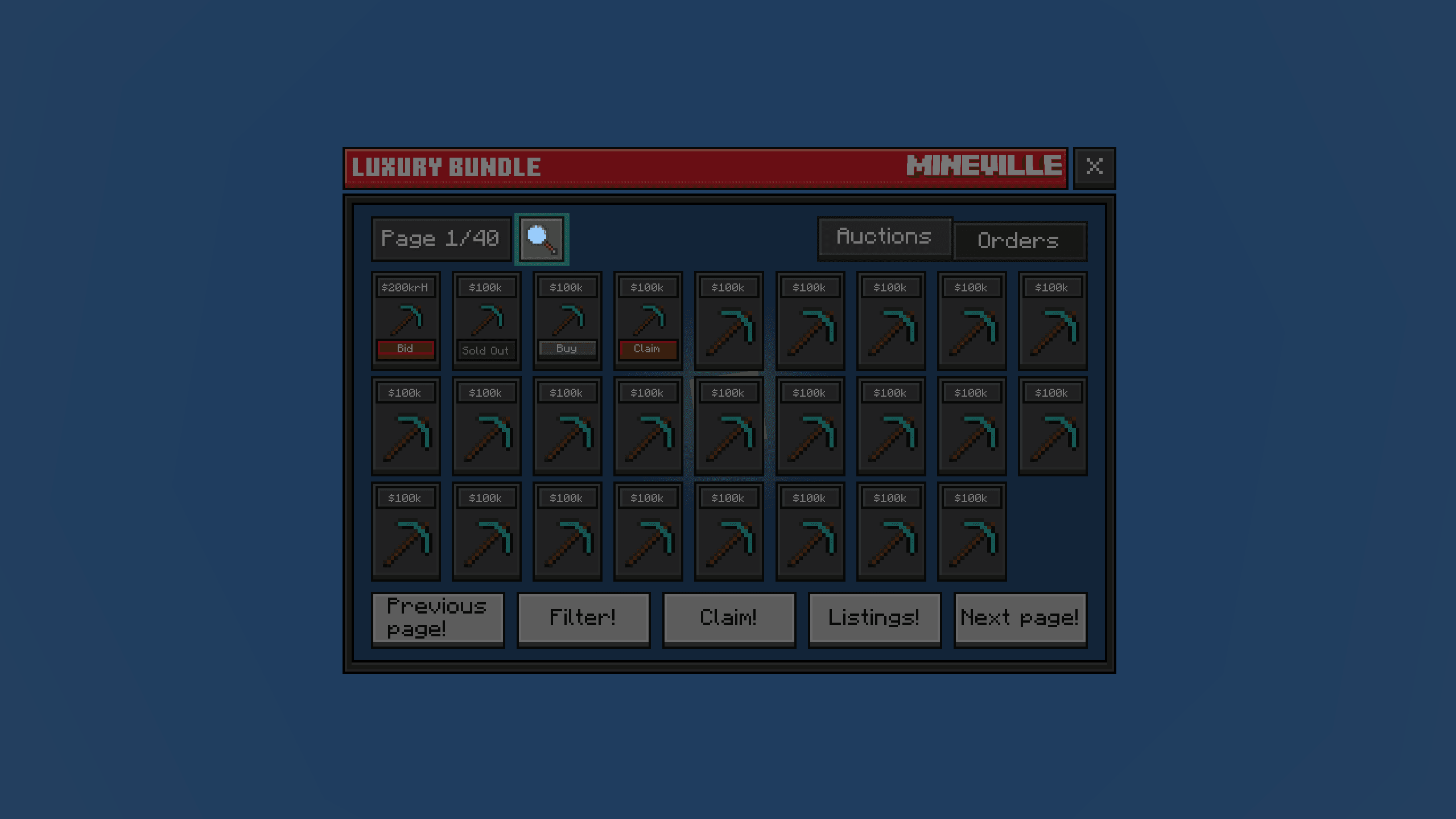
1. Auction Search
Redesigned auction house search with a modernized interface.
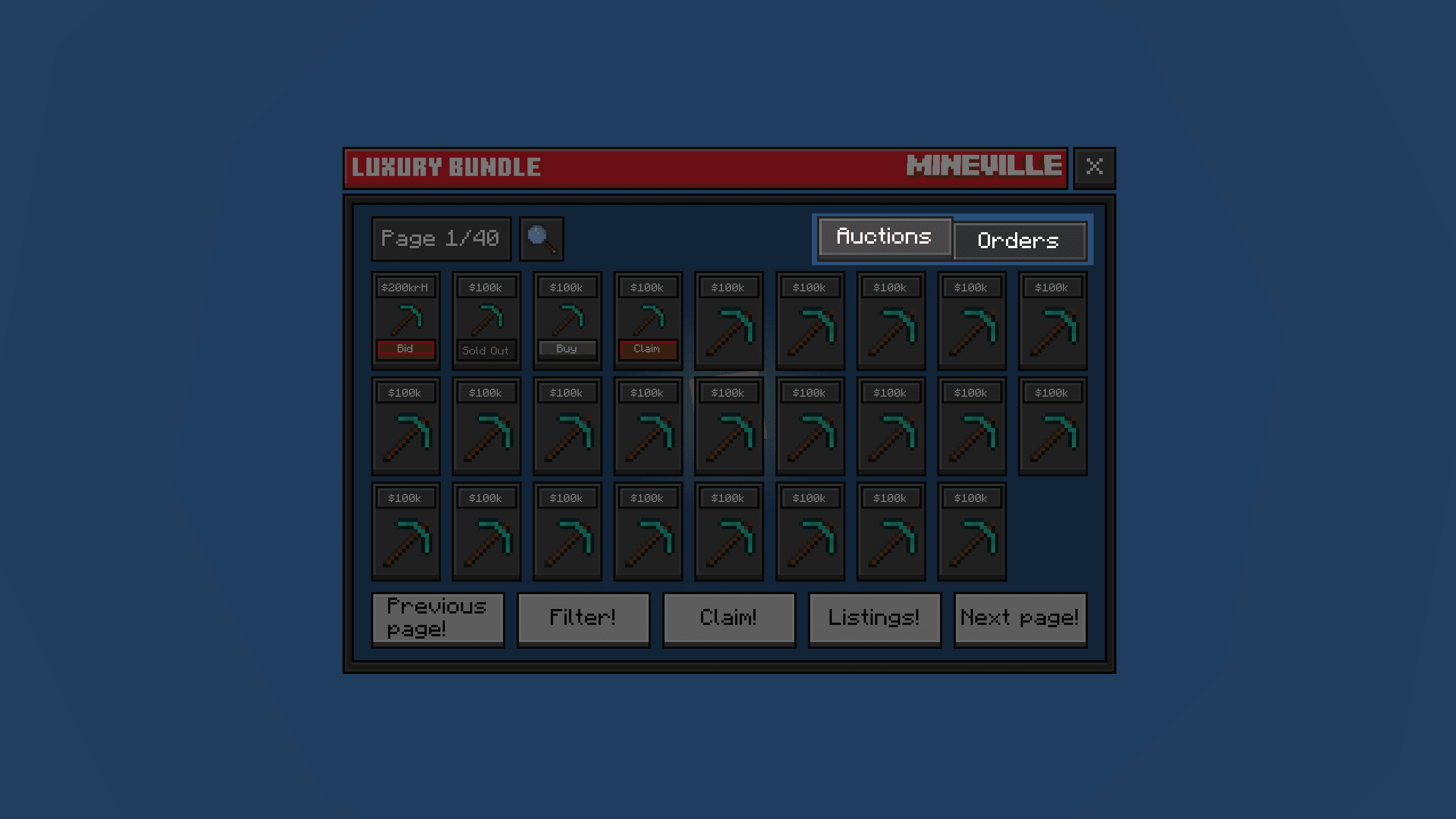
2. Category Sorting
Streamlined category sorting with custom toggle states.
Showcase
Custom HUD Modules
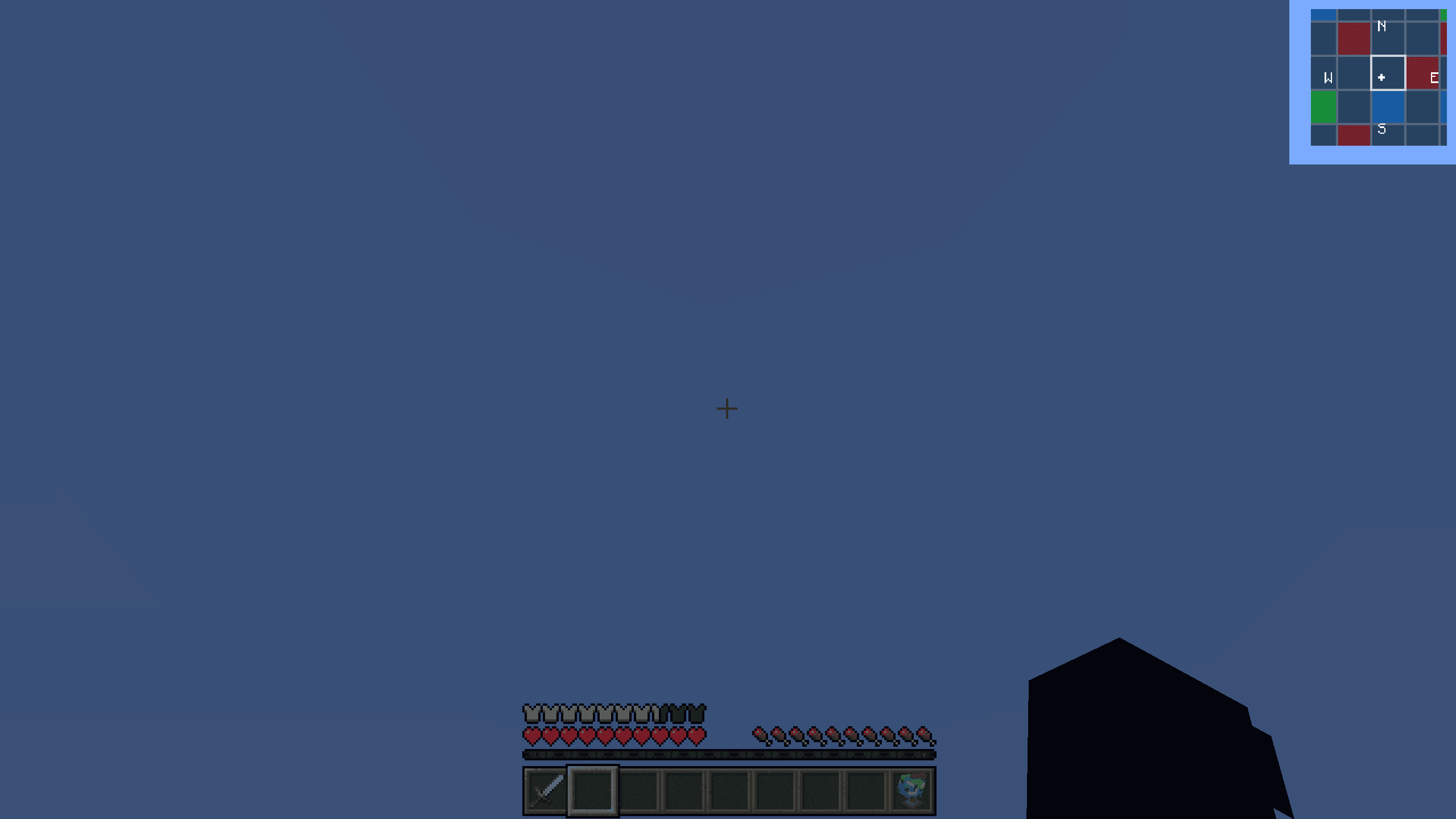
1. Client-Side Minimap
Advanced, zero-delay minimap widget running fully on the client side.
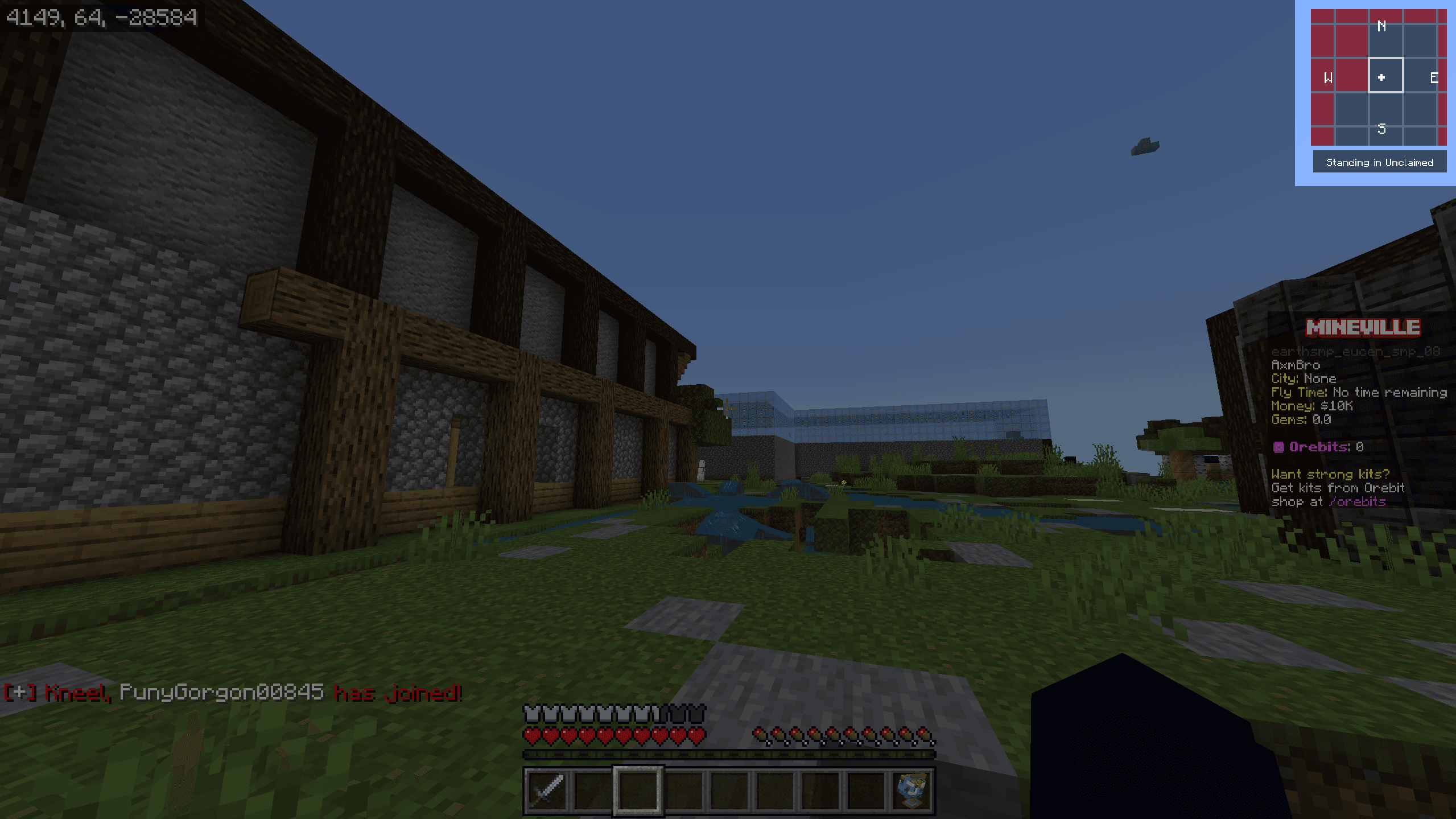
2. Minimap in Action
Live production view of the high-performance minimap in active use.
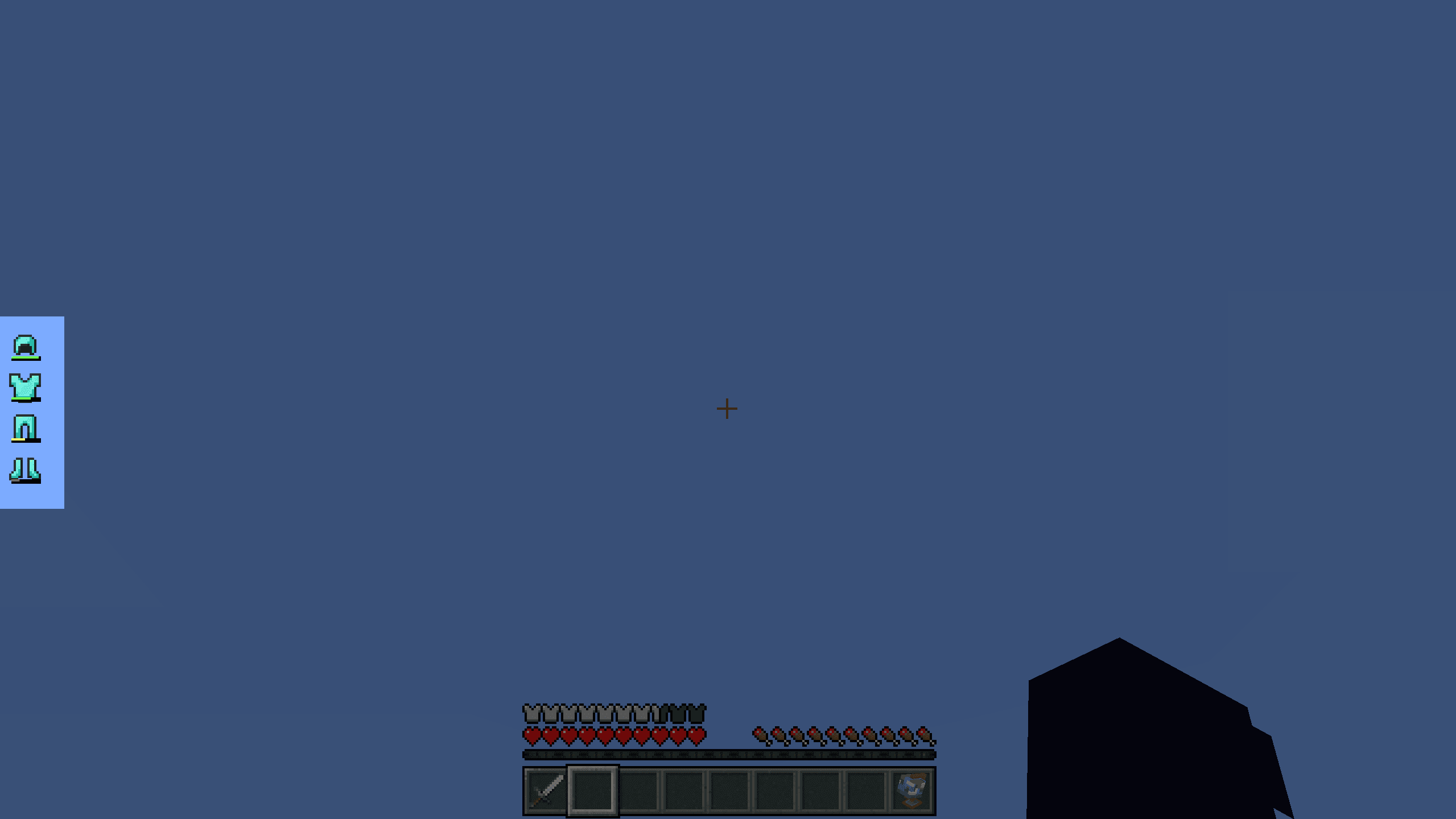
3. Equipment HUD
Sleek equipment tracker with durability bars and visibility toggles.
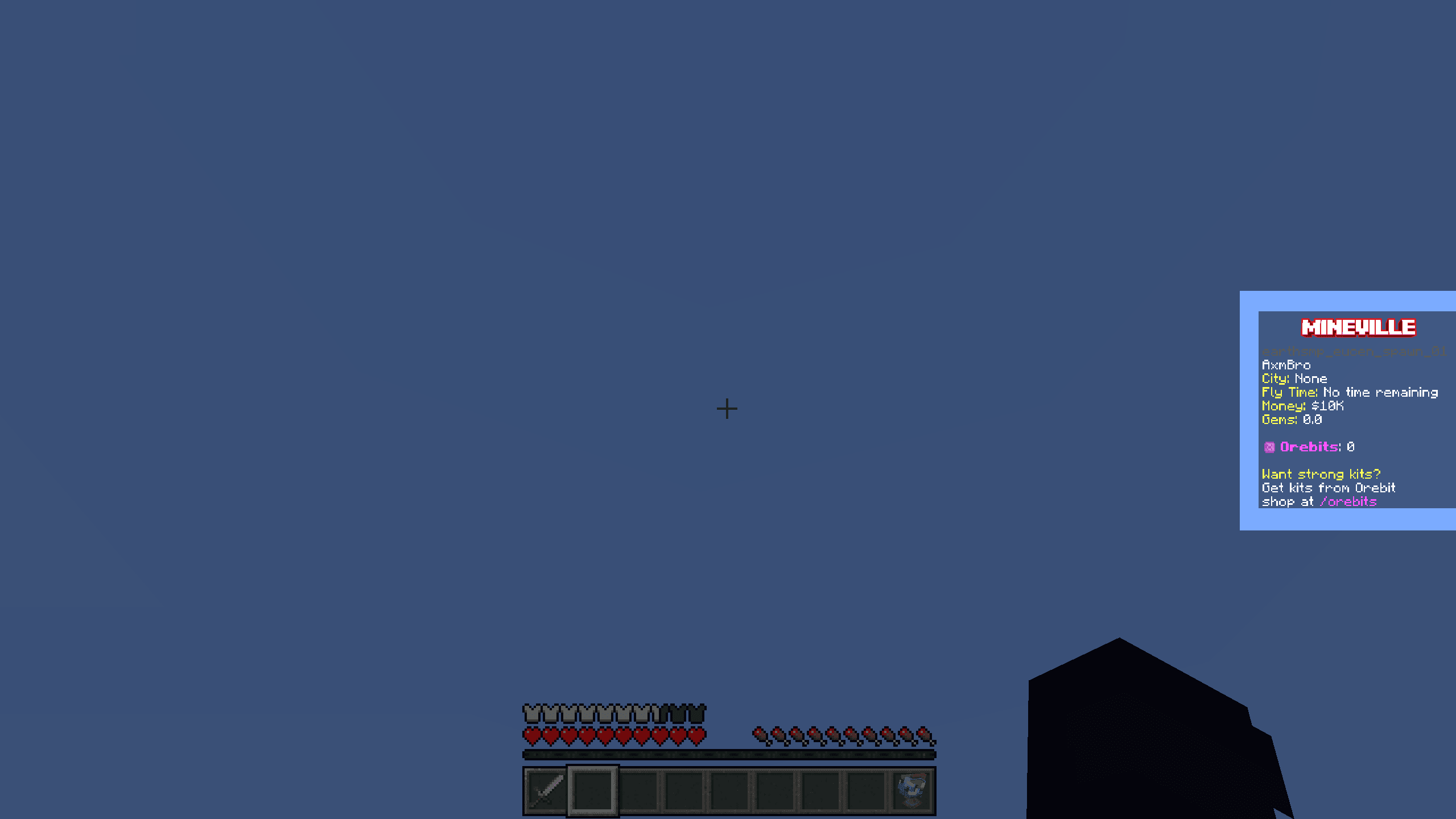
4. Minimal Scoreboard
Compact, unobtrusive server scoreboard with custom branding.
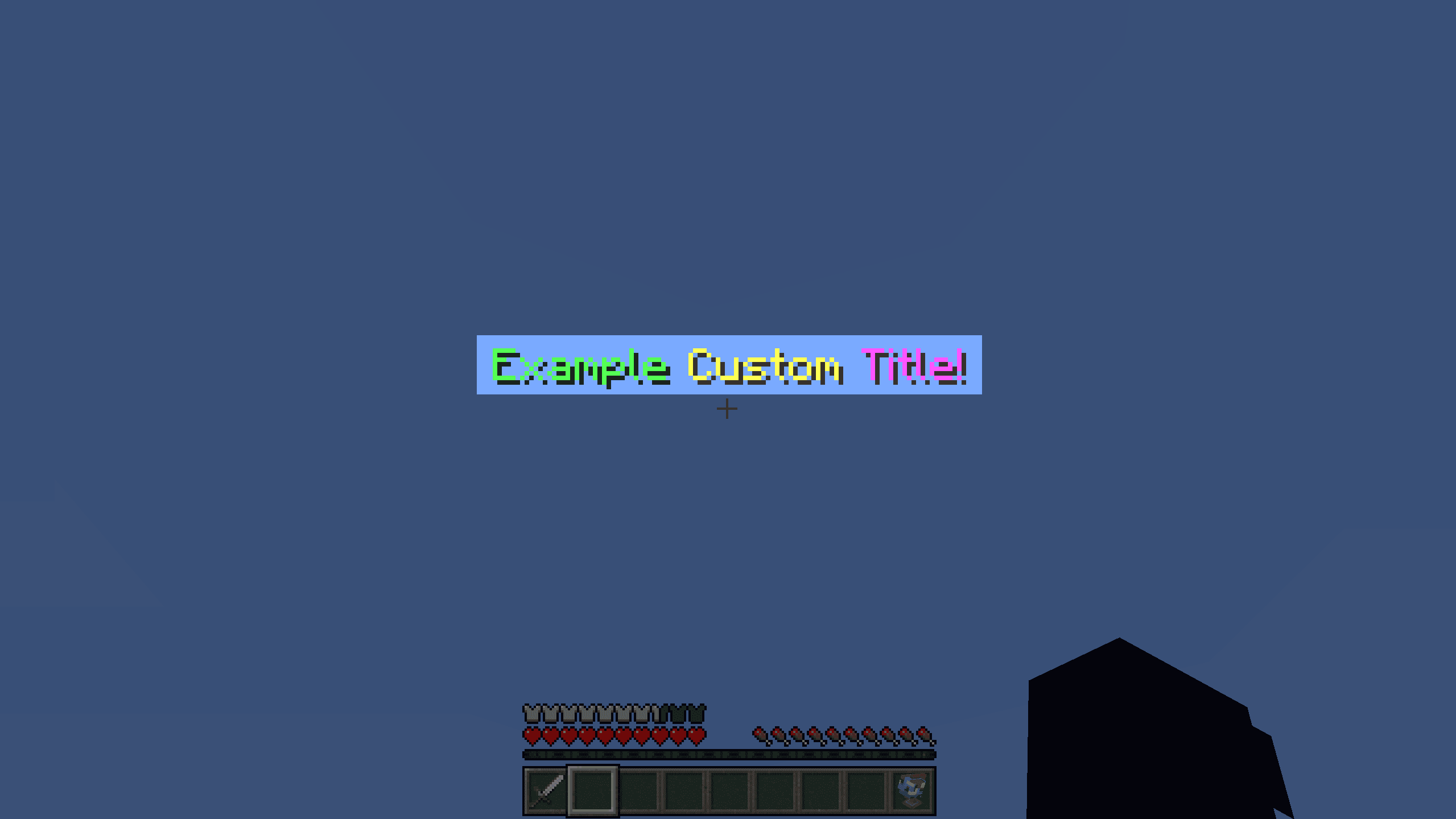
5. Announcement Titles
Optimized server announcement titles with smooth vanilla-like animations.