
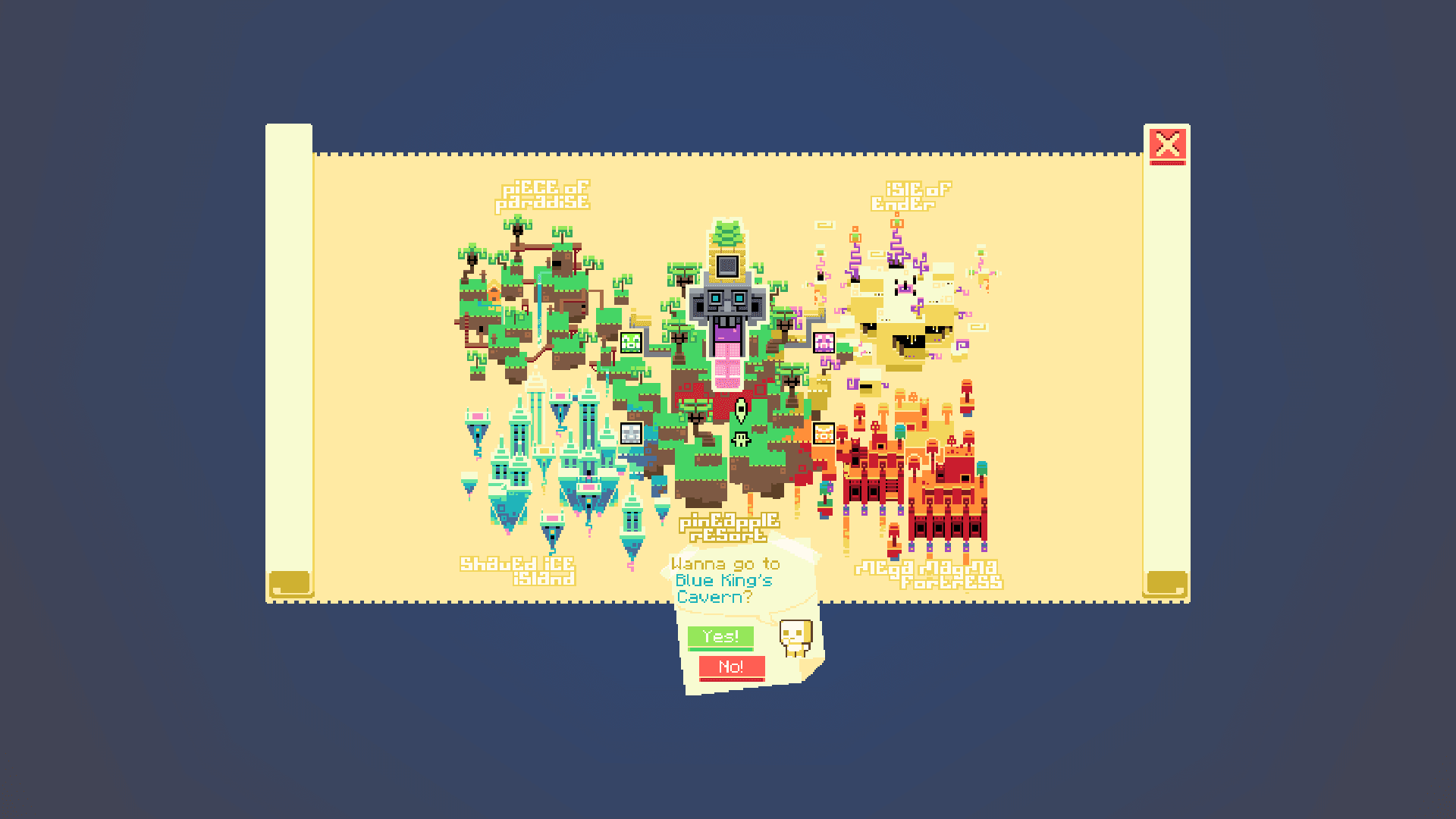
One Slime Block Adventure
A large-scale adventure map commissioned by YouTuber Slime Block. Engineered and developed advanced custom interfaces, including specialized HUDs and interactive server forms.
Project
Overview
Jul 2025
 JsonUIServer Form
A large-scale adventure map built with YouTuber Slime Block and Mush Co. I was commissioned to design and implement the entire custom UI, covering both the in-game HUD and the server forms. It remains one of the most complex projects I have worked on.
My responsibility was the full UI layer. I did not create the textures myself; instead, I took the provided assets and built them into a working JsonUI system. Collaborating with the team on a project of this scale taught me a lot about teamwork and how seemingly simple tasks can become surprisingly difficult. It was my first large commission and a valuable opportunity to test my skills in a real production environment.
The scope was significant: there were many custom HUD elements to build (full credit to the artist, vemigvan, whose assets were perfectly prepared), along with the most complex piece, the custom map form, which took considerable time to get right. The final result across all of these interfaces is something I am genuinely proud of.
The map is now complete and available on the Minecraft Marketplace. You can visit the Mush Co website or download the pack using the buttons below.
Team
Credits
- UI Developer: AxmBro
- Studio: Mush Co Team
Media
Trailer
Media
HUD elements
Media
Map Form
Showcase
In-game HUD Screenshots
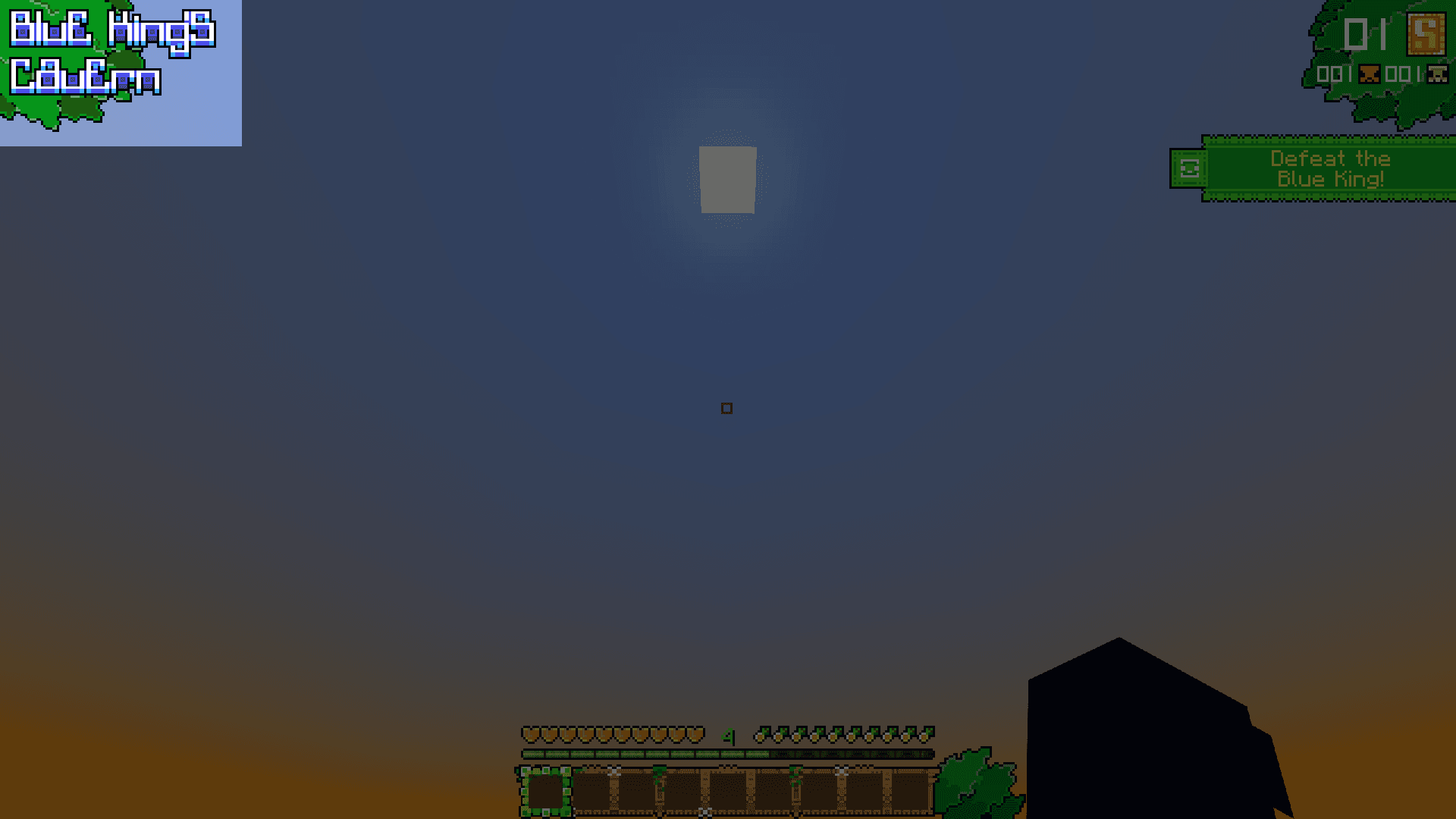
1. Locations
Styled location labels on a subtle leaf graphic in the top left corner, indicating the player's current area.

2. Closer look at Locations
Text updates instantly, without any transition animations.
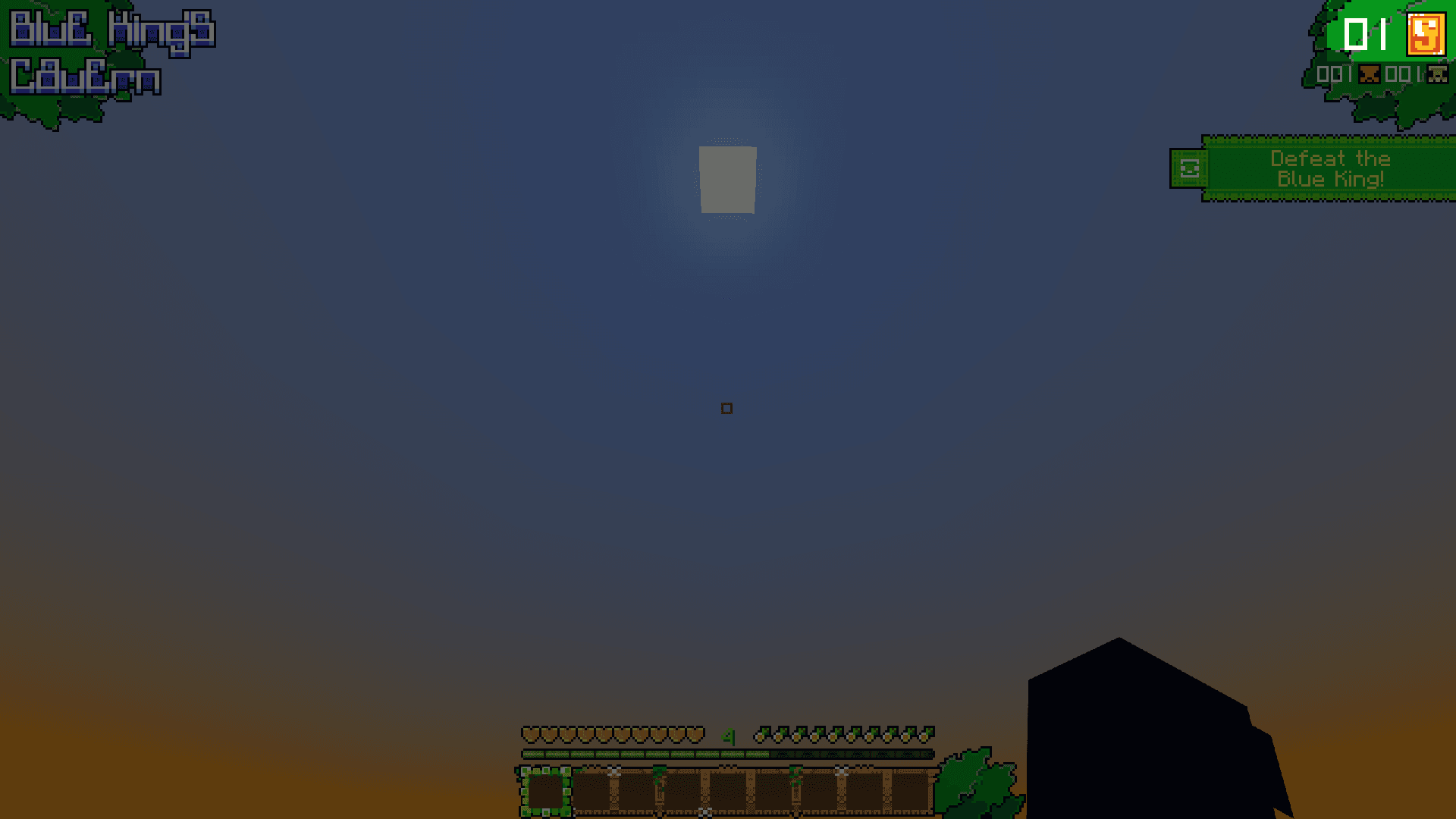
3. Coin Counter
Sits in the top right corner with the other counters. The number updates instantly, and the coin animates based on the situation.
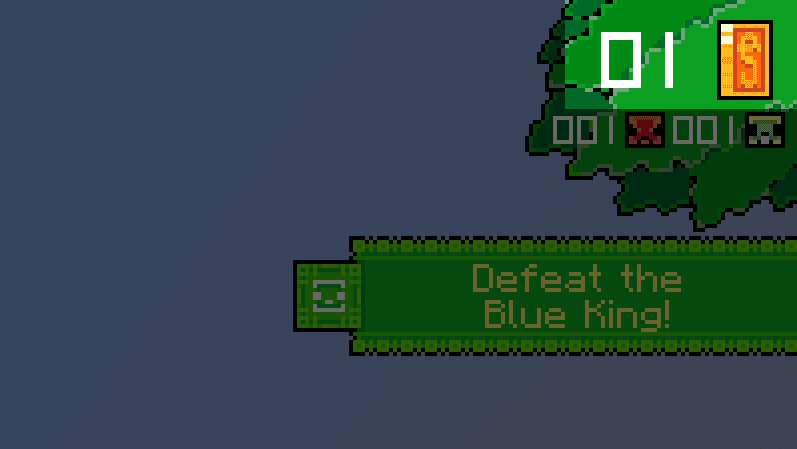
4. Closer look at Coin Counter
Coin has some action animations, but it's also always rotating as default animation.
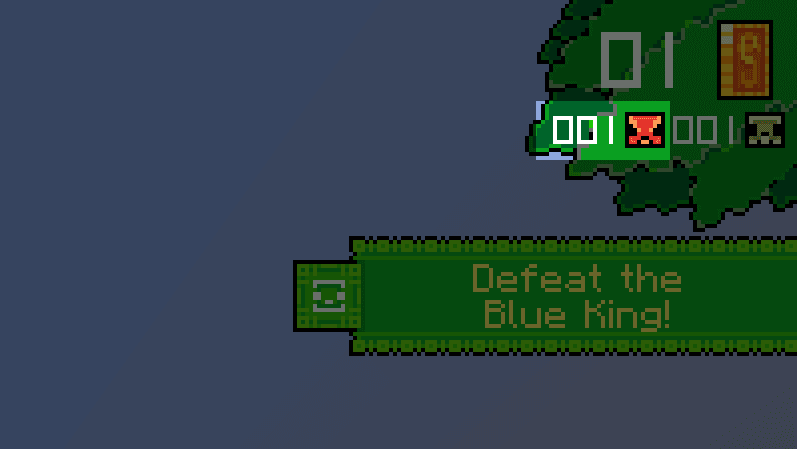
5. Enemy Counter
Has same logic like coin, it has updatable numbers and update animation.
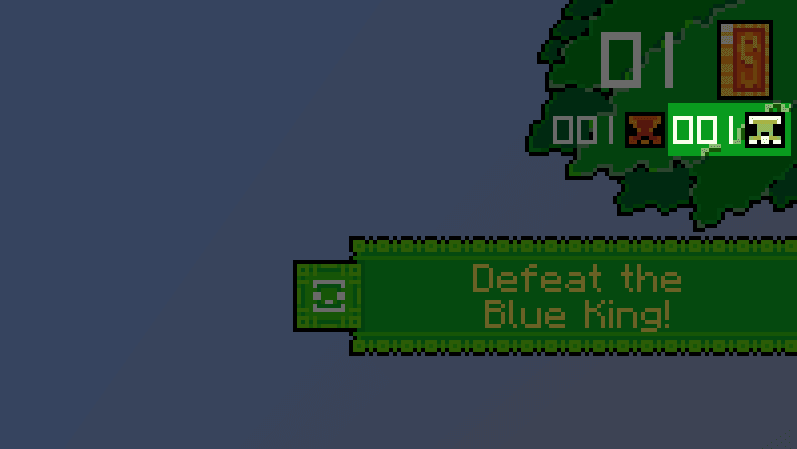
6. Death Counter
Same as enemy counter.
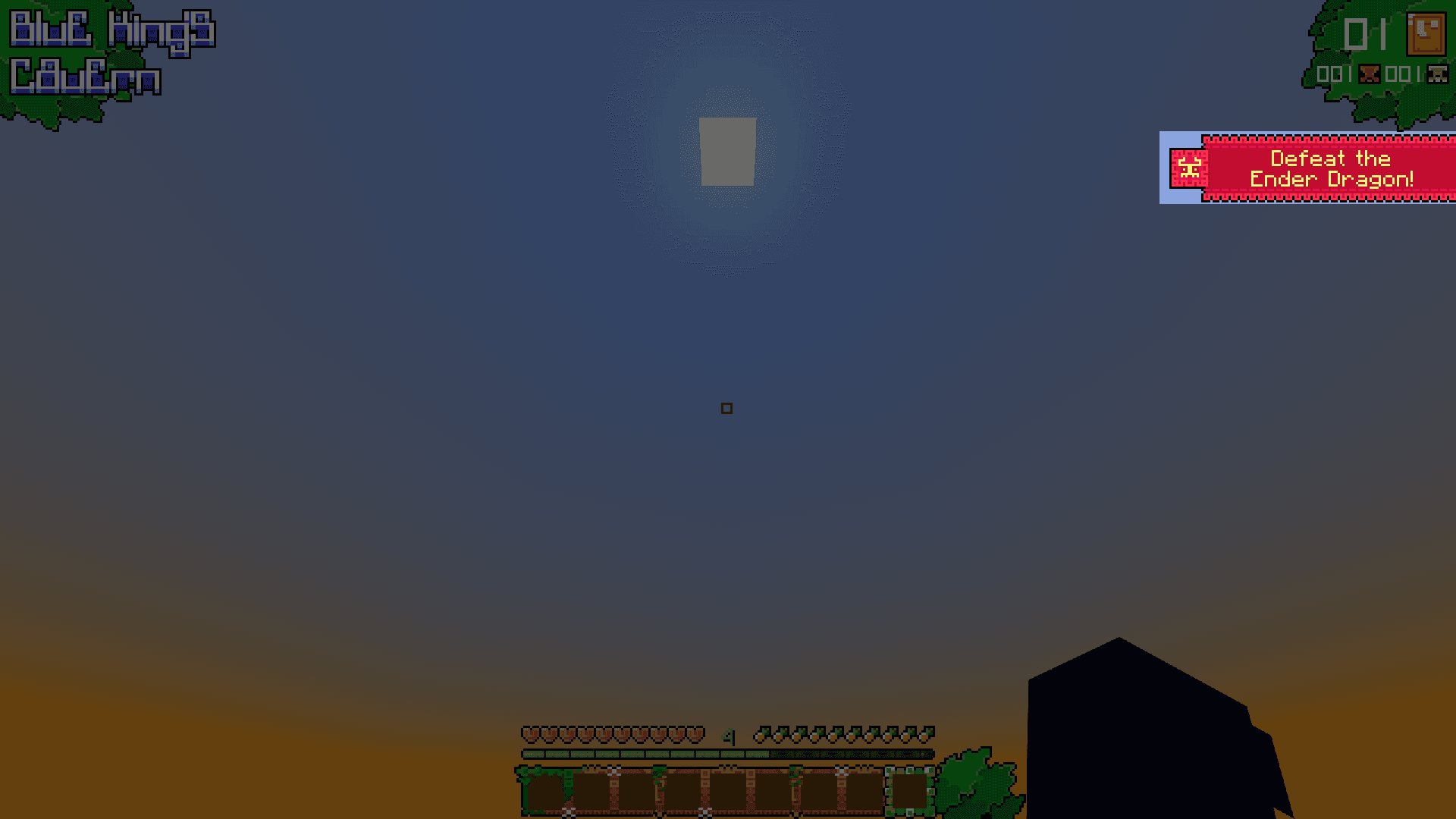
7. Objectives
Are elements located under content in top right corner. They have updatable text and texture.
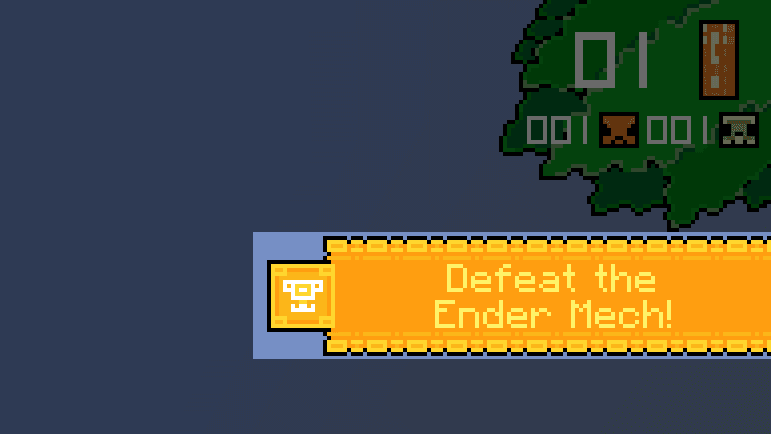
8. Closer look at Objectives
They also have some entry and exit animations.
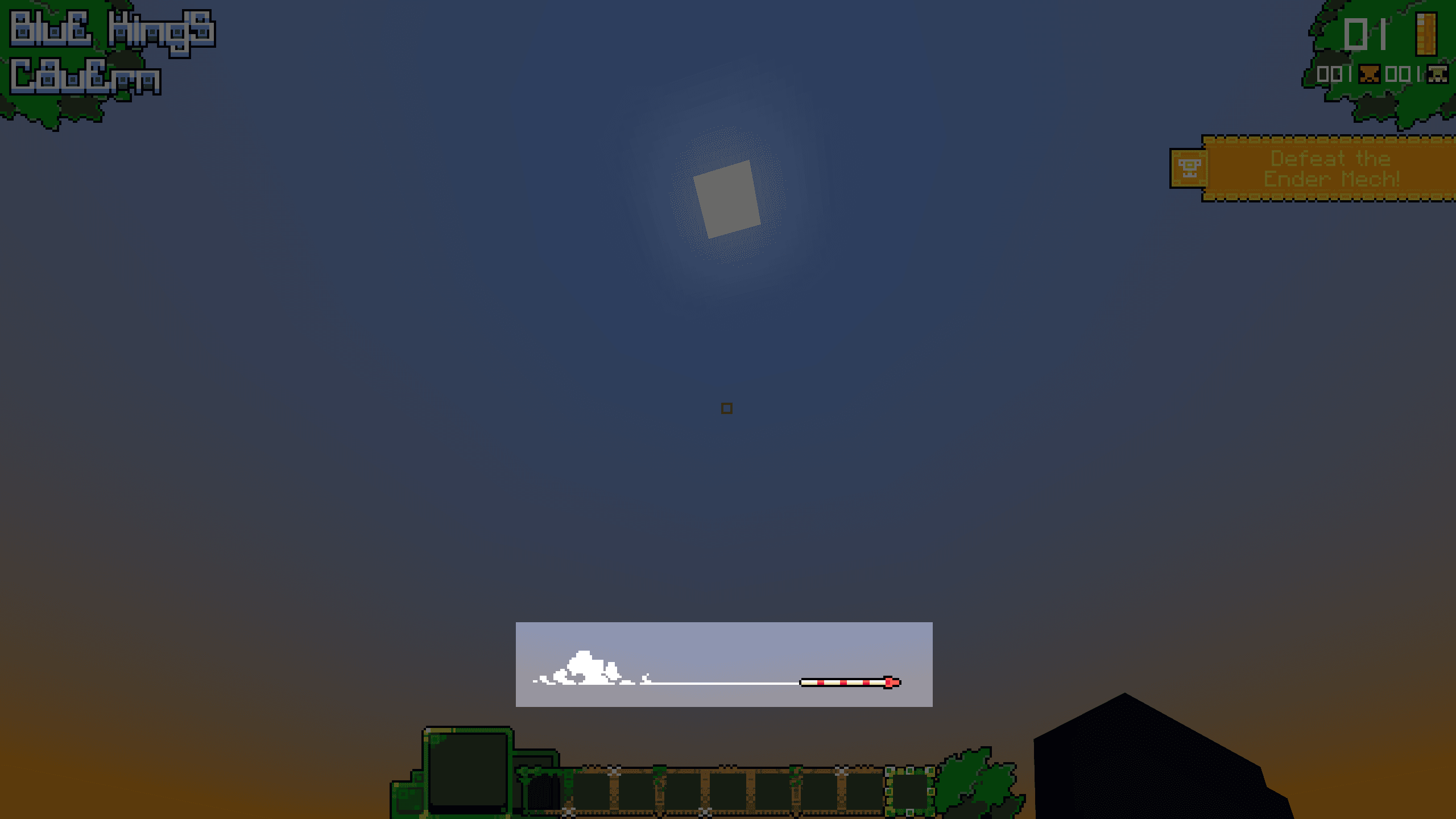
9. Firework Indicator
Simple animation that is visible whenever player uses firework.
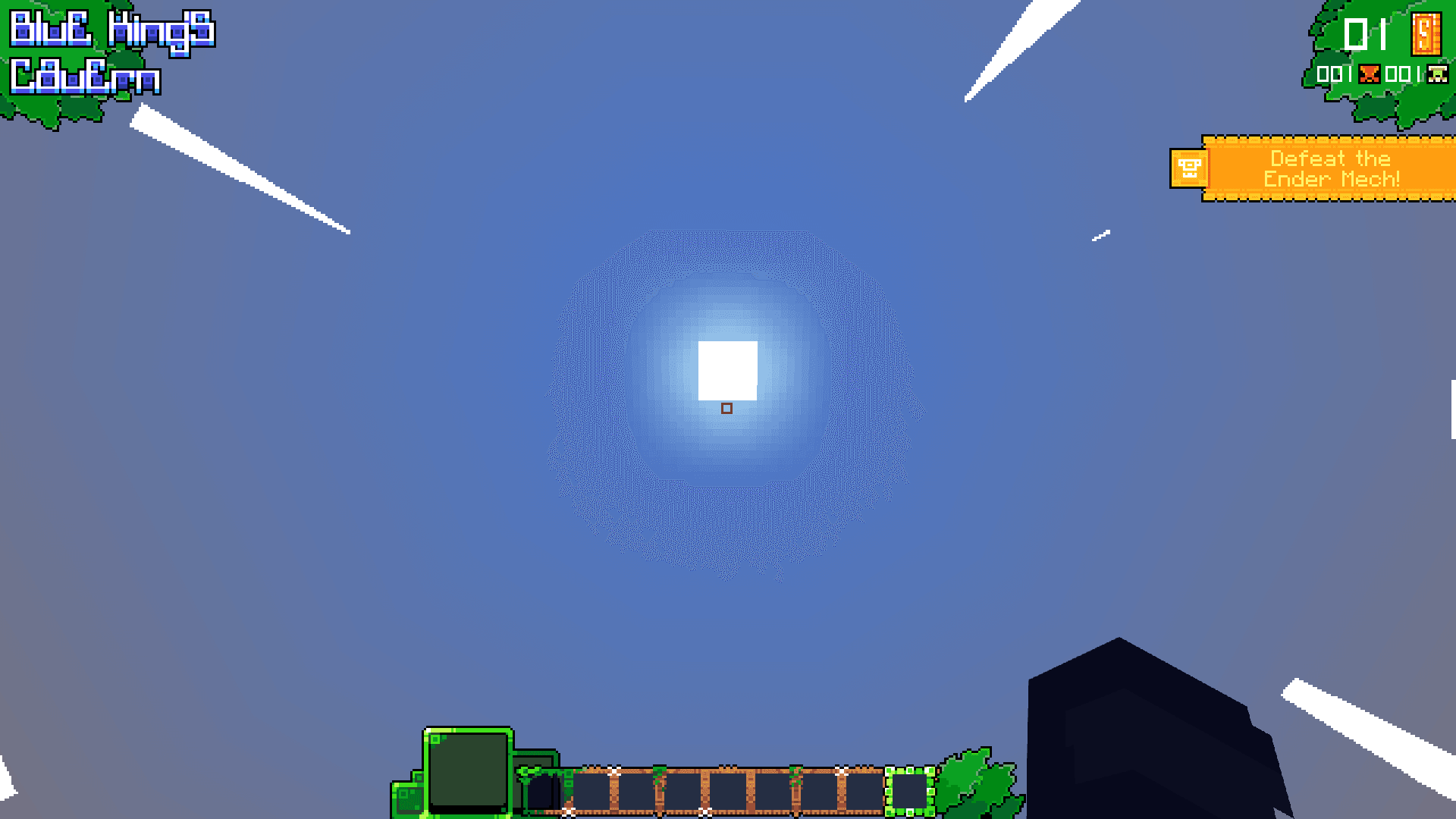
10. Elytra Flight Animation
Is visible when player is flying with elytra.
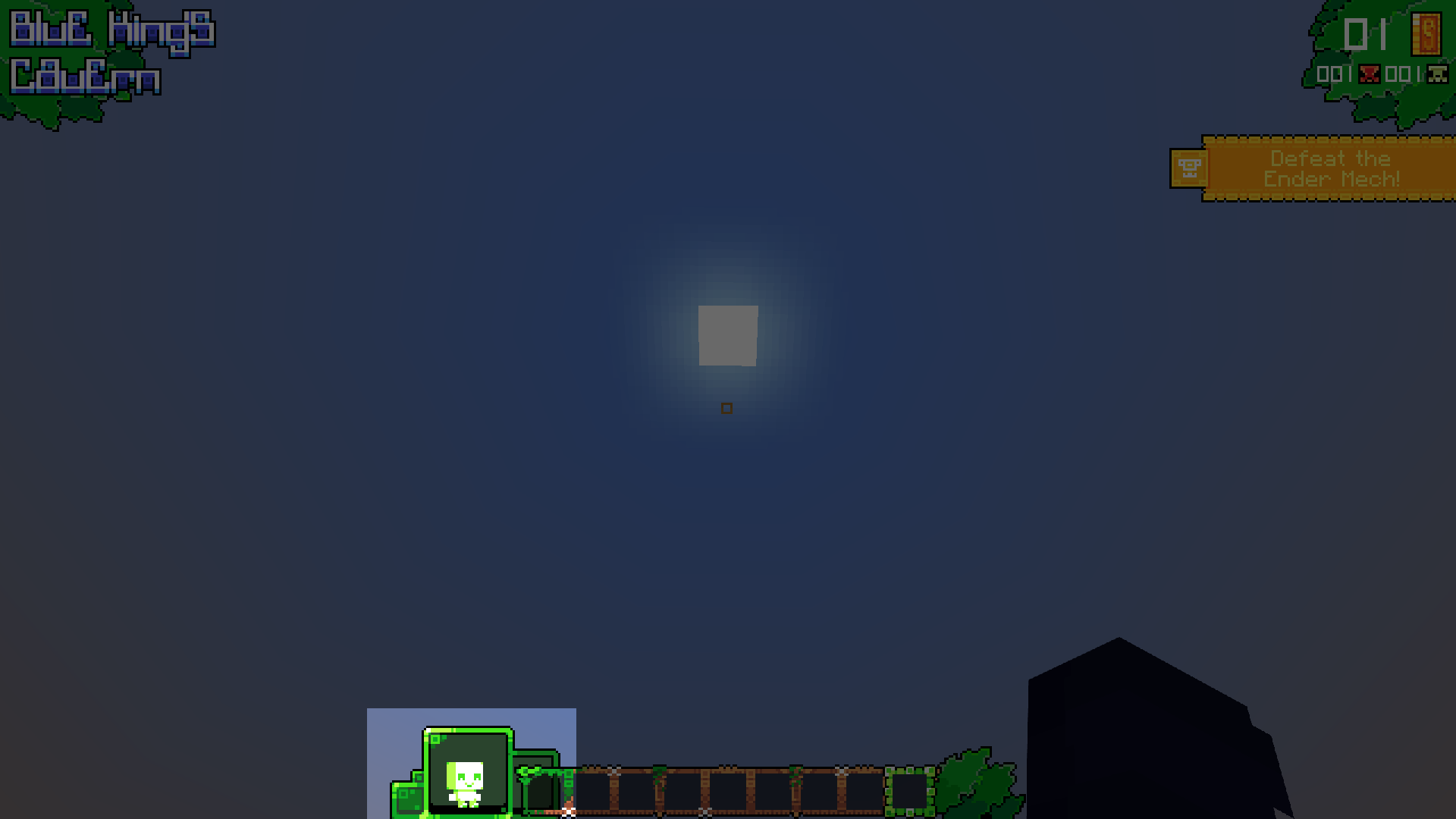
11. Chibi Character Element
Is located near hotbars, it has many animations based on what you are currently doing!
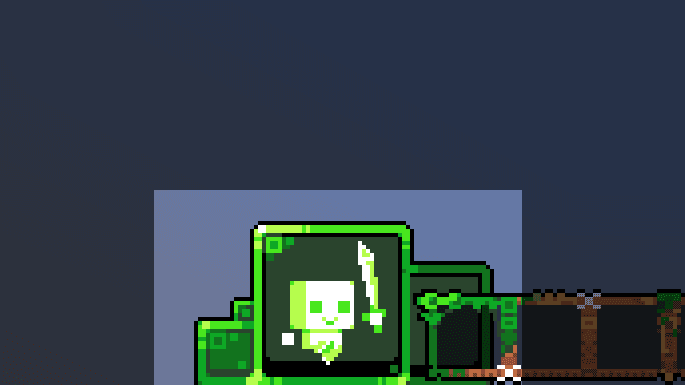
12. Closer look at Chibi Character Element
And to be more clear, they are totally 23 actions that are shown here.
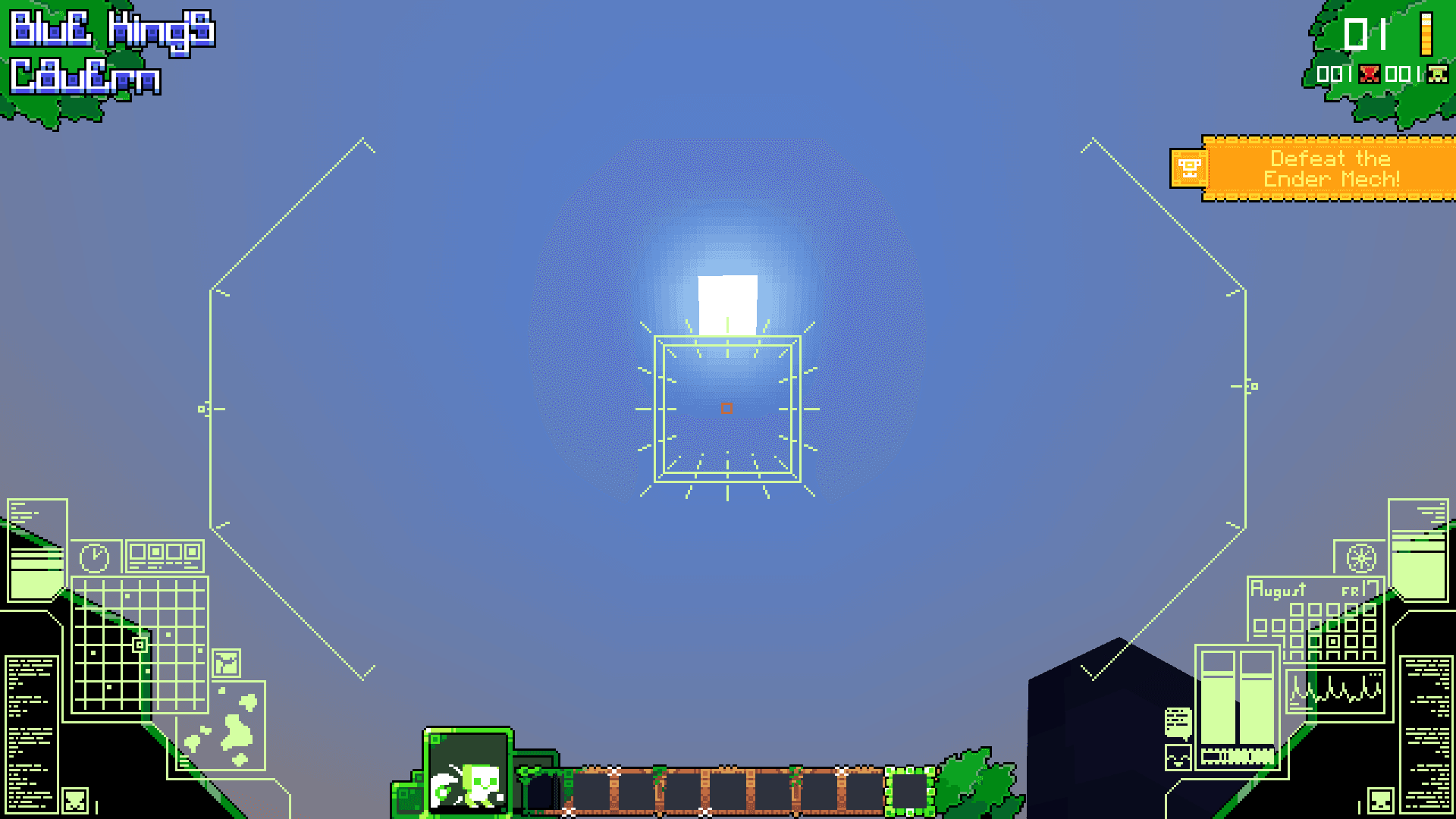
13. Mecha Display Element
Is visible when player is in mecha. It has normal stand-by animations, but also they are updated with other animations everytime player is shooting.
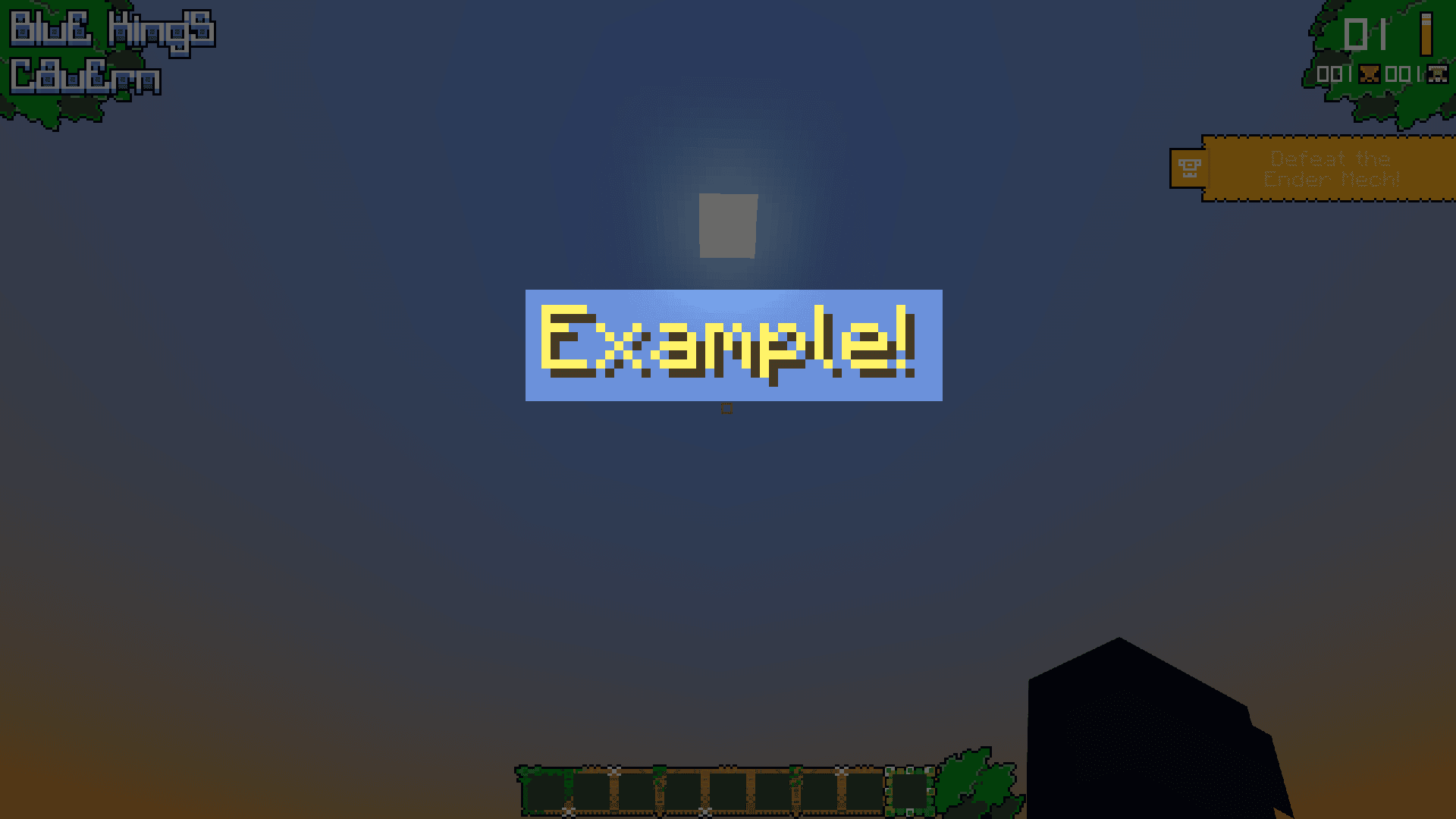
14. Custom Title
Built because the default title was used heavily and its fixed behaviour did not allow the control the project needed.
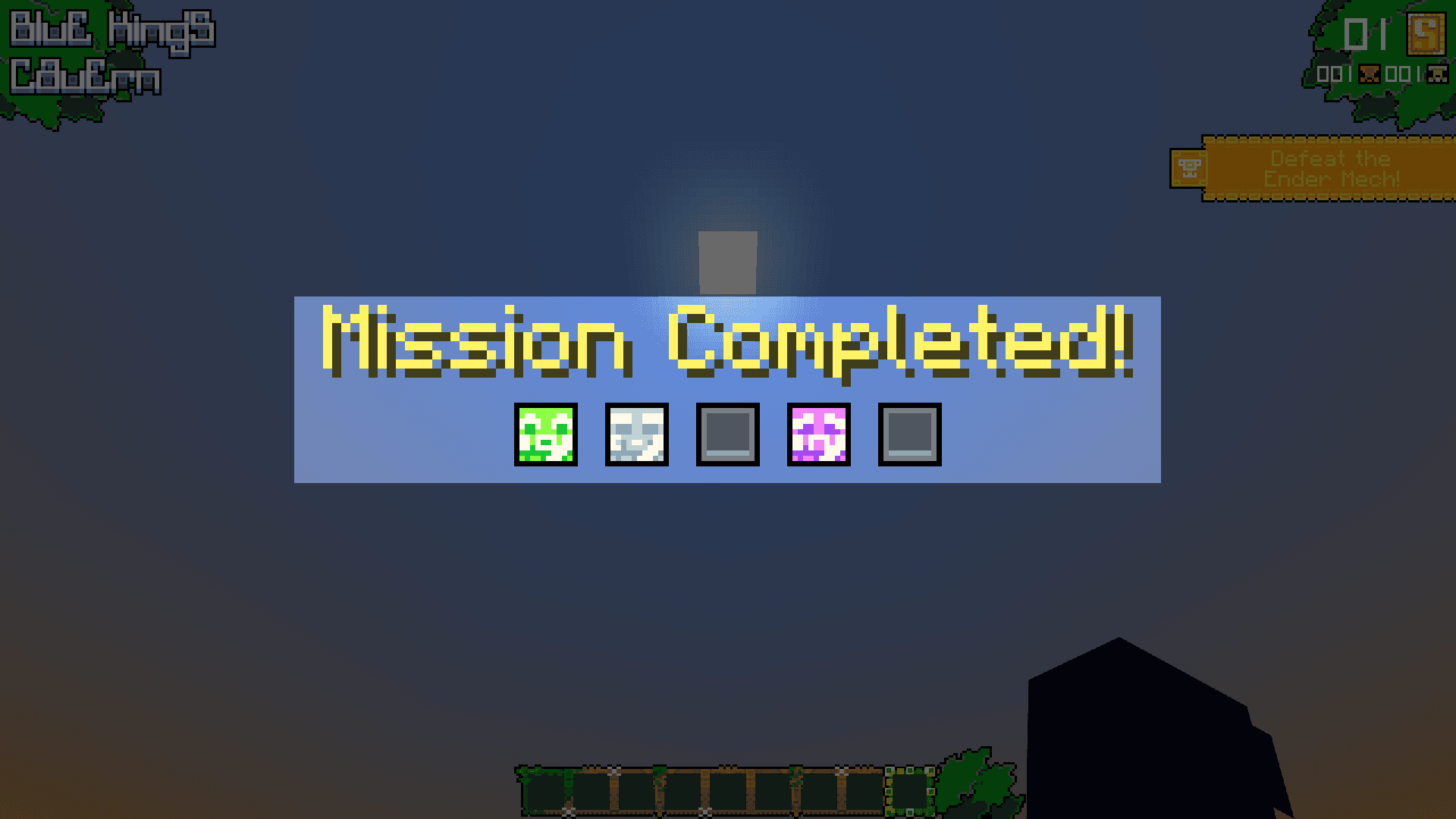
15. Custom Title with Icons
However with custom title, I added icons to indicate player progress - how many bosses were defeated and how many are left.
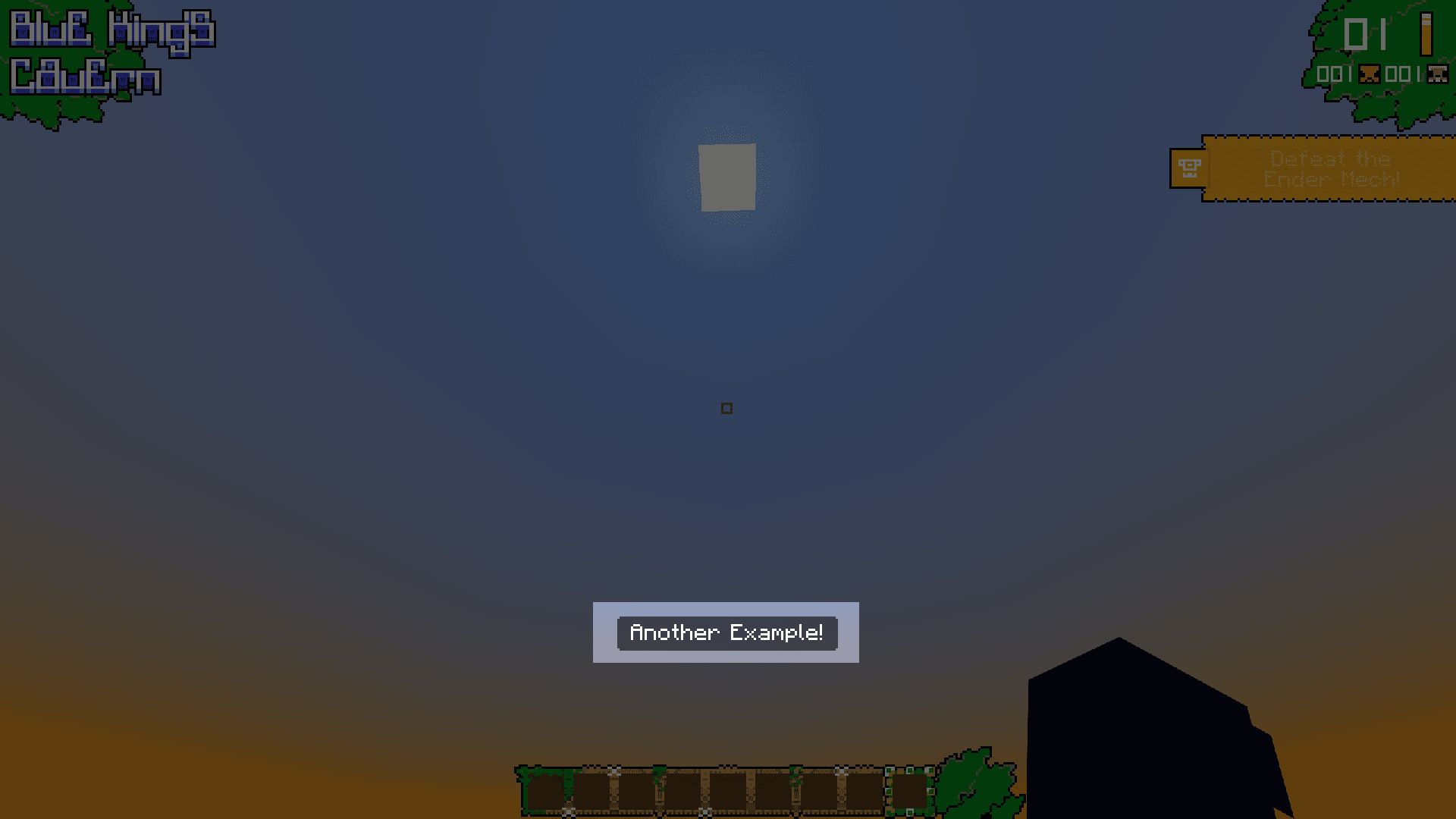
16. Custom Actionbar
Same like custom title - there was need for it because of high usage of default element.
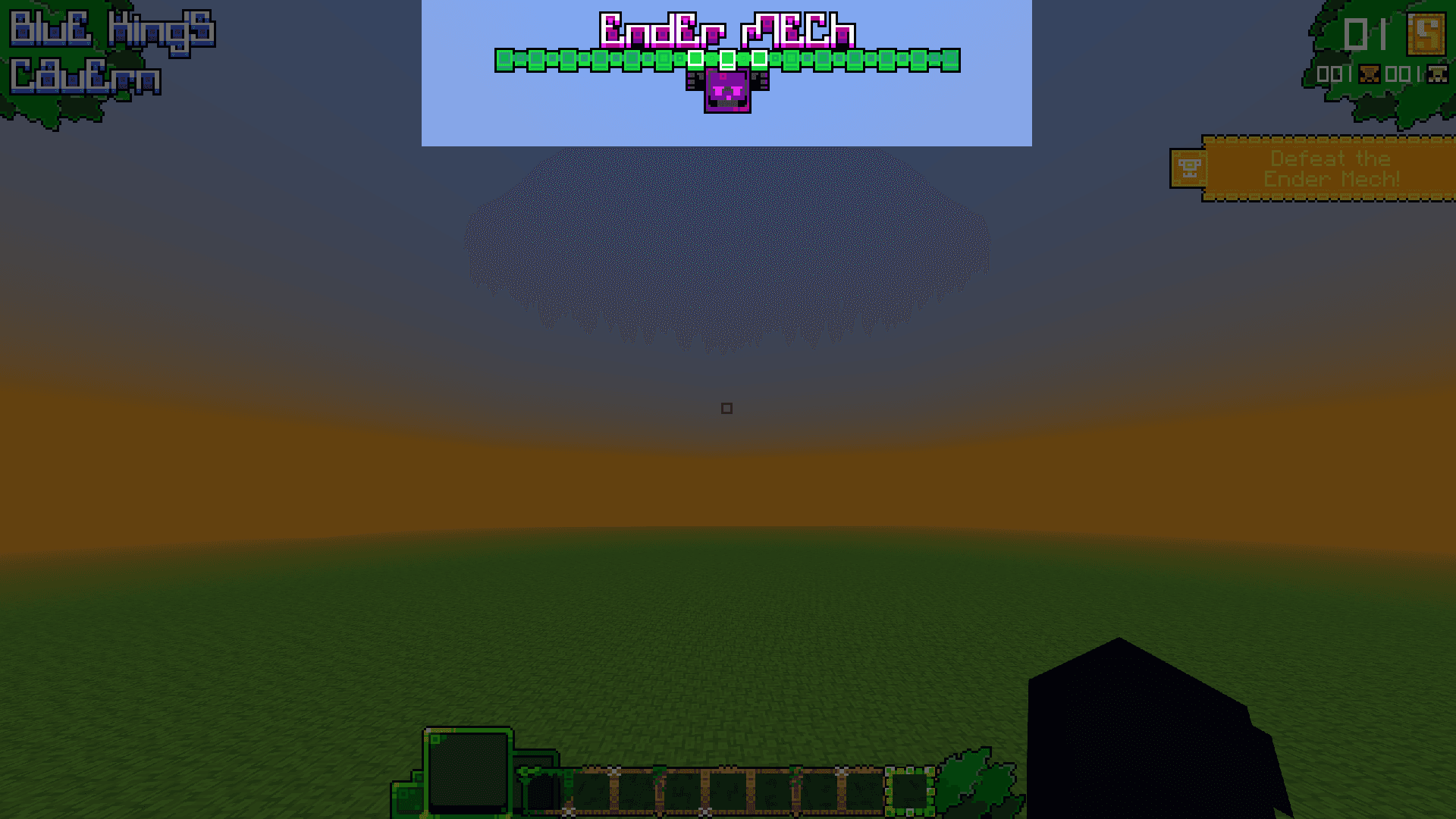
17. Custom Boss Bars
Fully custom boss bars built from scratch to match the map's style.
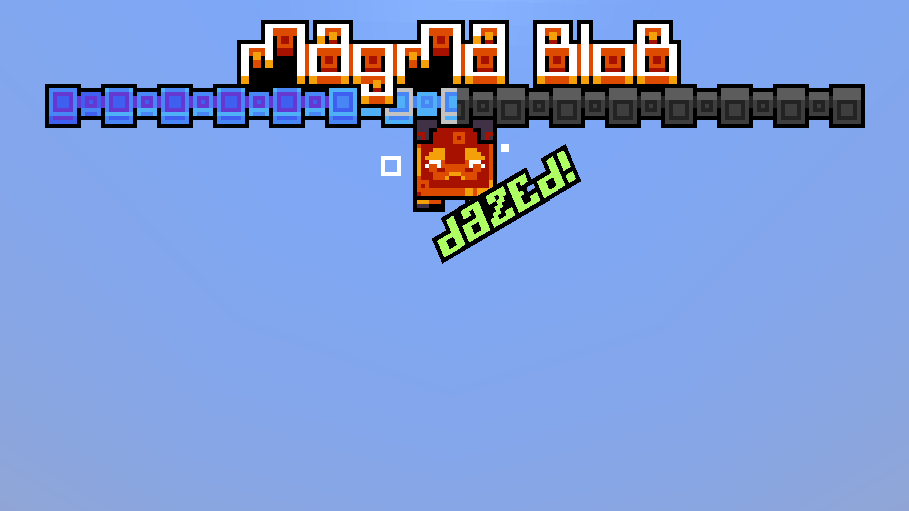
18. Closer look at Custom Boss Bars
Everything is fully customizable and it's capable of displaying either dazed text and icon which are fully animated.
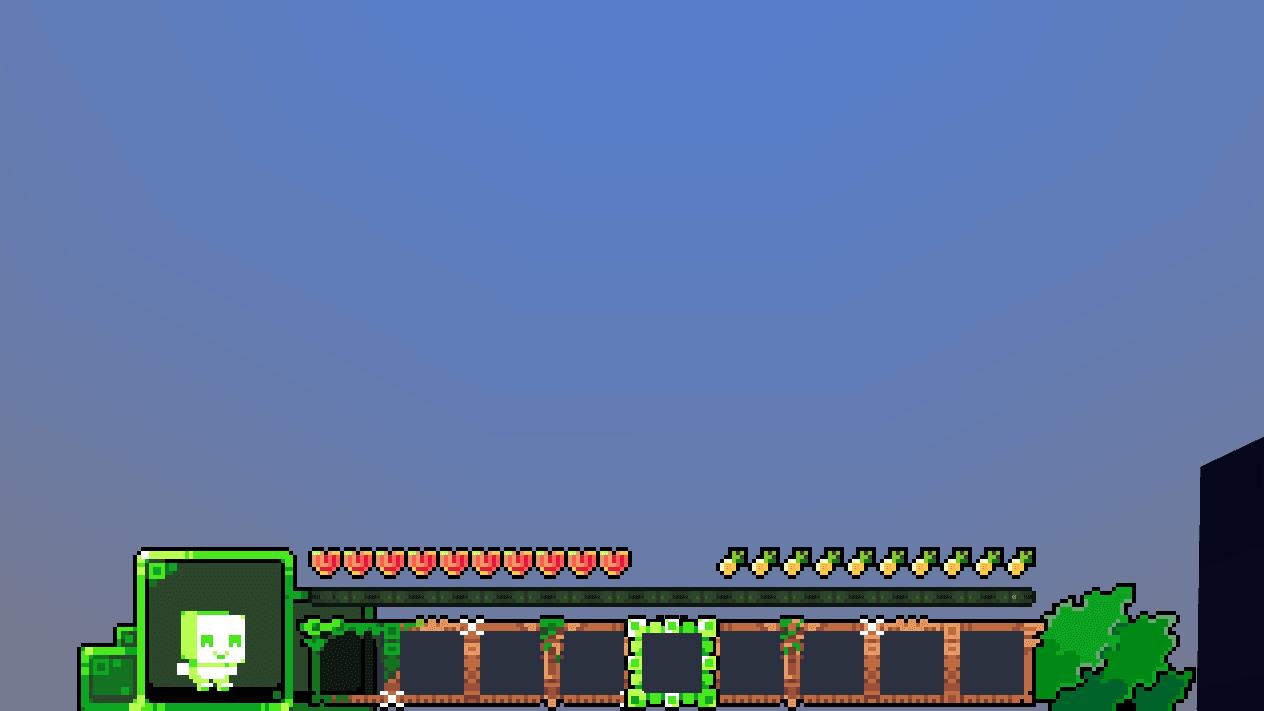
19. Custom Hotbar Slots
Which is just one image - from technical side it was much better solution.
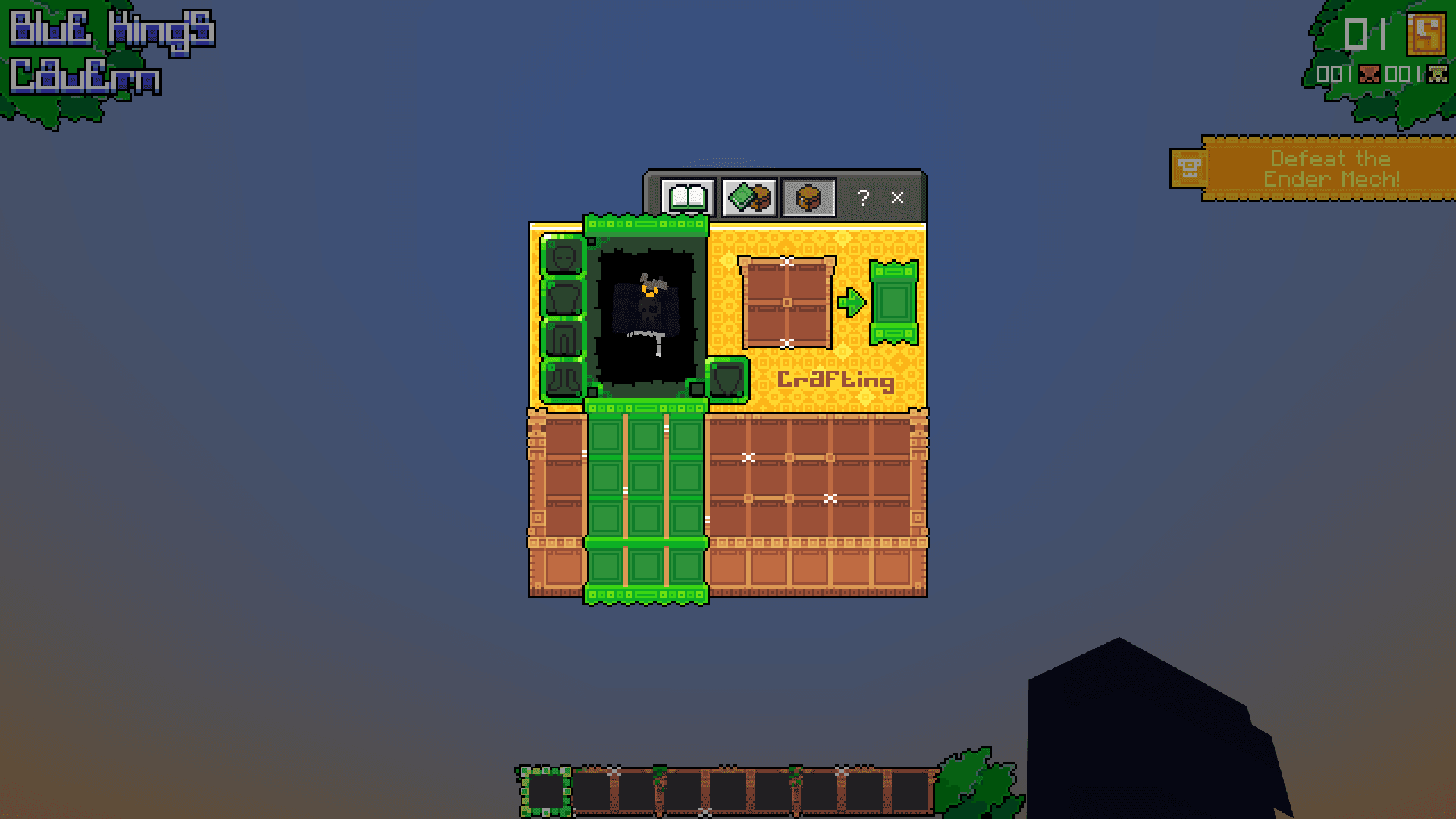
20. Custom Inventory Look
From technical side it's just one single image which wasn't really easy to put here.
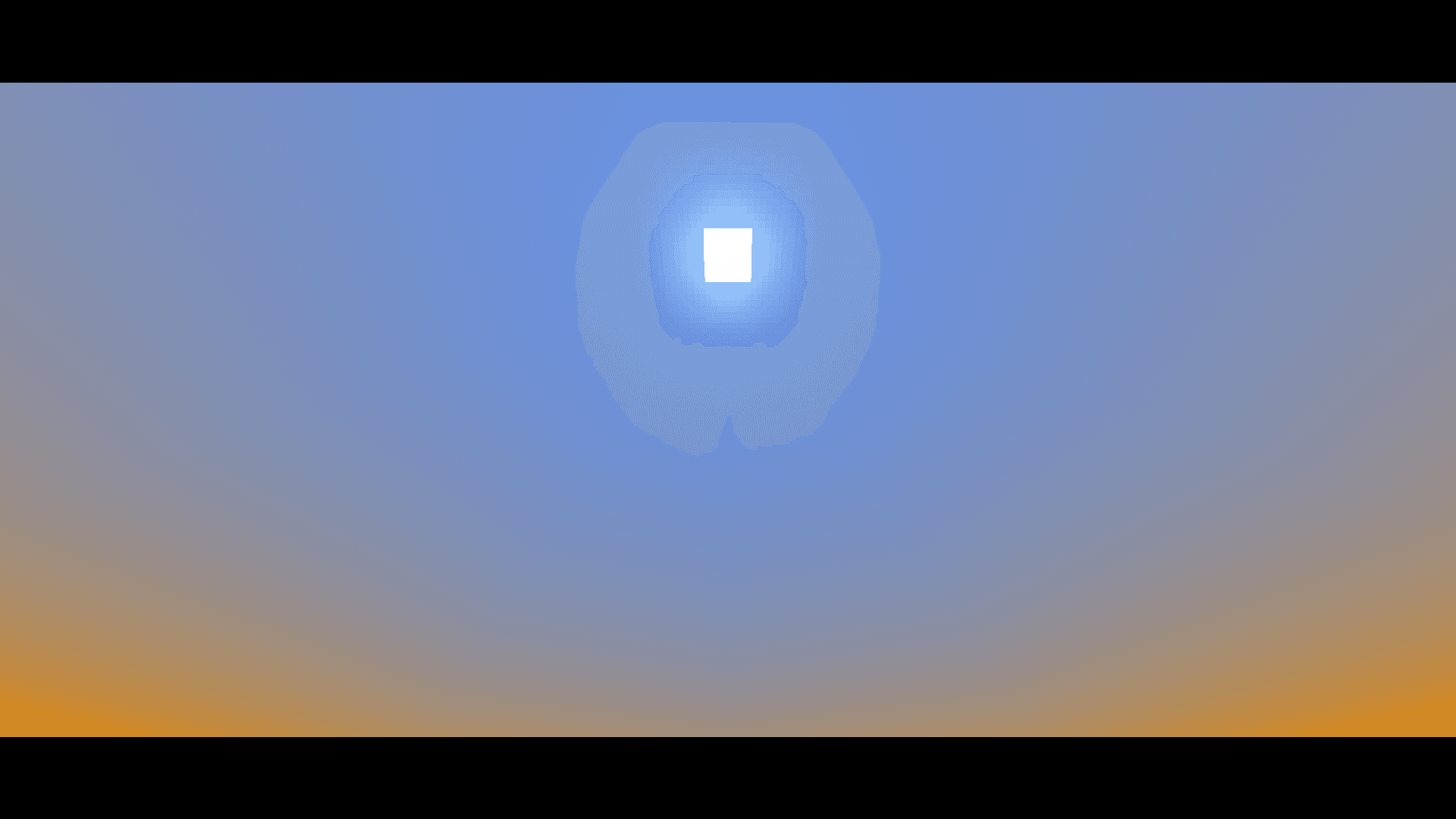
21. Black Bars
Which on single image aren't that impressive. They have special entry and exit animations.
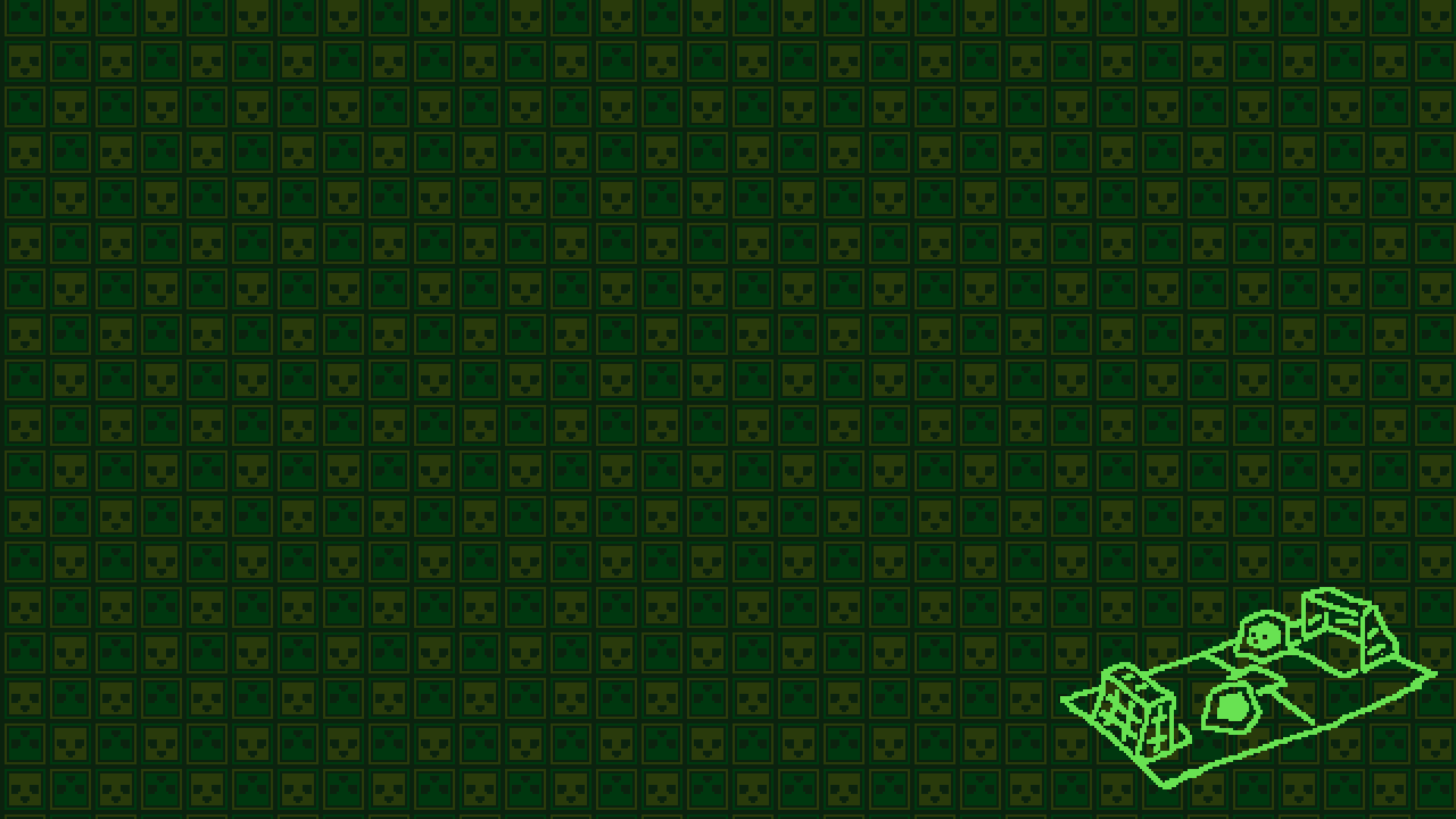
22. First Loading Screen
Simple loading texture which fill whole screen.
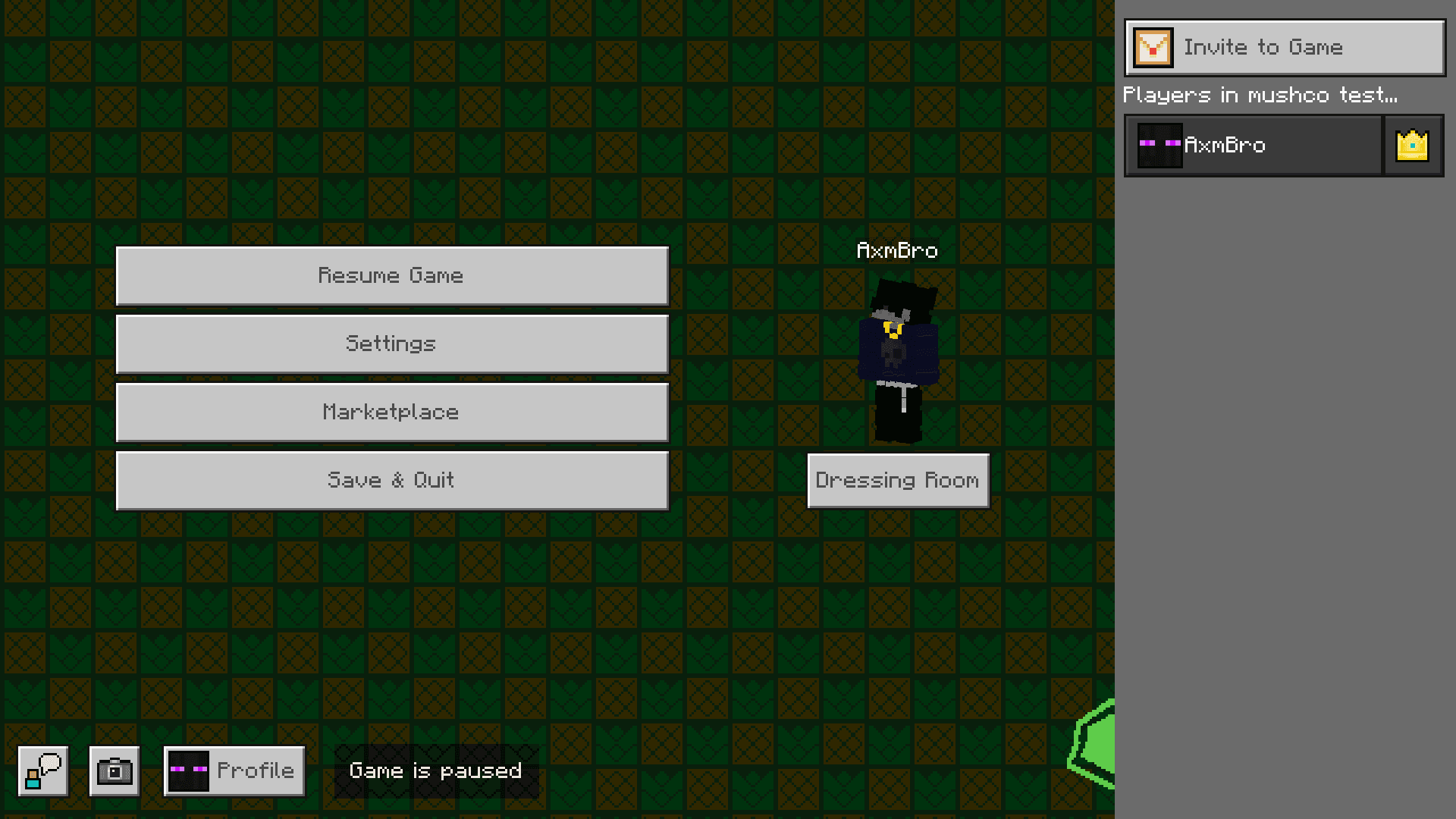
23. Second Loading Screen
They are even visible through all screens - so players cannot really see what's going on in game!
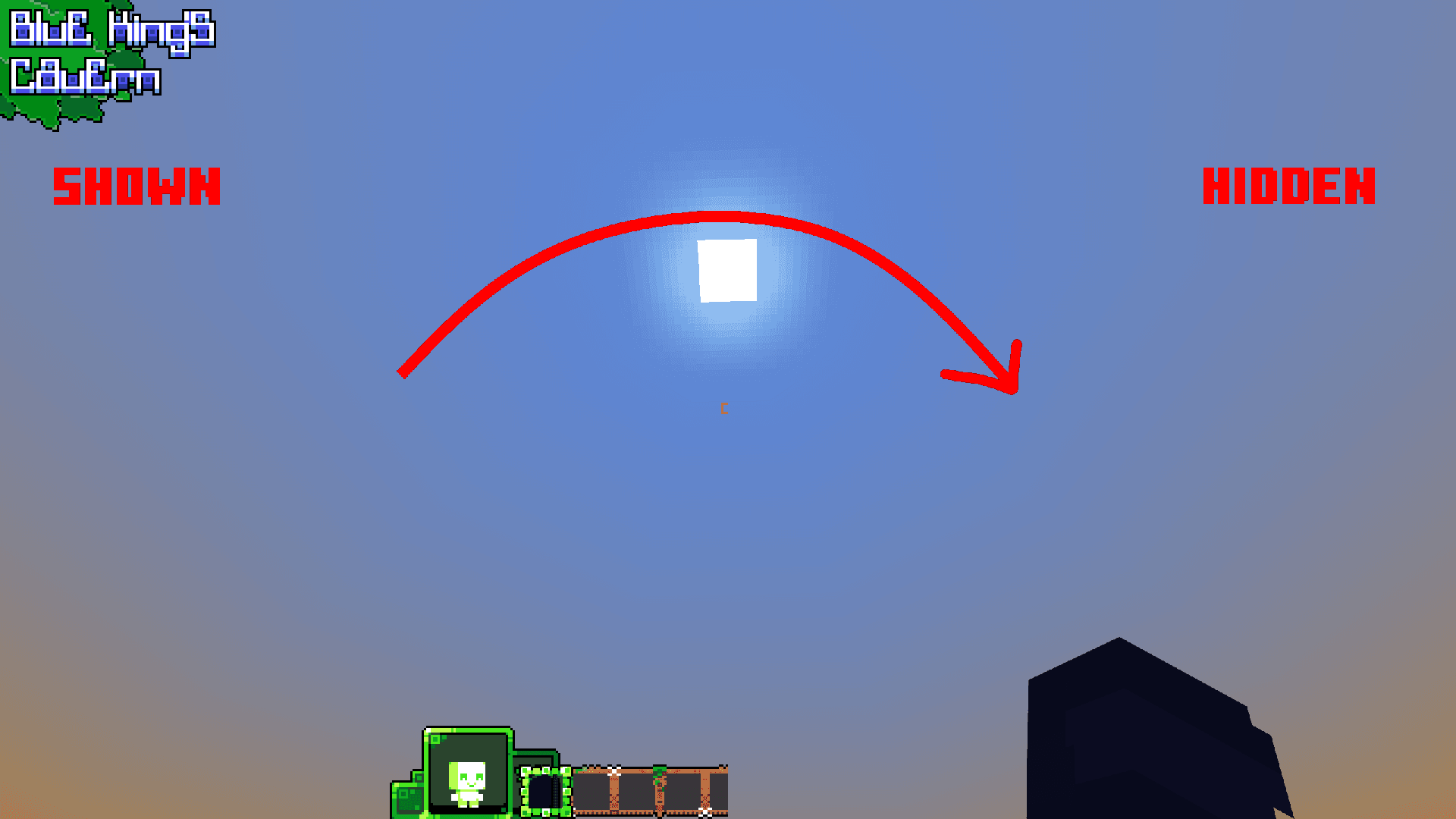
24. UI visibility (technical)
There is completely special and custom function that allows to toggle HUD visibility by commands.
Showcase
In-game Map Form Screenshots
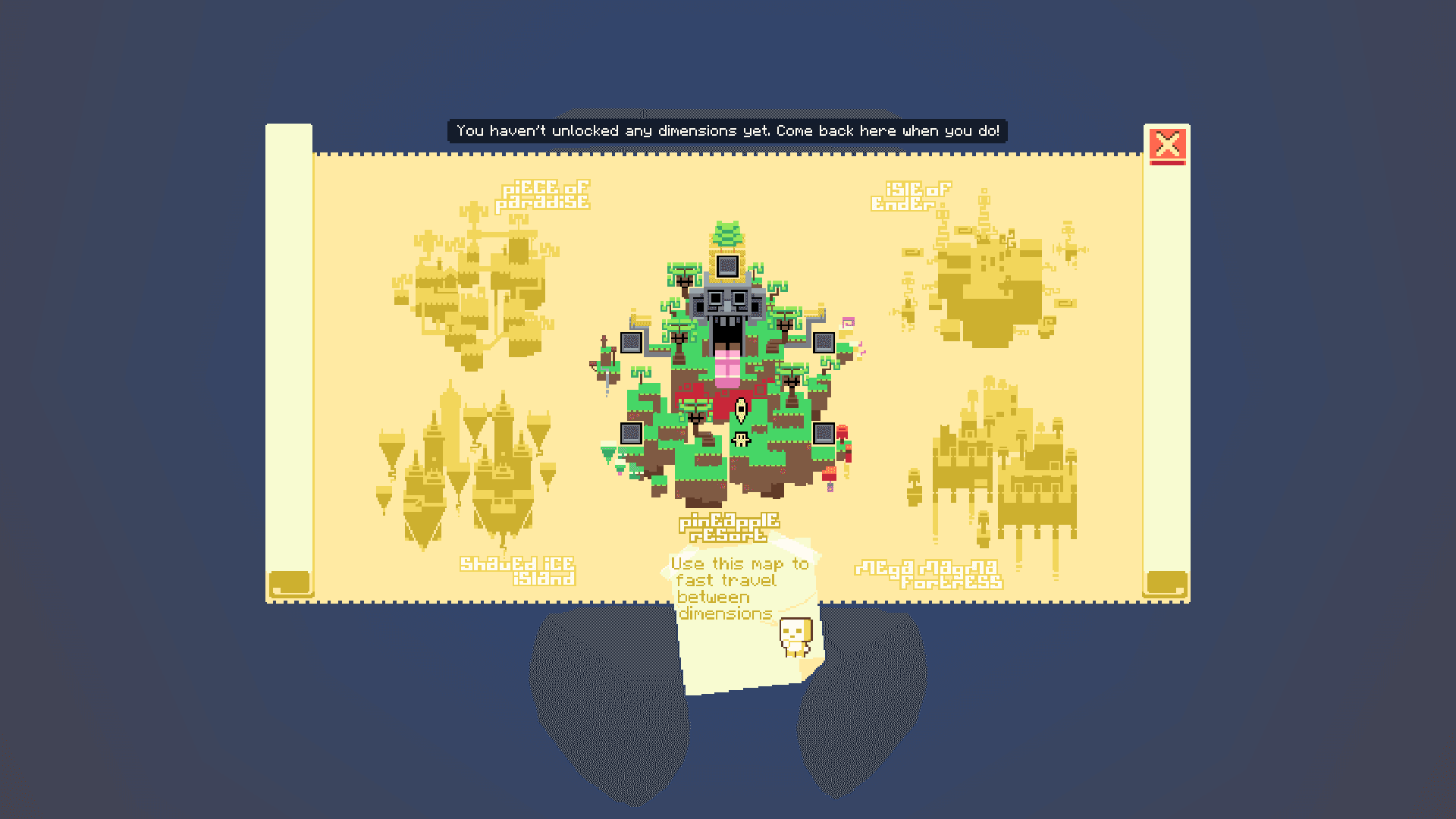
1. Map Entry
During first open of map form, there is special animation played at the bottom and all elements or actions are locked due not unlocked dimensions.
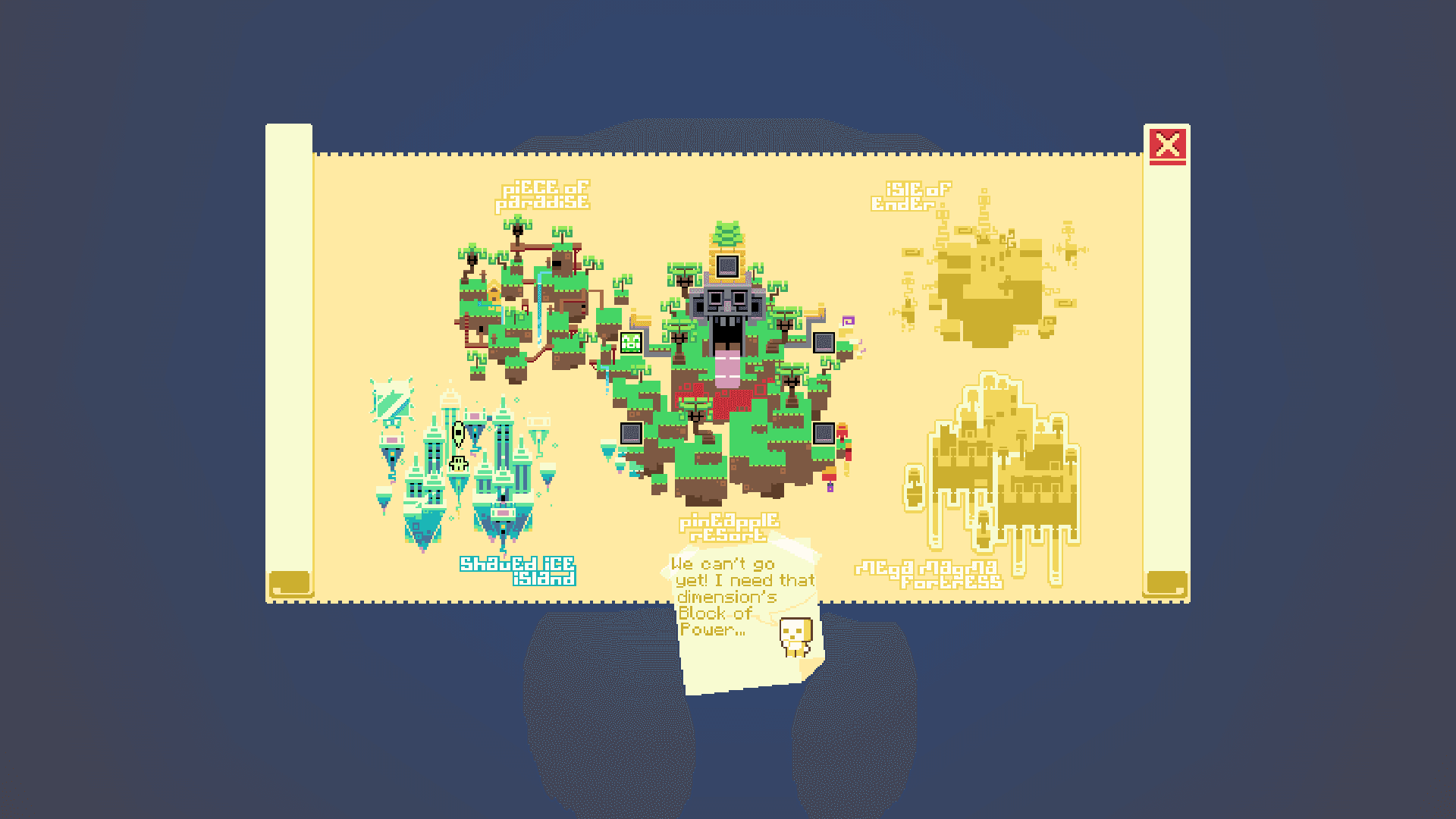
2. Some Map Phase
During phase after start, you are able to teleport wherever you want.
3. Ending Map Phase
As you progress over time, map regions and killed bosses appears on display.
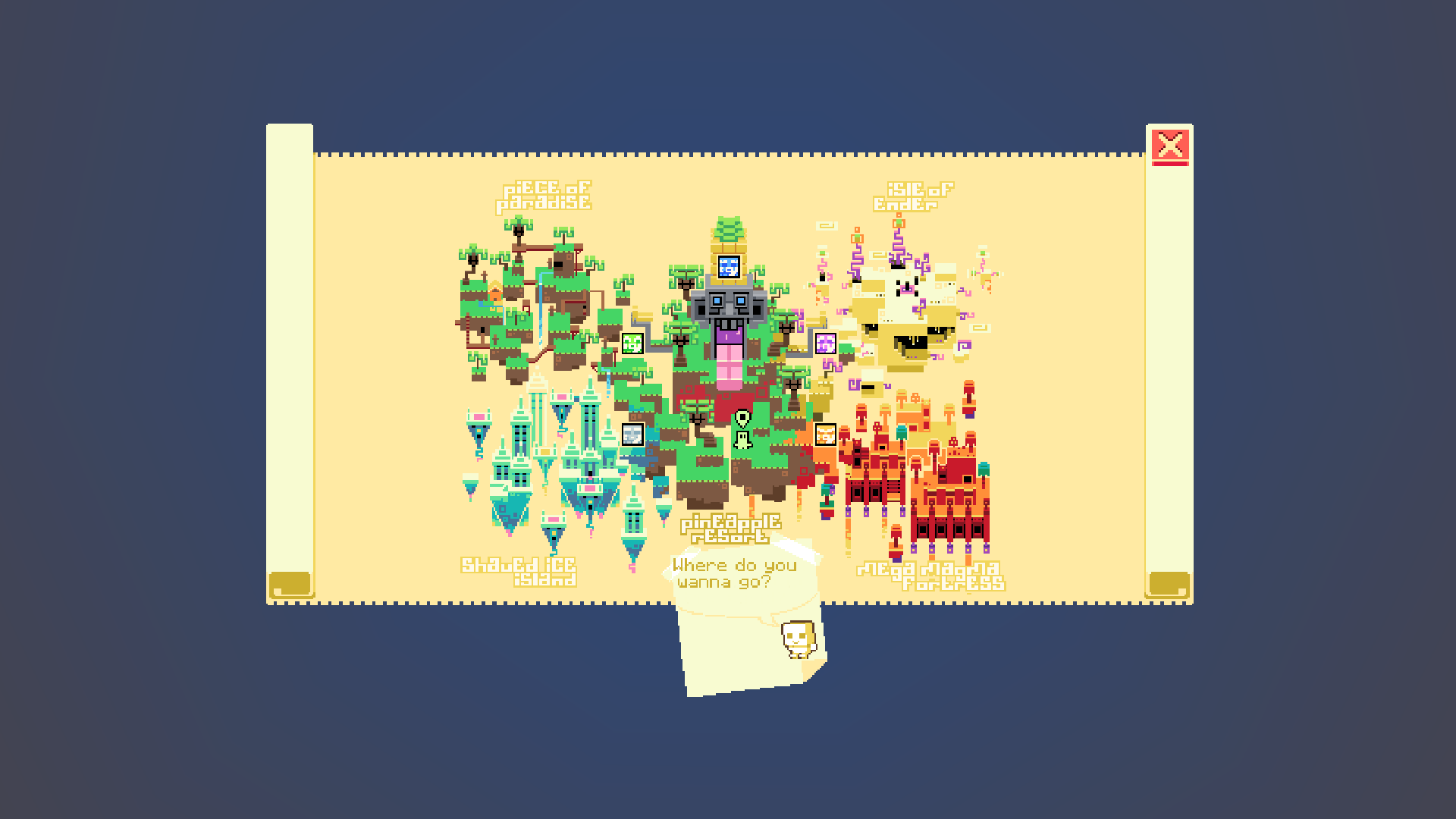
4. Final Look
This is view when you open map and already have all bosses defeated!